NETmc Marine DVR Manual-Rev7.2 Dec 2020 18 of 52
© NETmc Marine Ltd 2020
7. Full Screen
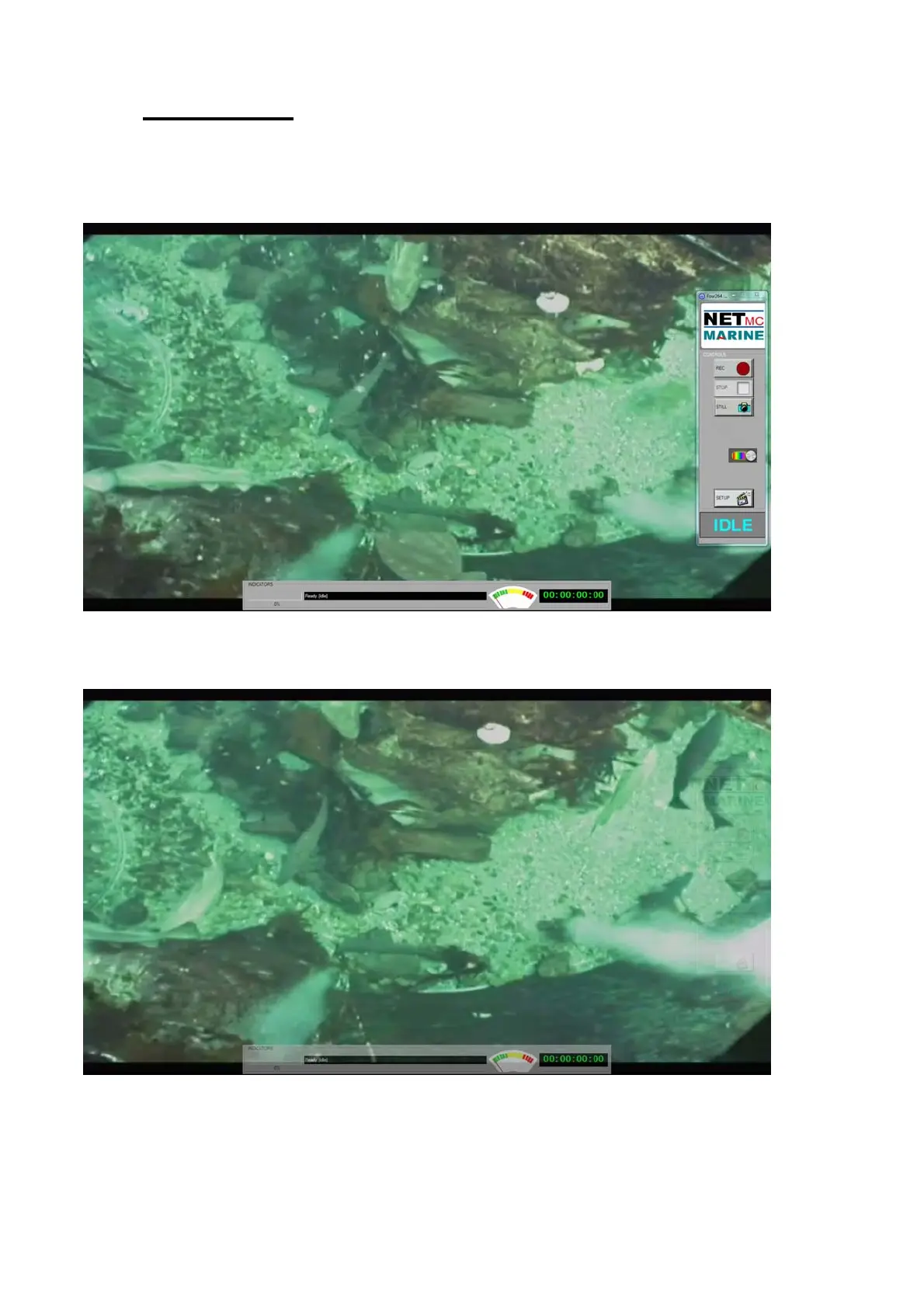
In the setup page, the user can select FULL-SCREEN MODE.
This displays the video in the largest possible size with the control buttons and indicators floating on
top.
In full screen, the controls can be set to be more transparent when idle.
This is configured in the setup page by clicking on SETUP FADEIN/OUT


 To Next Page