NETmc Marine DVR Manual-Rev7.2 Dec 2020 22 of 52
© NETmc Marine Ltd 2020
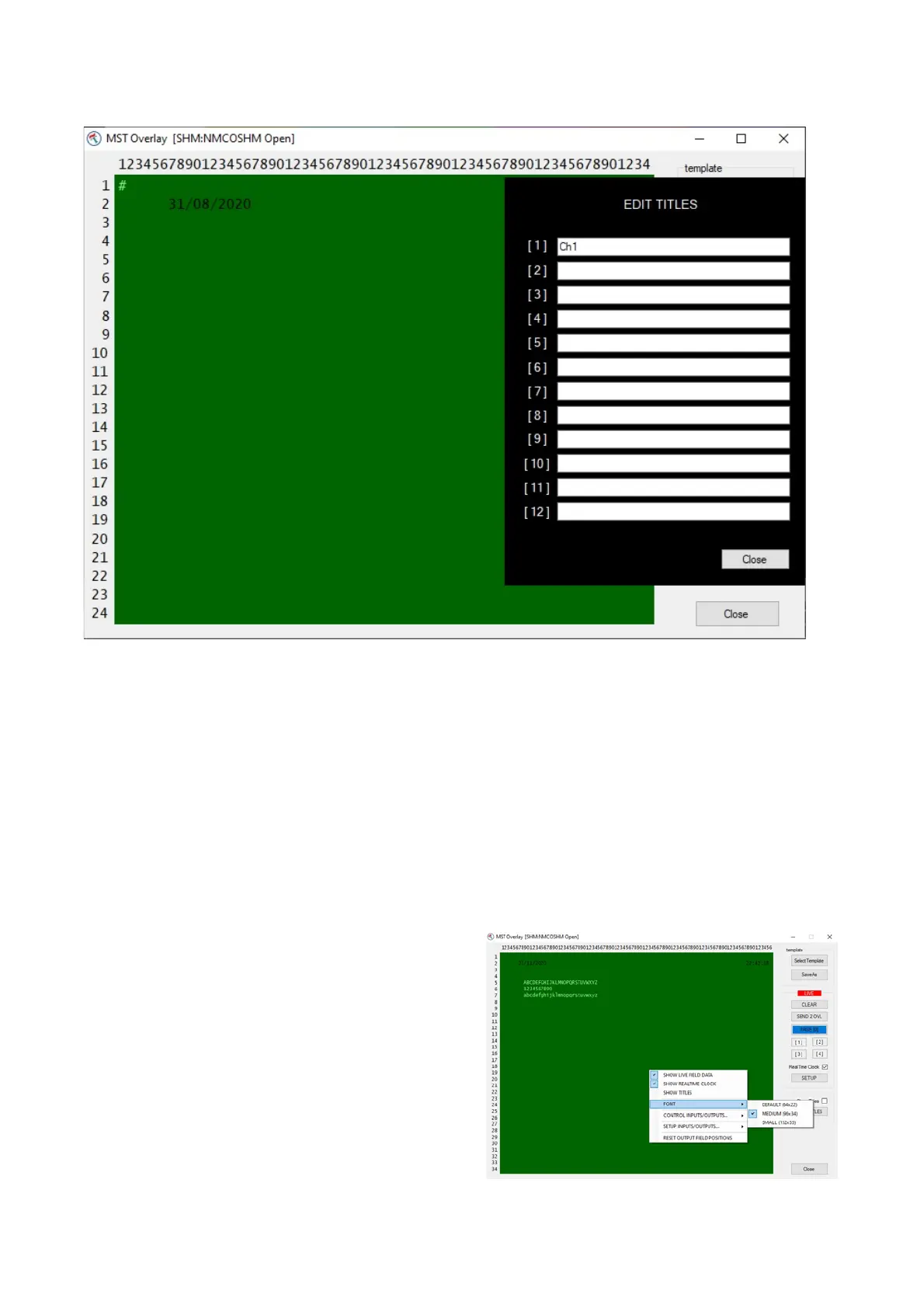
Edit Titles
Each video channel can be given a unique title or name – which can be displayed on screen when
the ‘show titles’ box is ticked.
A typical examples would be :
Diving: [1] Diver 1
[2] Diver 2
[3] Standby Diver
[4] Bell camera
Pipeline: [1] Port
[2] Centre
[3] Starbrd
[4] Pipetracker
[5] Sonar
Etc
Right clicking on the green area gives a quick
access menu to change some of the most
common settings.



 To Next Page