NETmc Marine DVR Manual-Rev7.2 Dec 2020 26 of 52
© NETmc Marine Ltd 2020
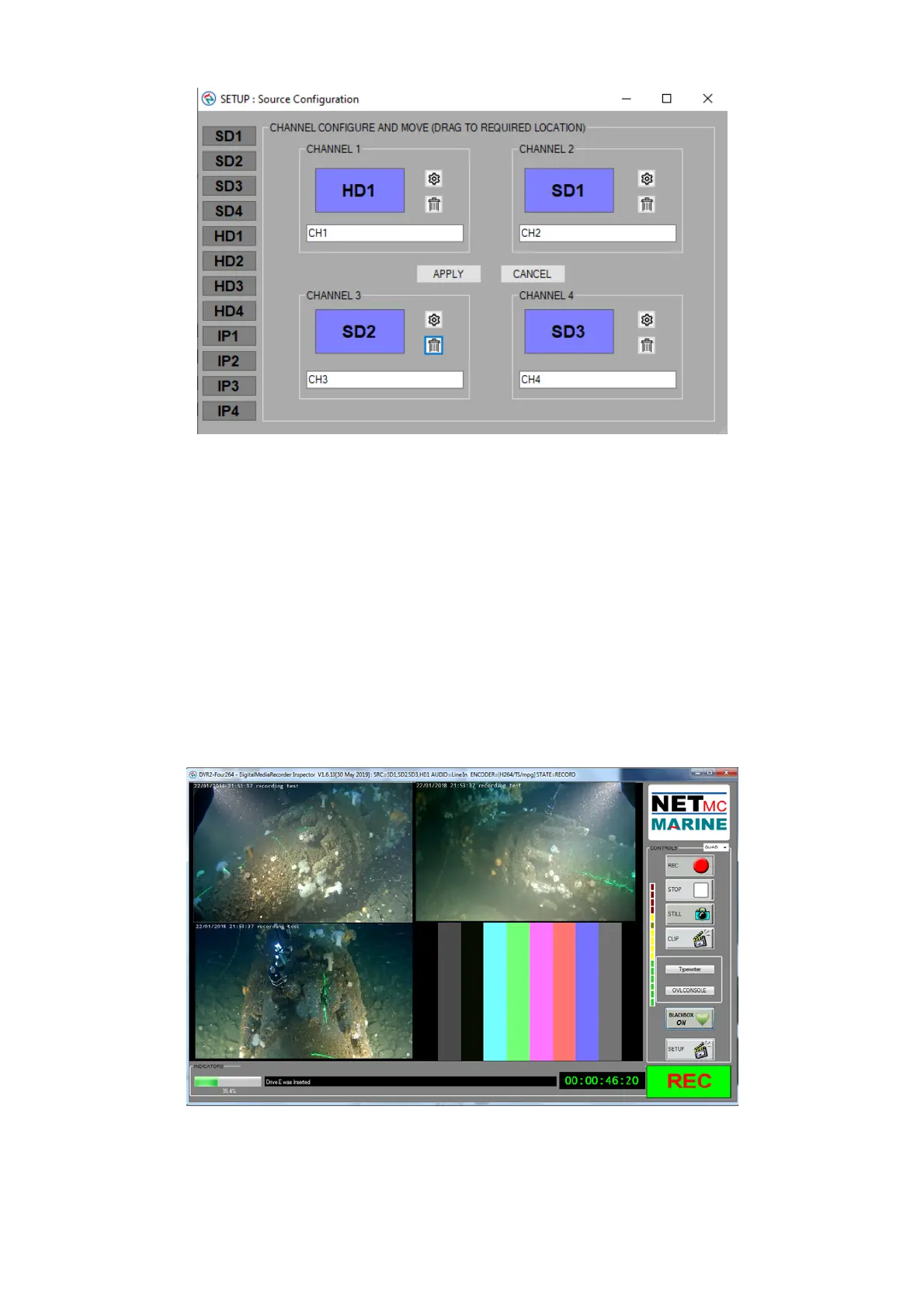
The box below the selected source contains the file suffix – in above example, set to Ch1 / Ch2 etc
– but this could changed to match the job – e.g. Diver1, Diver2, Standby etc
These names must differ from each other (form will not be applied if any 2 are alike)
Input sources and be dragged and dropped between channels – or removed by clicking the ‘trash
bin’ icon.
If there are any input source options – these are available on the gear wheel icon associated with
each channel.
In multi channel mode, all selected channels are recorded to the same folder and start / stop at the
same time - each channel has a unique file.
Example quad screen:


 To Next Page
 Loading...