Setting Modes
The setting mode for full set and each part set can
be configured to the following setting modes:
1 Final Exit
The system will set when the “Final Exit” circuit is
activated and after the “Settle Time” has
expired.
2 Exit Terminator
The system will set when the “Final Exit” circuit is
activated, the “Exit Terminator” button is
pressedand afterthe “SettleTime”hasexpired.
3 Timed Exit
The system will set when the “Exit Time” has
expired or if the “Exit terminator” button is
pressed.
4 Instant
The system will set instantly.
Do System Print
Ifa printer isconnected tothe controlpanela print
out of all system parameters can be obtained.
Setting Mode ?
Enter Group > -
Full Set
by Final Exit
Full Set
by Timed Exit
Enter group:
= Full Set
= Part Set A
= Part Set B
= Part Set C
Set Mode
6
0
A
B
C
e.g. 0 for full set
Select Set Mode:
= Final Exit
= Exit Terminator
= Timed Exit
1
2
3
= Instant
4
ENT
e.g. 3 for timed exit
Engineers menu 1
Select Options :-
StarburstLCD
LED
E1 -
ENGR 1 -
S.BY -
SET.MODE -
F-FE
FULL-F.E
F-TE
FULL-T.E
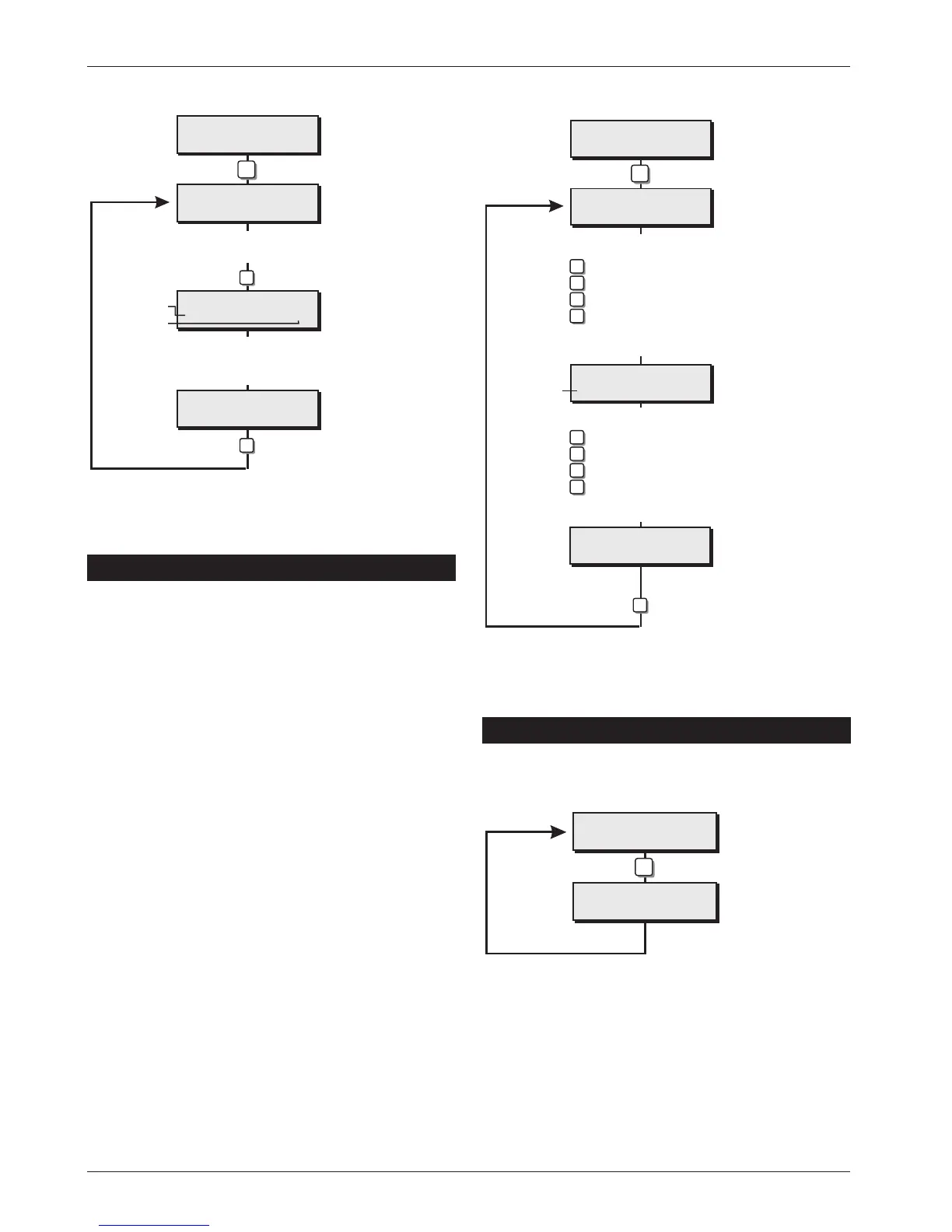
Setting Modes Flowchart
System Print Out
Line Number 001
7
Engineers menu 1
Select Options :-
StarburstLCD
LED
E1-
ENGR 1 -
001
LINE 001
System Print Flowchart
System Timers
Enter Number >--
System Timers
Exit Time... 030
System Timers
Exit Time... 045
Enter new timer value
Timer Type
Timer value
5
ENT
Enter timer No.
e.g. 04 for exit time
ENT
e.g. 045
Engineers menu 1
Select Options :-
StarburstLCD
LED
E1 -
ENGR 1 -
Ti..--
TIMER --
030
030
045
045
System Timers Flowchart
Engineer's Menu 1 TS900 Installation Manual
30



 To Next Page