EasyManua.ls Logo

Networker TS900 - User Menu 3 Operations

Default Icon
68 pages
Print Icon
To Next Page IconTo Next Page
To Previous Page IconTo Previous Page
Loading...
Engineer's Menu 2
Introduction
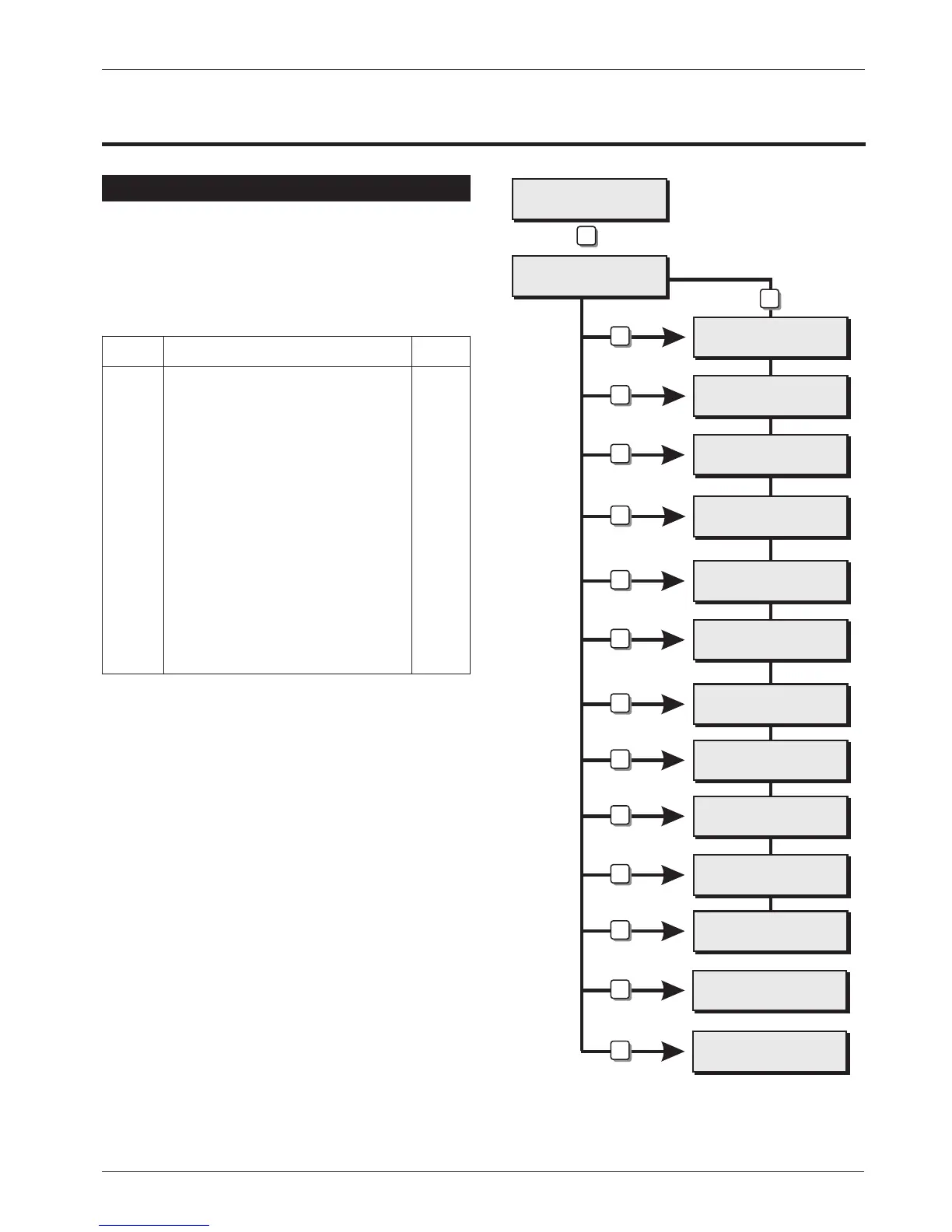
Engineer's menu 2 is selected by pressing the [ENT]
key whilst Engineer's menu 1 is selected. Each
menu option can be selected by pressing the
relevant "Hotkey".
Menu Contents
Hotkey Option Page
1
View Circuits 36
2
Set System Time 36
3
Set System Date 36
4
Change Passcode 36
5
Chime Circuits 37
6
Alter 24Hr Group 37
7
Print System Log 37
8
Configure Wards 37
9
View System Log 38
0
Reset User Code 1 40
A
Start Call Back 40
Engineers menu 2
Select Option :-
Engineers menu 3
Select option :-
View Circuits
Enter CCT No. >--
Set Clock > ----
Set Date > ----
Change passcode
New code > ----
Alter Chime ccts
Enter CCT No. >--
Alter 24hr Group
Enter CCT No. >--
Print System Log
No. events> ---
Configure Wards
Enter CCT No.> --
PASSCODE 00
08:45.59 28/04
Call Number 1
0181 12345678
Press ENT to
Reset User 1 ?
Engineers menu 1
Select option :-
1
2
3
4
5
6
7
8
9
0
A
ENT
ESC
ESC
ENT
Engineers menu 1
Select Option :-
Engineer's Menu 2
TS900 Installation Manual Engineer's Menu 2
35

Table of Contents

Other manuals for Networker TS900

Related product manuals