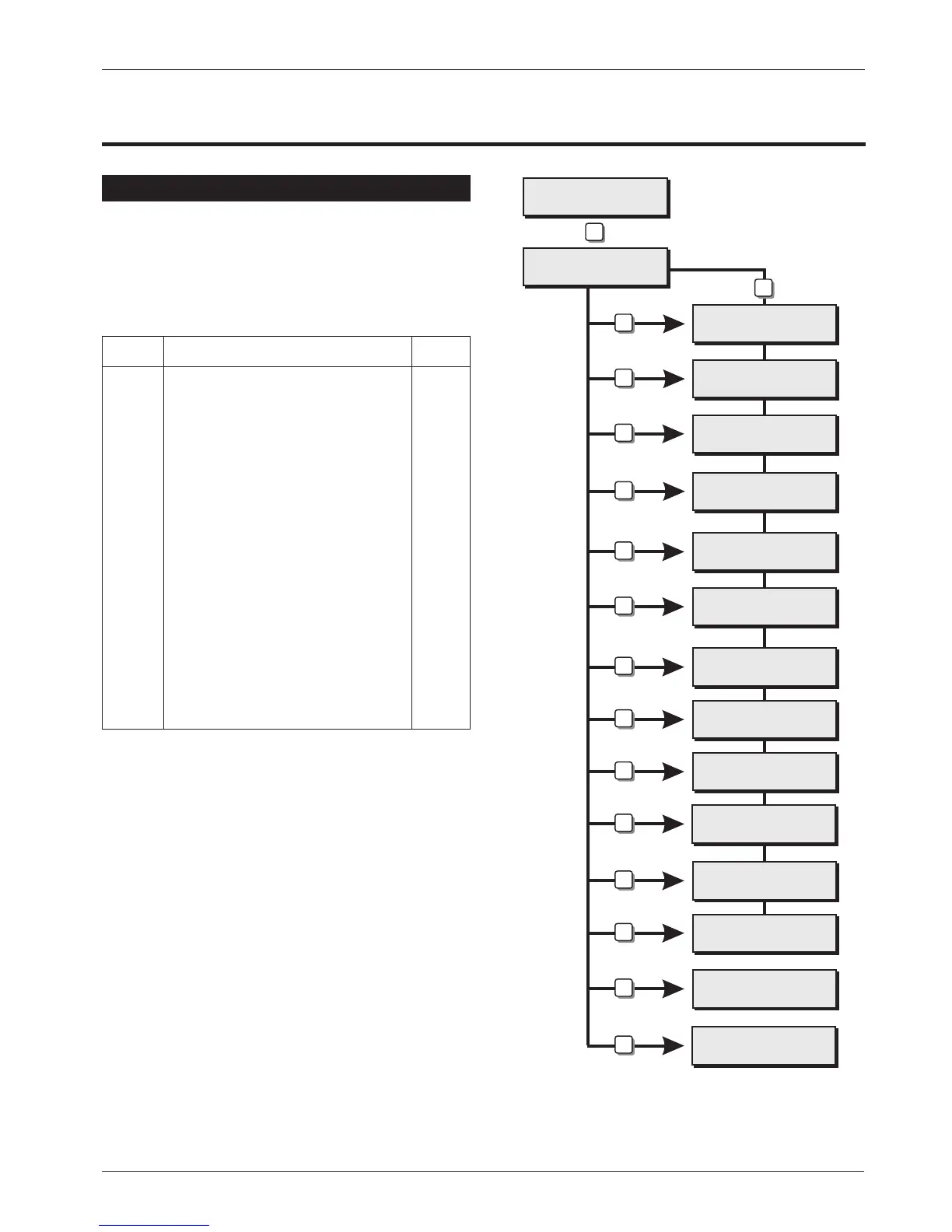
Engineers Menu 3
Introduction
Engineers menu 3 is selected by pressing the [ENT]
whilst Engineers menu 2 is selected. Each menu
option can be selected by pressing the relevant
“Hotkey”.
Menu Contents
Hotkey Option Page
1
Program Time Switches 42
2
Program Part Set Groups 43
3
Program Code Set Groups 43
4
Edit Engineers Name 44
5
Edit Part Set Text 44
6
Program Circuit Text 44
7
Custom text Menu 44
8
Program Node Outputs 45
9
Built In Test Menu 45
0
View Activity Count 46
A
Program Custom Output A 47
B
Program Custom Output B 47
C
Modem Options 48
Engineers menu 3
Select Option :-
No Activity from
Press ESC to end
Time Switch A
Select Option
Part set Group ?
Enter Group > -
Code set Group ?
Enter Group > -
->User 00
^
Edit Text For
Part set Group ?
Edit Text For
CCT ?
Custom Text Menu
Select Option :-
Node Output ?
Enter Number >-
Built In Tests
Select Option :-
Custom O/P A,?
Enter Number > -
Custom O/P B,?
Enter Number > -
Modem options
Select Option :-
Engineers menu 2
Select option :-
1
2
3
4
5
6
7
8
9
A
B
C
0
ENT
ESC
ESC
Engineers menu 2
Select Option :-
Engineers Menu 3
TS790 & TS900 Installation Manual Engineers Menu 3
41



 To Next Page