12
Stereo DAW Monitoring (DAW) 1
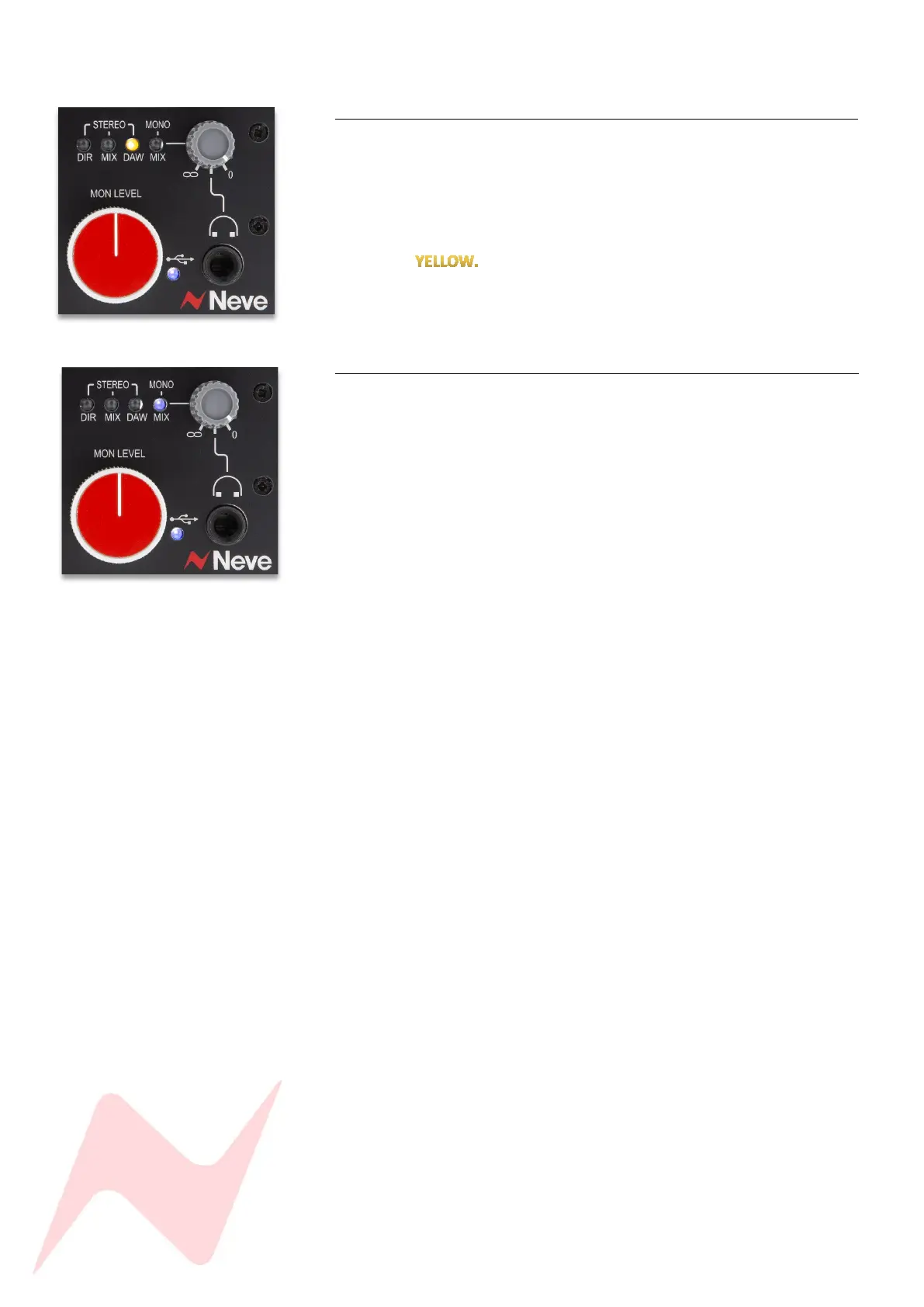
This option is ideal for mixing and for monitoring DAW/Computer audio.
DAW feeds only the stereo DAW signal into the monitor outputs and
headphone outputs.
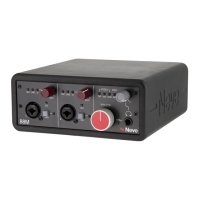
To select DAW output monitoring, press the HP Level pot until the DAW LED
illuminates
Mono Mix Monitoring (MONO MIX) 1
This option is ideal for mono recording/overdubbing situations such as solo
vocals or DI instruments.
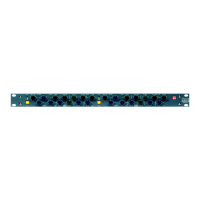
MONO MIX feeds the direct signal of both channel 1 & 2 as a mono signal
into both left and right headphones and monitor outputs. This signal is
blended with the stereo DAW signal so that when overdubbing, the DAW
track retains its stereo image.
To select mono mix output monitoring, press the HP Level pot until the
MONO MIX LED illuminates BLUE.
Since MONO MIX is mono, preamp channels 1 & 2 will appear only in the
left and right headphone and monitor outputs while preamp 2 will appear
in the right headphone and monitor output only. The DAW Return will be
stereo.


 To Next Page