10
Preamp Controls 1
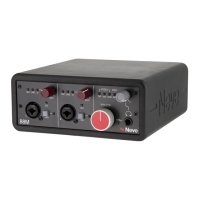
The 88M preamplifiers can accept inputs from various musical instruments
and microphones. Channel one and channel two inputs are mounted on the
front of the unit via combi XLR/TRS input.
Microphone Input 1
XLR Connection
The 88M microphone inputs benefit from the 88R transformer colouration,
adding warmth and subtle harmonic saturation to input signals.
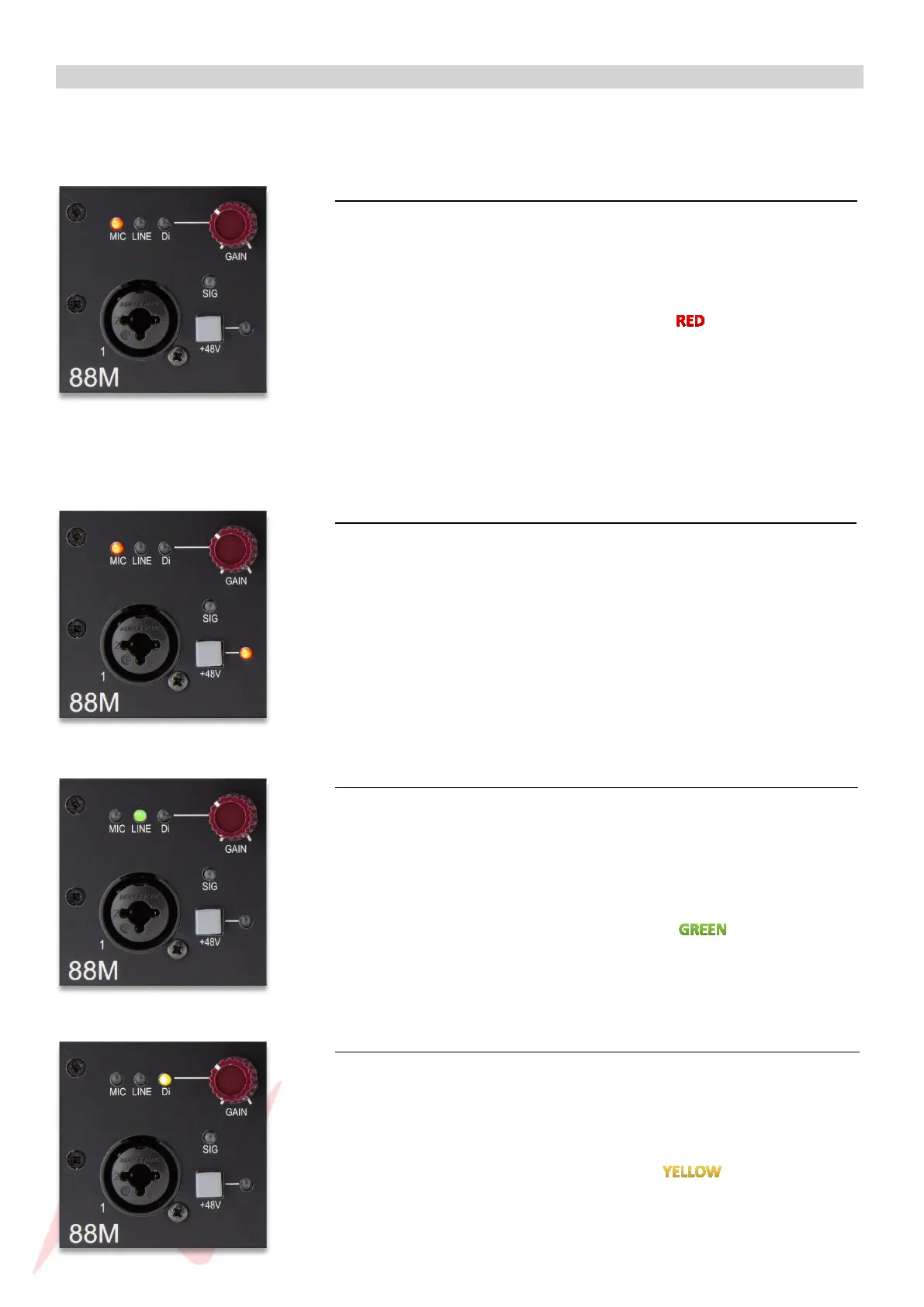
Press the GAIN pot until the MIC LED illuminates to select microphone
input -
Connect your microphone to the 88M by using an XLR cable and adjust the
GAIN pot until the desired signal level is reached.
Dynamic microphones such as SM58’s and Ribbon microphones do not
require phantom power (+48v) to operate. The +48V switch should be off for
Dynamic and Ribbon microphones.
Phantom Power (+48v) 1
Condenser Microphones require Phantom power to operate. Phantom
power is activated from the grey +48V switch and will only send to the XLR
input.
Before activating Phantom Power, ensure that the channel gain and
monitor level is turned fully down to protect your monitoring system from
pops.
Line Input 1
TRS Connection
The 88M line input is fed through the 88R Marinair transformer and can be
used to input external preamps and a host of line-level instruments such as
synthesisers and drum machines.
Press the GAIN pot until the LINE LED illuminates to select Line input.
Connect your line-level instruments to the 88M with a ¼’’ jack cable into
the combi TRS port. The 88M accepts balanced (TRS) or unbalanced line
inputs.
DI Input 1
TRS Connection
The 88M DI input is fed through the 88 Marinair transformer to add warmth
and weight to instrument signals.
Press the GAIN pot until the DI LED illuminates to select DI input.
Connect your instruments to the 88M with a ¼’’ Jack cable into the combi
TRS port. The 88M accepts balanced (TRS) or unbalanced direct inputs.


 To Next Page