11
Monitor Controls 1
MON Level 1
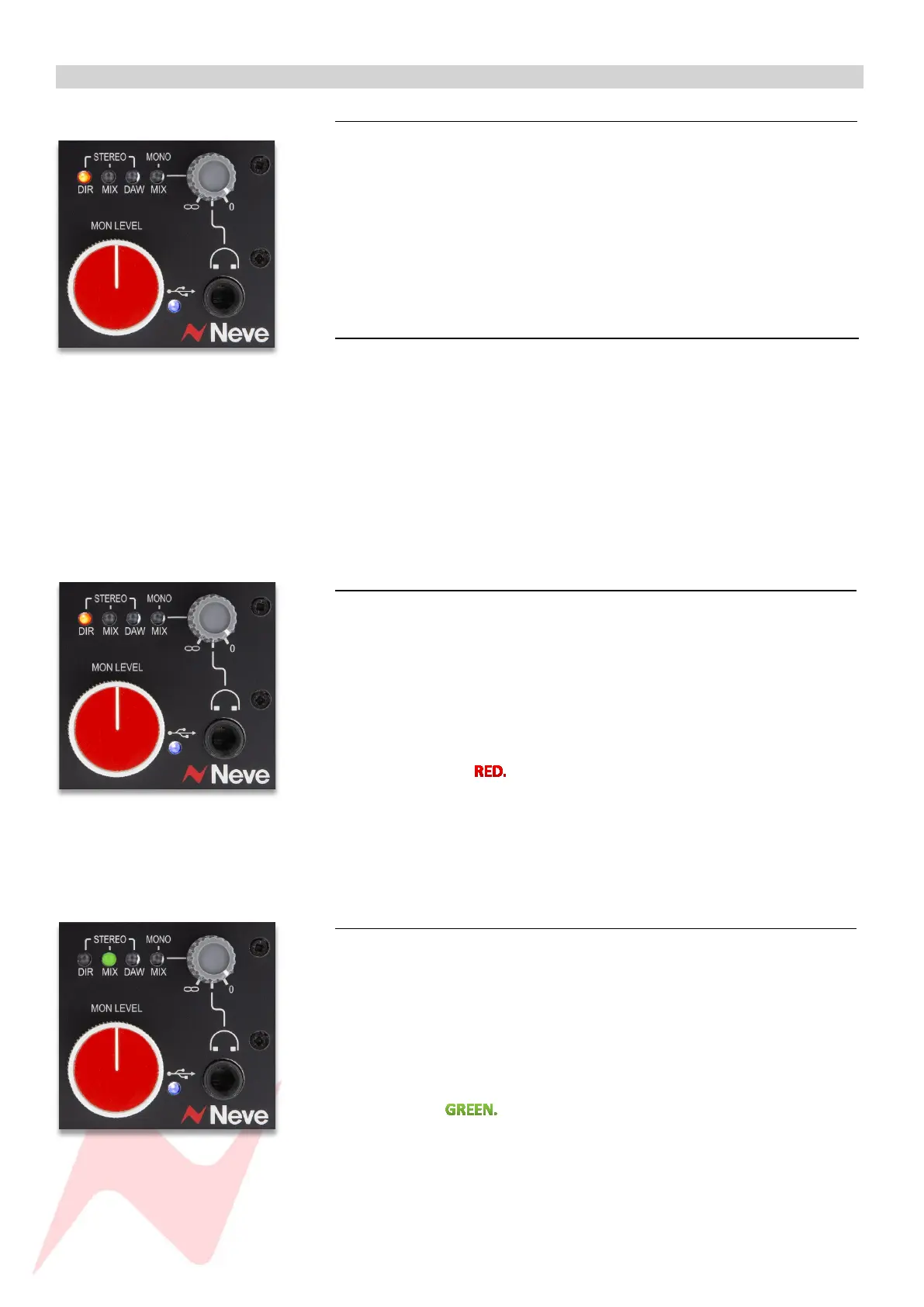
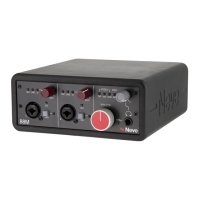
The 88M Monitor level is controlled from the red knob controller on the
front of the unit. This level controller pot is also found on the Neve 88RS
console and provides an accurate level controller that tracks the stereo
image precisely through all levels.
The Monitor Level pot has a centre-detent which is set at -12dBu from the
maximum output level. This can be used to calibrate studio monitors to an
optimum listening level.
HP Level 1
Just above the Monitor level pot is the headphone level controller. This pot
sets the level for the stereo headphone TRS output on the front of the unit.
The headphone pot is push-function. Pressing this pot toggles through the
four monitoring options which are reflected in the MON/OP loudspeaker
outputs and the headphone outputs.
The HP Level pot has a centre-detent which is set at -12dBu from the
maximum output level.
Stereo Direct Monitoring (DIR) 1
This option is ideal for stereo recording situations such as piano or acoustic
guitar.
DIR feeds the direct signal from both preamps into the monitor outputs. This
monitor feed is post-insert so that any analogue gear used in the insert loop,
is also included in the monitoring.
To select stereo direct output monitoring, press the HP Level pot until the
DIR LED illuminates
Since DIR is stereo, preamp channel 1 will appear only in the left
headphone and monitor output only, while preamp 2 will appear in the
right headphone and monitor output only.
Stereo Mix Monitoring (MIX) 1
This option is ideal for stereo overdubbing, such as recording a piano or
acoustic guitar live along with a backing track played from the DAW.
MIX feeds the direct signal from both preamps into the monitor outputs and
the stereo DAW return signal. This monitor feed is post-insert so that any
analogue gear used in the insert loop is also included in the monitoring.
To select stereo mix output monitoring, press the HP Level pot until the MIX
LED illuminates
Since MIX is stereo, preamp channel 1 will appear in the left headphone
and monitor output only, while preamp 2 will appear in the right
headphone and monitor output only. The DAW Return will be stereo.


 To Next Page