8
Quick Start Guide 1
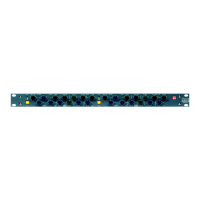
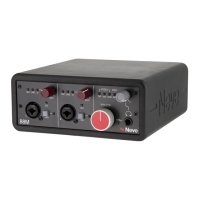
The 88M, delivered in premium packaging, contains the following-
• 88M 2-Channel Audio Interface
• USB A > USB B 3.0 cable (Black)
• USB C > USB B 3.0 cable (Black)
• Quick Start Guide
• Neve Outboard Product Brochure
• Neve Sticker
Physical Computer Connections 1
The 88M unit is USB-powered and does not require an external PSU or
additional cabling to operate. Connect your 88M unit to your computer
using the USB cable provided, do not use USB cables longer than 3m as they
can cause a drop in power that can affect the performance of your unit. The
88M is USB 2.0 compliant; USB 2 and USB 3 ports can connect to the unit.
Once a Stable connection is made, the USB light will illuminate Blue.
Connecting Via a USB hub 1
It is best practice to connect the 88M Directly to your computer If your
computer has a spare USB3.0 port, this ensures a stable connection with a
continuous power supply. If a USB Hub is required, it is highly recommended
to use a high-quality powered USB Hub. Most low-quality self-powered USB
Hubs do not provide a stable power supply for high-quality audio
production.
Software Quick Start 1
The following information contains connection & software installation
instructions for Mac and PC systems. The 88M complies with the USB Device
Class Definition for Audio Devices 2.0 specification.
MAC 1
The 88M will appear as a core audio device as soon as it is physically
connected to your Apple Mac computer.
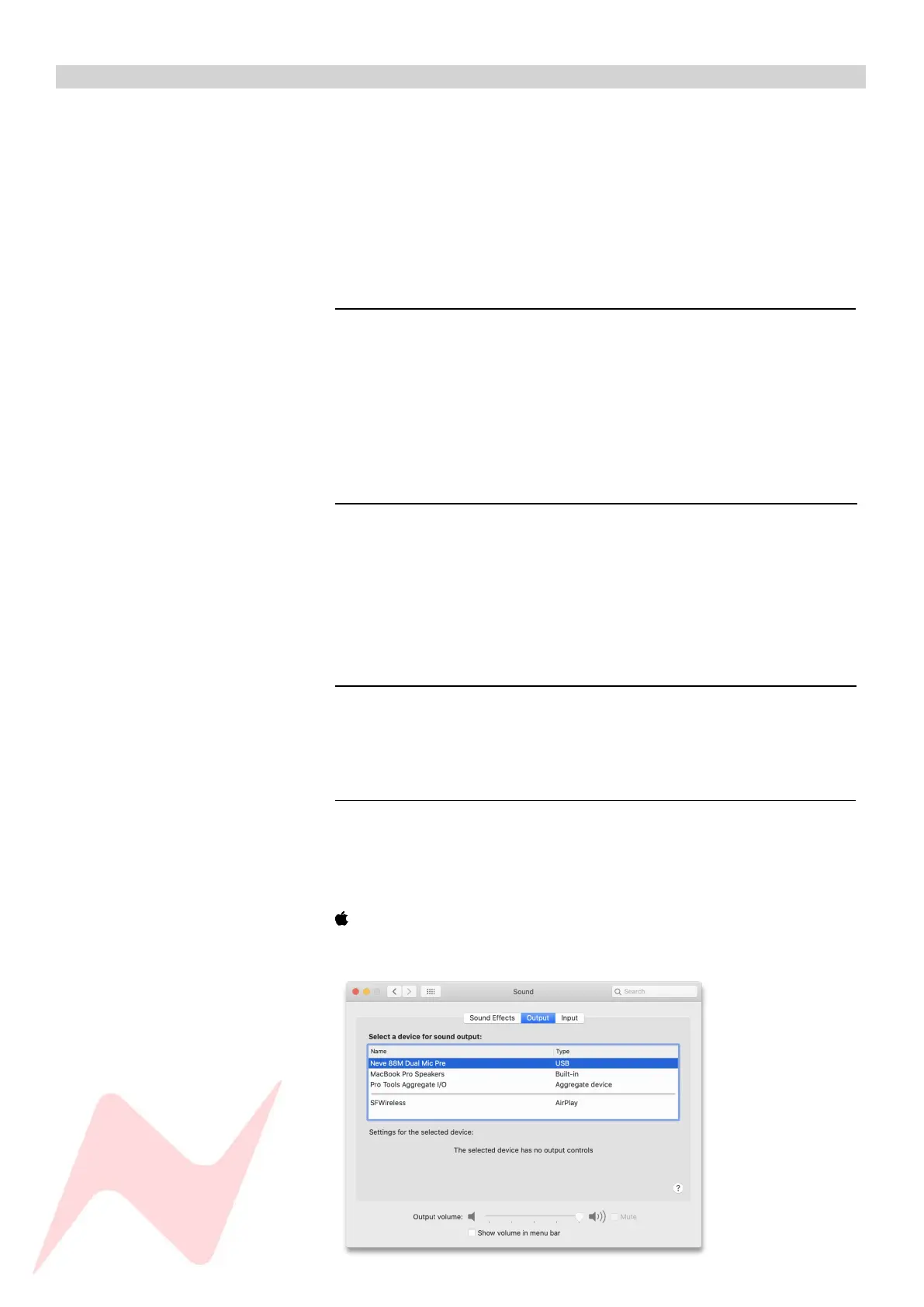
To select the 88M as your Mac Audio Interface, navigate to-
>System Preferences>Sound
Select the Neve 88M Dual Mic Pre as both Input and Output Device


 To Next Page