9
Windows 1
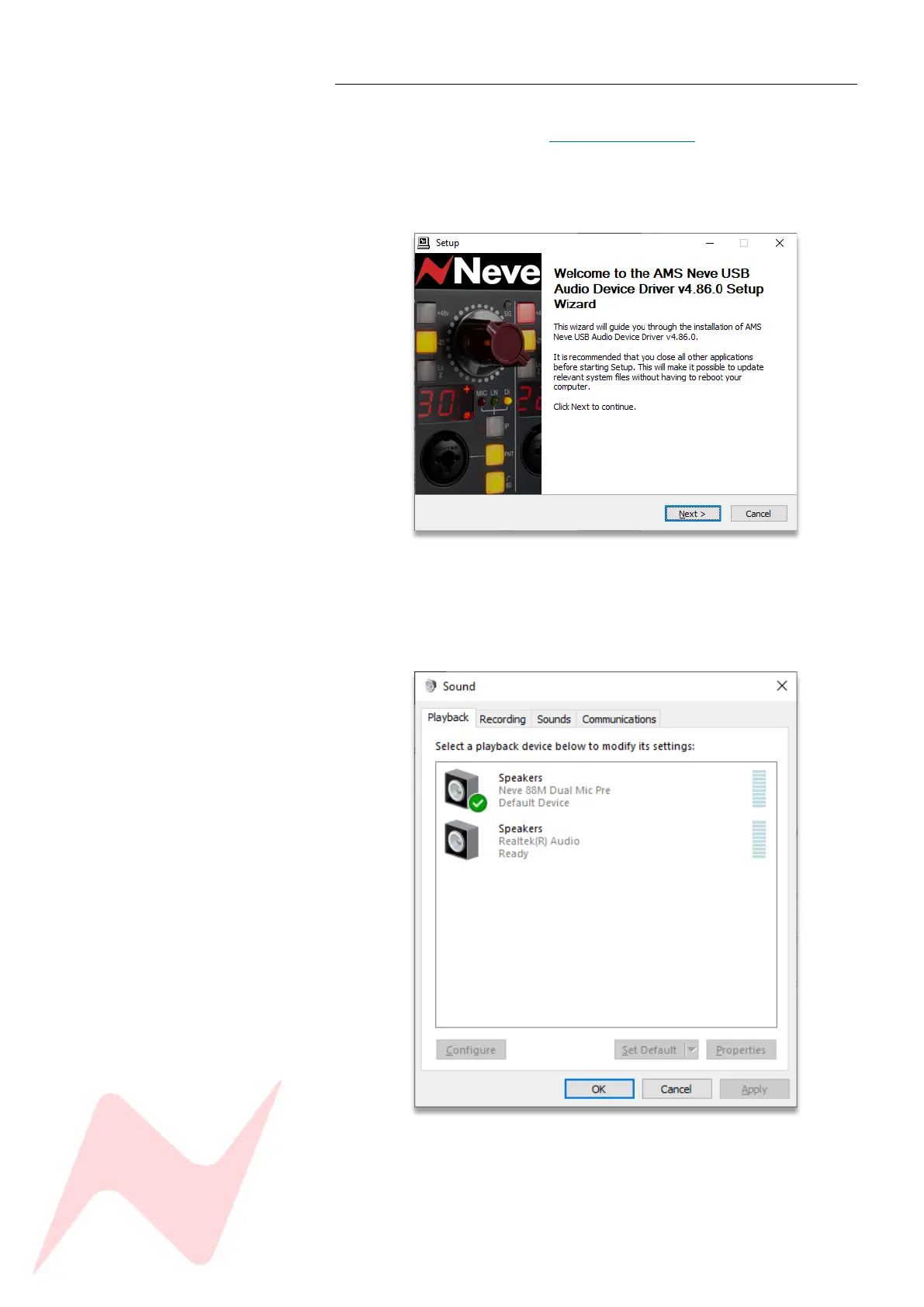
To operate on a Windows 10 PC, the 88M Driver must be installed.
Download the software from - www.ams-neve.com > 88M > Supporting
Documentation
Follow the setup wizard instructions to install the driver.
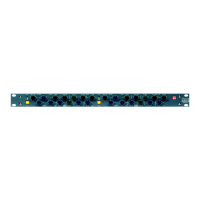
To select the 88M as your PC Audio Interface, navigate to –
Control panel>Hardware & Sound>Sound>Manage Audio Devices
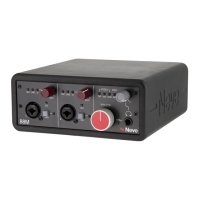
Select 88M Dual Mic Pre as the Playback and Recording device.


 To Next Page