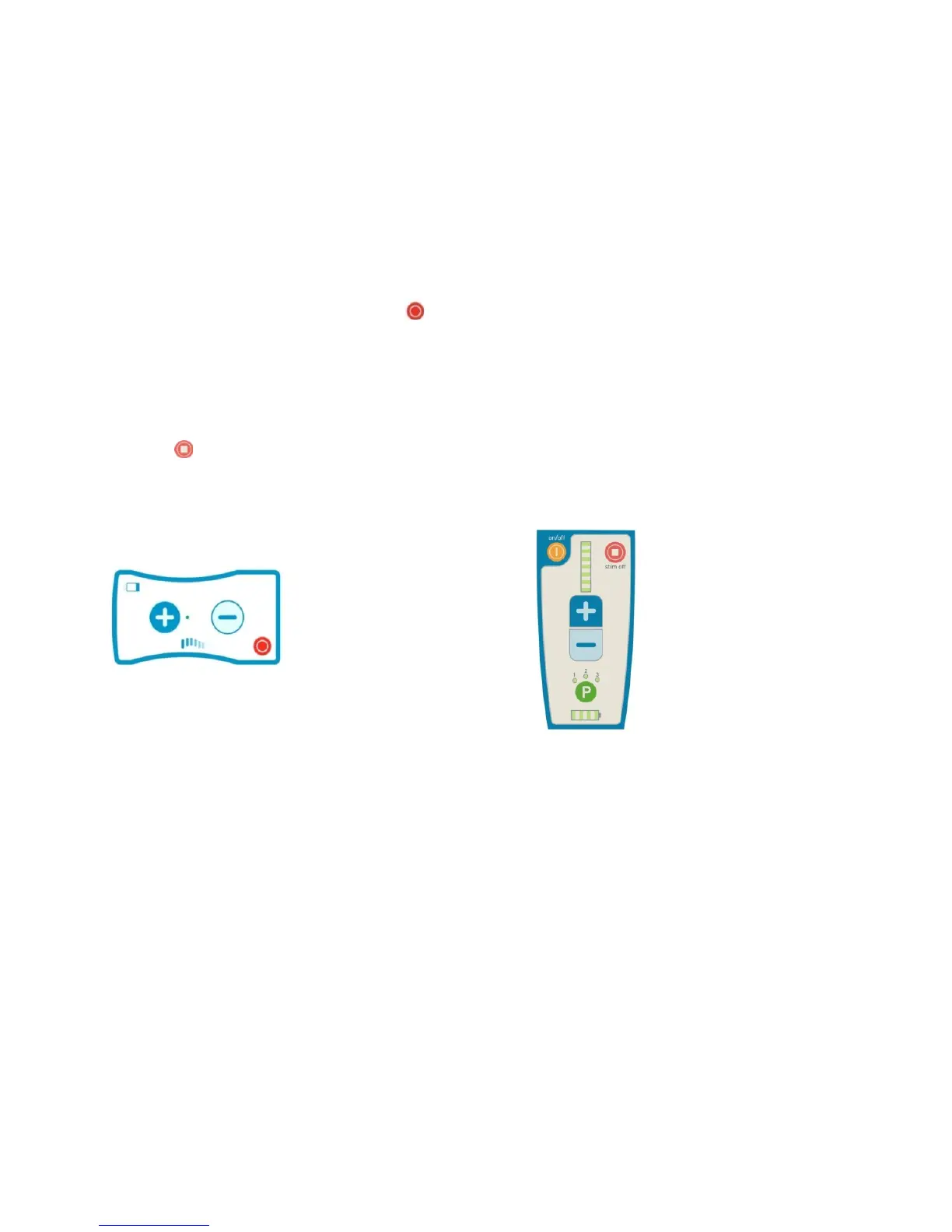
Adjusting Stimulation
Once the Remote Control is ON and has established communication with the Trial
Stimulator, you can use the Remote Control to turn the stimulation ON and OFF, or
increase/decrease the strength of the stimulation.
How to Turn OFF Stimulation
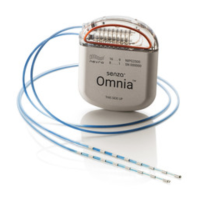
If you are using the Trial Stimulator, you can turn stimulation OFF by pressing the
round red Stimulation OFF Button on the lower right-hand corner. This button is
always active and can be pressed at any time, even if the Trial Stimulator is locked.
You can also turn stimulation OFF with the Remote Control, but the Remote Control
must be turned ON first (press the yellow ON/OFF Button on the upper left). Turn
stimulation OFF from the Remote Control by pressing the round red Stimulation OFF
Button on the upper right-hand corner.
You can use either method to turn stimulation OFF. Note that the red buttons do not
turn stimulation back ON.
How to Turn ON Stimulation
To turn stimulation ON, press the Stimulation Start/Increase Button (the plus sign) on
the Trial Stimulator or the Remote Control. If you are using the Remote Control, turn it
on first (use the yellow ON/OFF Button on the upper left) and then turn stimulation
ON by pressing the plus sign. When the device stimulates, it will indicate this by
flashing (Trial Stimulator) or lighting up at least one LED light (Remote Control).
Your doctor has set up your stimulation program for you already. When you turn
stimulation ON, it will stimulate as programmed. The Trial Stimulator will stimulate
based on the last program it used.



 To Next Page