Copyright © 2011 NEXCOM International Co., Ltd. All Rights Reserved.
27
Chapter 3: System Setup
DNA 1120/1120A User Manual
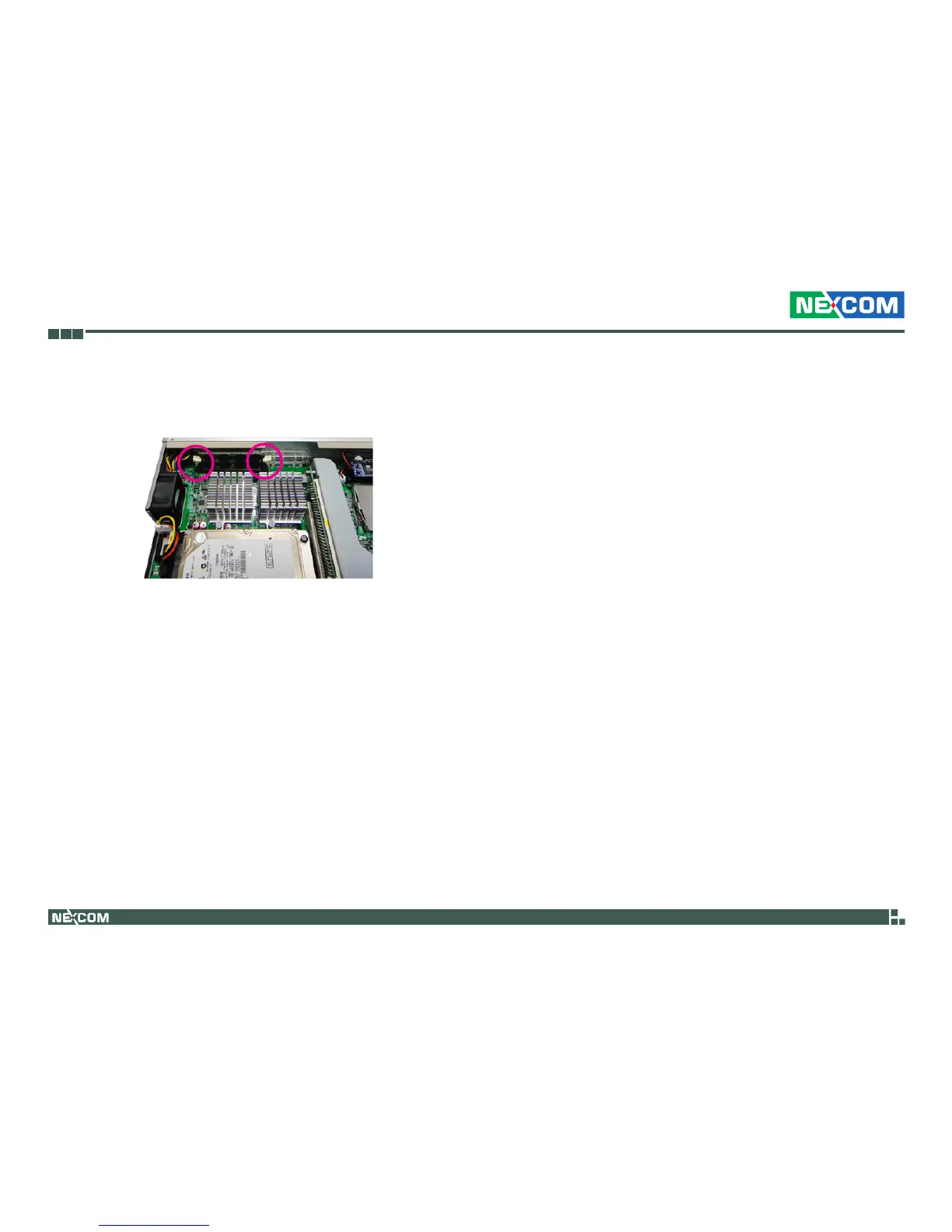
3. Seat the module vertically, pressing it down firmly until it is completely
seated in the socket. The ejector tabs at the ends of the socket will au-
tomatically snap into the locked position to hold the module in place.



 To Next Page