Copyright © 2011 NEXCOM International Co., Ltd. All Rights Reserved.
39
Chapter 3: System Setup
DNA 1120/1120A User Manual
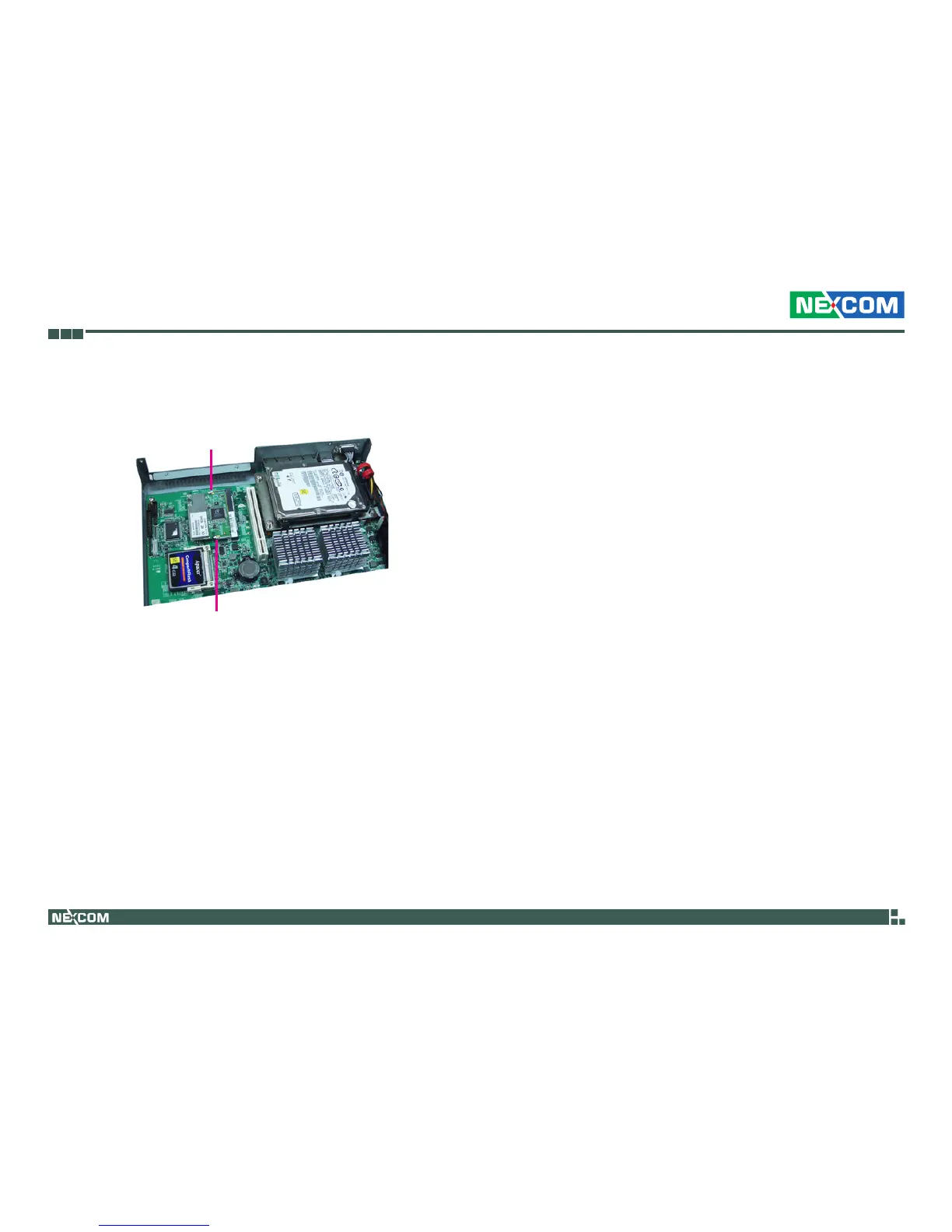
3. Push the card down until the clips on both sides of the socket lock into
position. You will hear a distinctive “click”, indicating the card is cor-
rectly locked into position.
Clip
Clip



 To Next Page