Copyright © 2011 NEXCOM International Co., Ltd. All Rights Reserved.
60
Chapter 4: BIOS Setup
DNA 1120/1120A User Manual
Hard Disk Drives
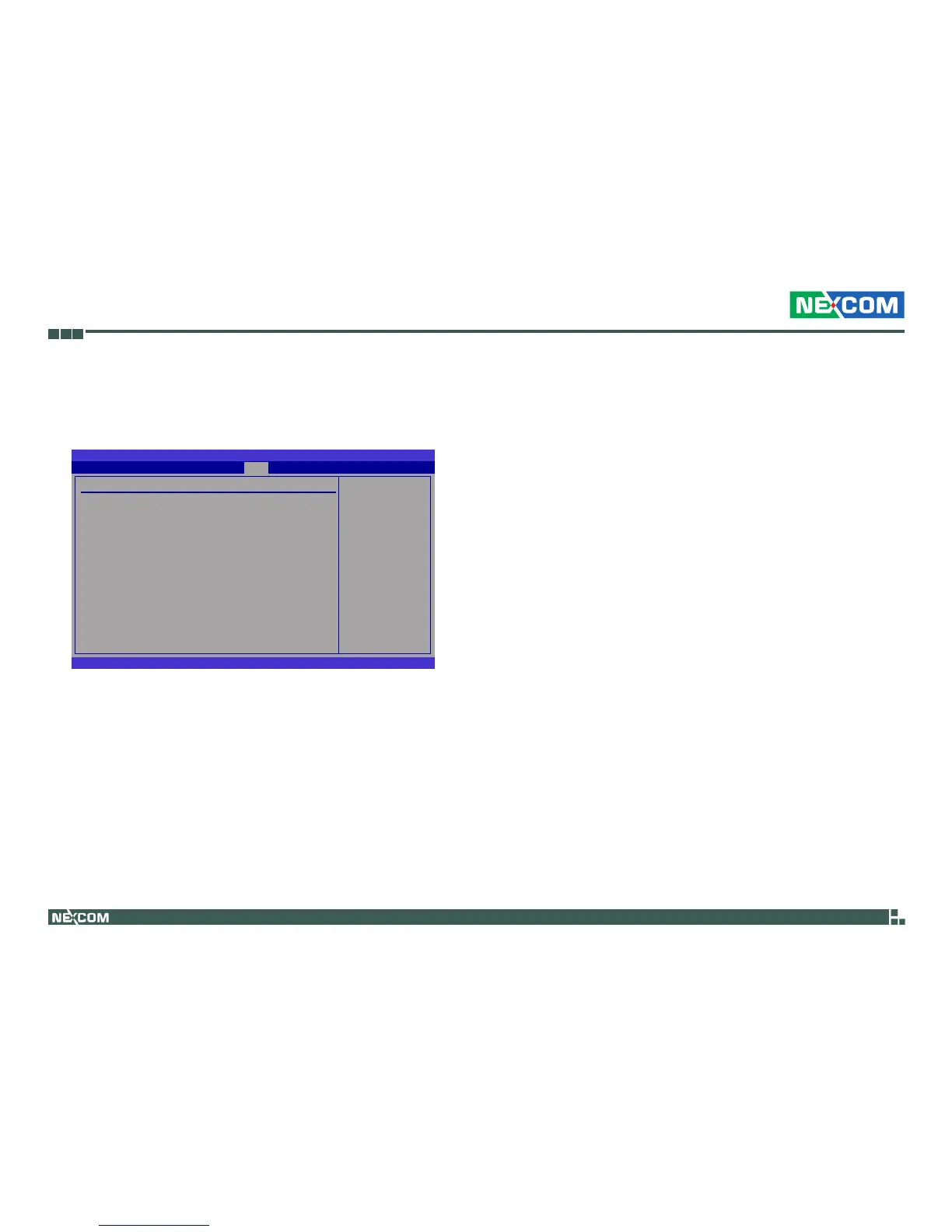
This section is used to select the boot priority sequence of the hard
drives.
BIOS SETUP UTILITY
v02.61 (C)Copyright 1985-2006, American Megatrends, Inc.
← → Select Screen
↑↓ Select Item
+- Change Option
F1 General Help
F10 Save and Exit
ESC Exit
Hard Disk Drives
1st Drive
2nd Drive
3rd Drive
[SATA:SM-2GB ATA F1]
[HDD:3M-128M]
[SATA:PM-Hitachi HT]
Species the boot
sequence from the
available devices.
1st Boot Device to 3rd Boot Device
Selects the drive to boot rst, second and third in the “1st Boot Device”, “2nd
Boot Device” and “3rd Boot Device” elds respectively. The BIOS will boot the
operating system according to the sequence of the drive selected.
Boot



 To Next Page