Copyright © 2011 NEXCOM International Co., Ltd. All Rights Reserved.
64
Chapter 4: BIOS Setup
DNA 1120/1120A User Manual
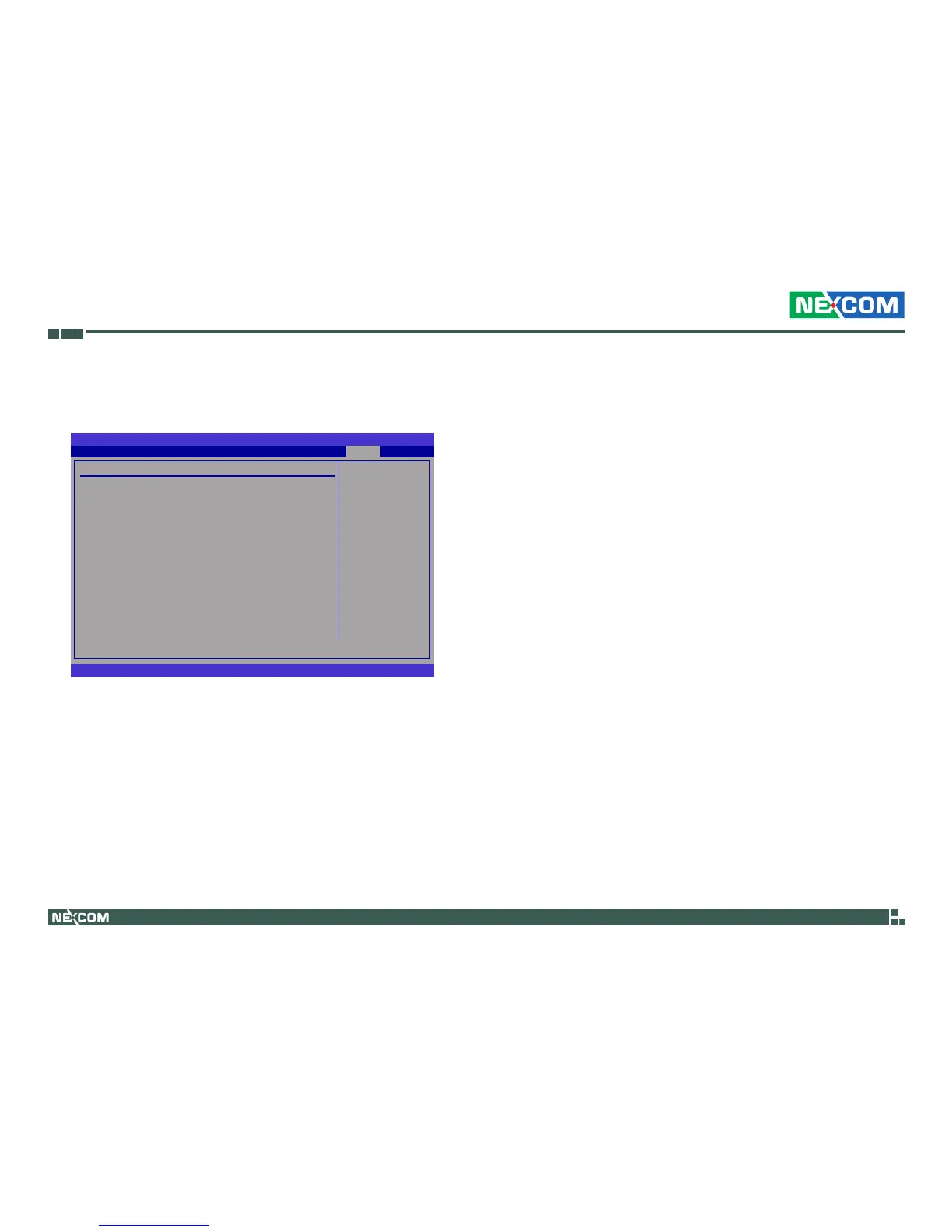
South Bridge Configuration
This section is used to configure the south bridge features.
BIOS SETUP UTILITY
v02.61 (C)Copyright 1985-2006, American Megatrends, Inc.
← → Select Screen
↑↓ Select Item
+
-
Change Option
F1 General Help
F10 Save and Exit
ESC Exit
South Bridge Chipset Conguration
USB Functions [10 USB Ports]
USB 2.0 Controller [Enabled]
SMBUS Controller [Enabled]
Power-Supply Type [ATX]
Restore on AC Power Loss [Power On]
PCIE Ports Conguration
PCIE Port 0 [Enabled]
PCIE Port 1 [Enabled]
PCIE Port 2 [Enabled]
PCIE Port 3 [Enabled]
PCIE Port 4 [Enabled]
PCIE Port 5 [Enabled]
PCIE High Priority Port [Disabled]
PCIE Port 0 IOxAPIC Enable [Disabled]
PCIE Port 1 IOxAPIC Enable [Disabled]
PCIE Port 2 IOxAPIC Enable [Disabled]
PCIE Port 3 IOxAPIC Enable [Disabled]
PCIE Port 4 IOxAPIC Enable [Disabled]
PCIE Port 5 IOxAPIC Enable [Disabled]
USB Functions
Enables or disables USB devices.
USB 2.0 Controller
This field is used to enable or disable the Enhanced Host Controller Inter-
face (USB 2.0).
Disabled
Enabled
Chipset
SMBUS Controller
Enables or disables the SMBUS.
Power-Supply Type
Selects the type of power used.
Restore on AC Power Loss
Power Off When power returns after an AC power failure, the system’s
power is off. You must press the Power button to power-on
the system.
Power On When power returns after an AC power failure, the system
will automatically power-on.
Former-Sts When power returns after an AC power failure, the system
will return to the state where you left off before power
failure occurs. If the system’s power is off when AC power
failure occurs, it will remain off when power returns. If the
system’s power is on when AC power failure occurs, the
system will power-on when power returns.
PCIE Port 0 and PCIE Port 5
Enables or disables the PCIE port.
PCIE High Priority Port
Selects the USB port to detect first.
PCIE Port 0 IOxAPIC Enable
The options are Enabled and Disabled.



 To Next Page