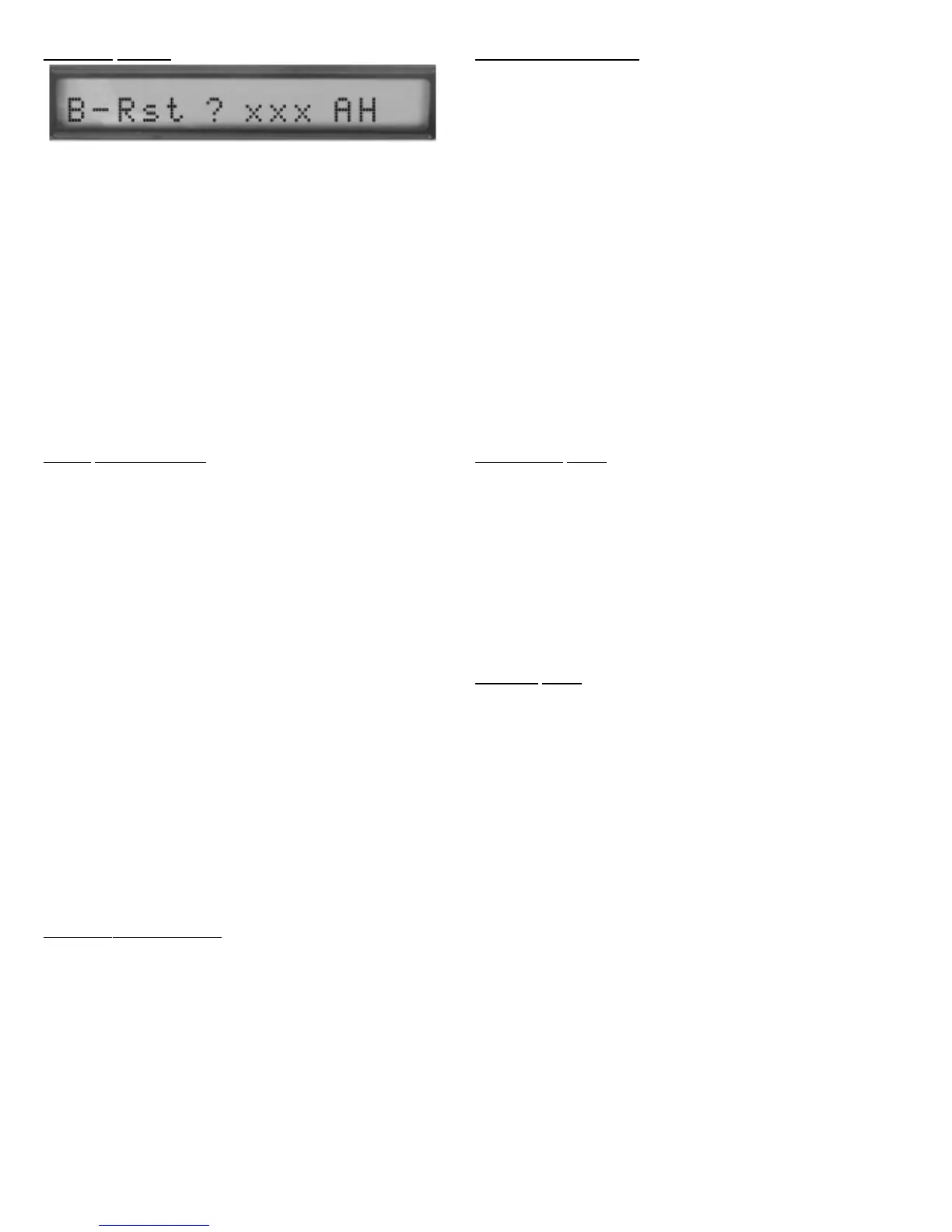
BATTERY
RESET
:
The Battery Reset is used to enable the charge system fol-
lowing a battery replacement, battery maintenance or new
install. It is also used to change the amount of Amp Hours for
your particular configuration. Depress and hold the function but-
ton for about 15 seconds, an 'R' will appear in the last character
on the display, release the function button. The display should be
as above, with the exception of the xxx will be a number between
105 and 440. Depress and hold the function button (number will
increment by 5) until the number is the correct Amp Hour rating
for your battery configuration. If you do not know use 105 for one
battery and 210 for two batteries. Each time you perform a battery
reset the NexPump system will default to the last configuration
value. When the proper number is configured release the function
button and the configuration will be saved (about 10 seconds after
release). The charge system will then start.
ST
ATS INFORMATION:
Depress and hold the function button for about 21 seconds, an ‘I’
will appear in the last character on the display, release the func-
tion button. The display will toggle through the following statistics:
1. P1=xxxxxH (yy)
xxxx = Pump 1 Count in Hours
yy = Pump 1 2500 Hour Count
2. P2=xxxxxH (yy)
xxxx = Pump 2 Count in Hours
yy = Pump 2 2500 Hour Count
3. CPU=xxxxx Day(s)
xxxxx = Current Power Up Time in Days
4. TPU=xxxxx Day(s)
xxxxx = Total Power Up Time in Days
5. A=xxxxx
xxxxx = Automatic Test Count
6.M=xxxxx
xxxxx = Manual Test Count
7. PM=xxx BA=yyyA/H
xxx = Phone Monitor Status (On, Off)
yyy = Battery Amp/Hours
8. E/S=xxx
xxx = Empty Sump Status (On, Off)
PRIMAR
Y VREF ERROR:
A ‘Primary VRef Failure’ indicates a hardware failure that the
NexPump uses to calculate voltages. The NexPump auto-
matically switches over to it’s backup reference once this
error is detected. You may ‘Disable the Alarm’ to stop the
alarm sounding until the error is corrected.
Auto Notification Module Installed:
Notification will occur on a VRef Malfunctions.
Note: VRef available only on firmware version 3.01.0000 or greater
TESTING OPERATION:
The NexPump System can perform automatic and manual tests.
An automatic test is scheduled every 12 Hours. A manual test can
be performed any time NexPump unit is turned on (After initial
power up test). To initiate a manual test depress and hold the func-
tion button and wait (about 6 seconds) for a ‘T’ in the last digit of the
display, then release function button.A test is then scheduled to
run.
Note 1: Some tests may be skipped because they cannot
be tested at that time.For example; if the battery is being
charged the NexPump will not test it until it is finished
charging.
Note 2: On initial power up the NexPump will initiate an
automatic test approximately two minutes after power
up. There is no need to run a manual test after initial
power up. However, if a manual test is scheduled on
power up it will not run until after the automatic test is
finished.
AUT
OMATIC TEST:
Automatic testing of the NexPump is scheduled every 12
Hours. The following is a list of the tests performed during
the automatic test:
Battery
Pumps
Charge System
Notification System (If Installed)
Phone Line (If Phone Monitor is enabled)
MANUAL
TEST:
Manual testing of the NexPump is available anytime (After ini-
tial power up test) with the function button.
The following lists the components in the Manual test:
Battery
Pumps
Charge System
Notification System (If Installed)
Phone Line Connection
Phone Line Polarity
Alarm
Display
Note: At the end of any Manual or Automatic test the
remaining water in the sump pit will be pumped out
automatically. This will prevent water remaining in the
sump pit and helps reduce corrosion of any metal
pumps.
Auto Notification Module Installed:
Notification will occur with any problems detected after a test.
13



 To Next Page