12
nextel.com
If your display reads No Service or does not change to the idle screen when you
turn on your phone, and you know you are in a Nextel coverage area, contact
Nextel Customer Care. For details on Nextel coverage areas, go to nextel.com.
Powering the Phone Off
Enabling Over-the-Air-Radio-Service Software
(OARSS) Security
To receive OARSS programming, you must enable OARSS security the first
time you power on your phone or within 20 days of first activation of your
4
If you have enabled your SIM PIN security feature (see “Enabling/
Disabling the PIN Security Feature” on page 14), the Enter SIM PIN
Code screen displays. Enter your SIM PIN (see “Entering the SIM
PIN” on page 15).
Press C under OK.
5
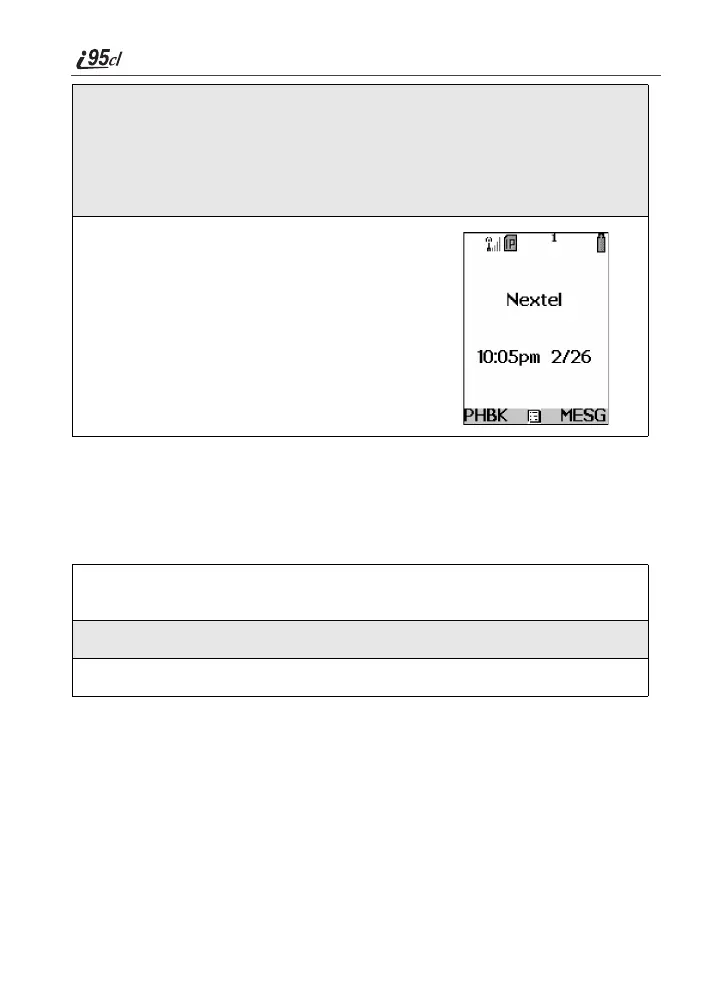
As your phone connects to the Nextel
National Network, you will see Welcome
To Nextel and a connecting message.
When the idle screen appears on the
display, you are ready to use your i95cl
phone!
1
Press and hold p on the keypad until a tone briefly sounds and
Powering Off displays.
2
Close the phone cover.
3
Push down the antenna.



 To Next Page