63
Call Waiting
While mute is on, UNMUTE appears as a display option.
Call Waiting
Call Waiting allows you to receive a second call while you are talking on the
phone. You can switch between calls so you never have to miss a call. By
default, Call Waiting is always on unless you turn it off for a specific call.
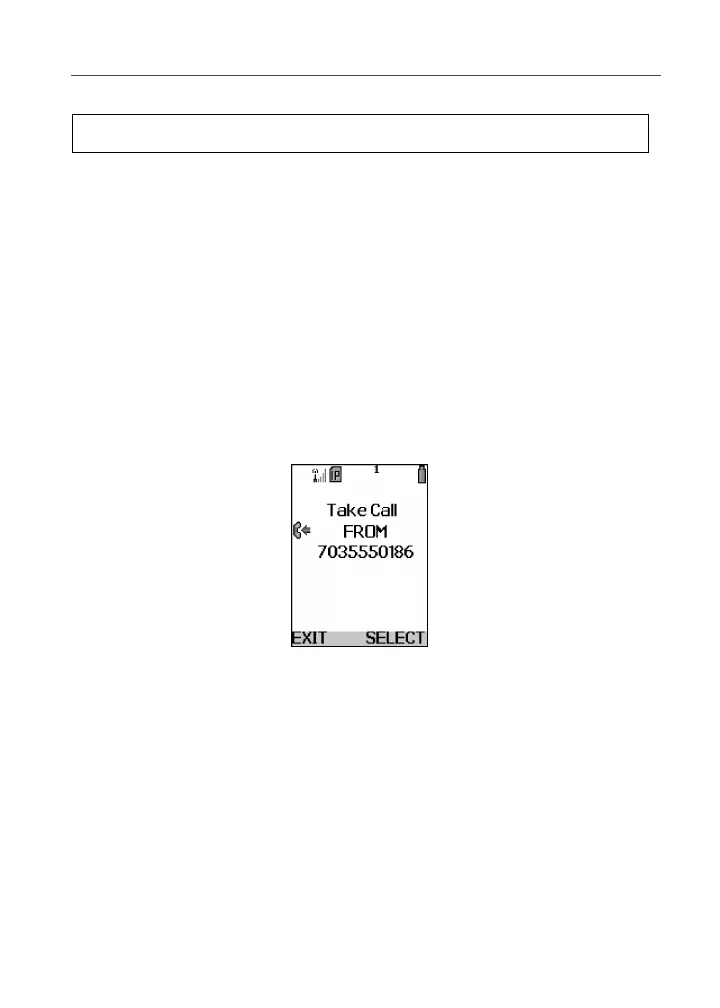
If you’re on a call and you receive a second call, you will:
• hear a tone
• see a message on your display informing you of another incoming call
Cover Open
If you have your phone cover open when you receive a second call, the screen
displays the caller’s name and number type (if stored in your Phonebook), the
caller’s number (if Caller ID information is available), or Incoming Call.
Cover Closed
If you have the phone closed when you receive a second call, the screen displays
the caller’s name (if stored in your Phonebook), the caller’s number (if Caller ID
information is available), or Incoming Call.
You must open the phone cover to accept or decline the second call. Opening
the cover turns speakerphone off.
Press C under UNMUTE, to turn mute off.
4



 To Next Page