32
nextel.com
Text Display Area
The full-sized color display screen’s text display area contains information such
as:
• menu options
• messages
• names
• phone numbers
The number of lines of text shown in the text display area depends on which
display view is selected — Standard view, Compressed view, or Zoom view. In
Standard view, eight lines of text are displayed.
NOTE: Standard view is the default display setting. Unless otherwise noted,
illustrations in this user’s guide depict Standard view.
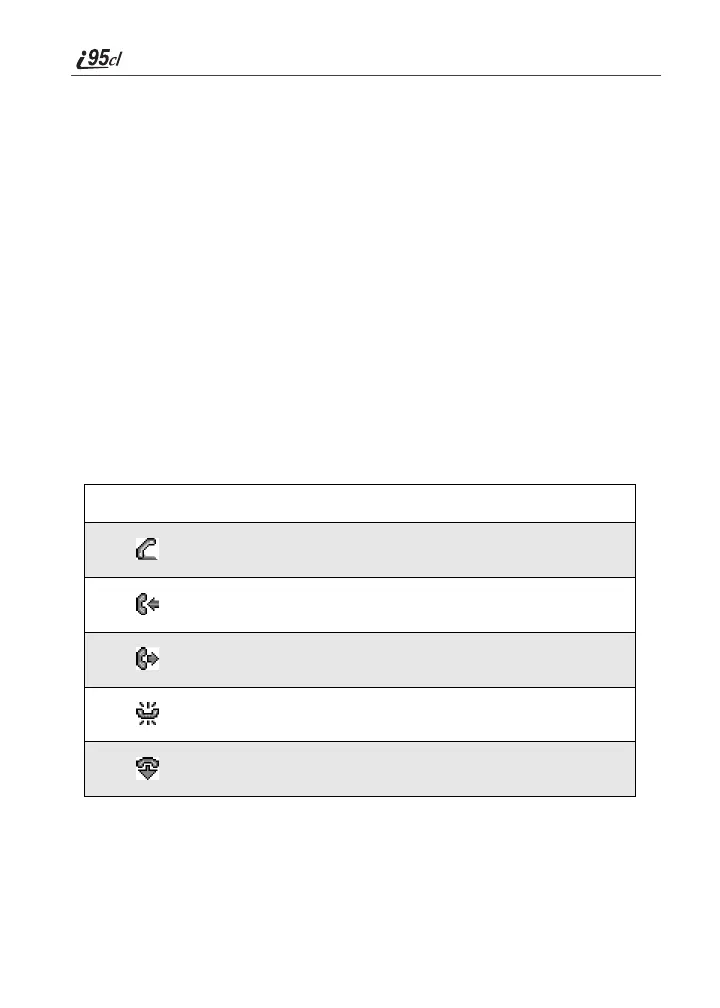
Call Information Icons
Each of the following icons appears on the left side of the text display area of the
one-line screen or the full-sized color screen, providing you with information
about your calls.
Icon Indicates...
In Call - phone is on an active call.
Incoming Call - phone is receiving an incoming call.
Outgoing Call - phone is placing an outgoing call.
On Hold - phone has a call on hold.
End Call - phone has ended the active call.



 To Next Page