78
nextel.com
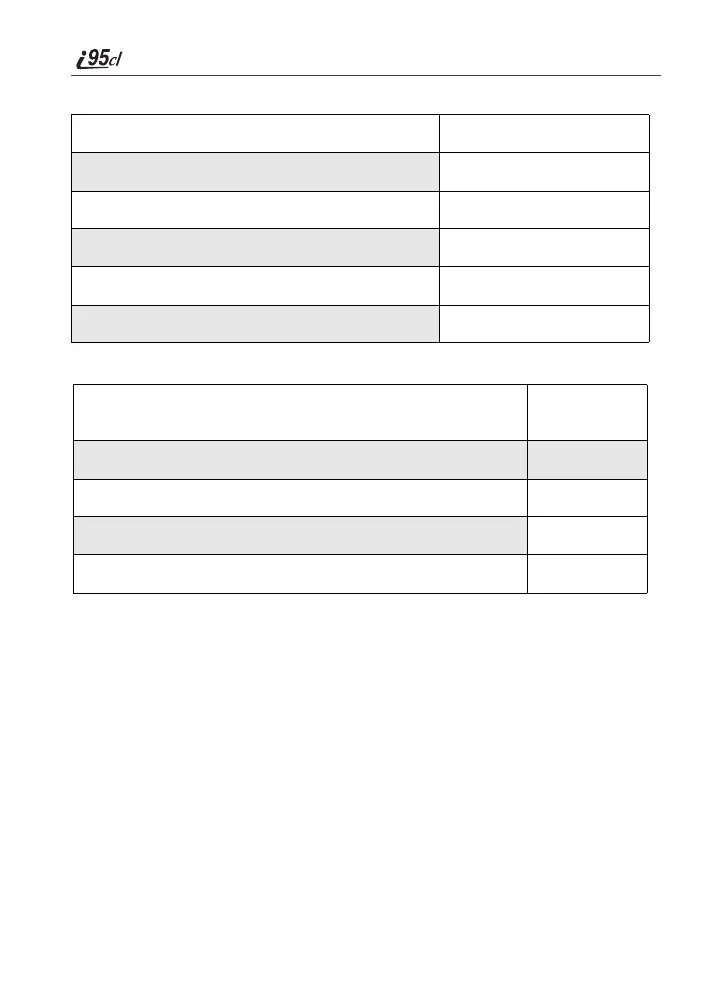
Options available while listening to your messages:
Options available while a message is playing or after it has played:
Saving and Deleting Messages
While a message is playing or after you have finished listening to it, you can
save it or delete it. To save a message, press 9. To delete a message, press 7.
To have messages automatically saved, see “Automatic Playback” on page 82.
Messages that are not saved or deleted remain in your mailbox as new messages.
All messages are automatically deleted after 30 days.
Recovering Deleted Messages
To retrieve deleted messages, press * 3. This option only applies to the
current Voice Mail session. If you end the call, the messages will be
permanently deleted.
IMPORTANT: After exiting the Voice Mail session, you cannot recover deleted
messages.
Replay previous six seconds. Press 1
Rewind to beginning of message. Press 1 1
Pause/continue the current message. Press 2
Fast forward 6 seconds. Press 3
Fast forward to end of message. Press 3 3
Play the date and time stamp. Press 5 5
Copy the message to another subscriber. (See “Recording,
Copying and Replying to Messages” on page 82.)
Press 6
Delete the message. Press 7
Reply to a message. Press 8
Save the message. Press 9
Skip to the next message. Press #



 To Next Page