JAN 2024 Page | 2
Welcome
Thank you for purchasing the Nextivity SHIELD MegaFi wireless WAN router. You are on your way
towards improving your cellular network coverage with the highest power modem available. In addition
to the MegaFi User Guide, additional information and support for your device can be found at
https://www.nextivityinc.com
.
Customer Responsibilities
The customer is responsible for the following:
• Providing and configuring the connected devices and configuring the MegaFi router as needed
for internet and/or private wide area network access.
• Providing Internet access
o Via the AT&T or FirstNet activated SIM on the wireless WAN connection, or
o Via a wired ethernet connection to the WAN port
• Provide power and environmental operating conditions within the following ranges:
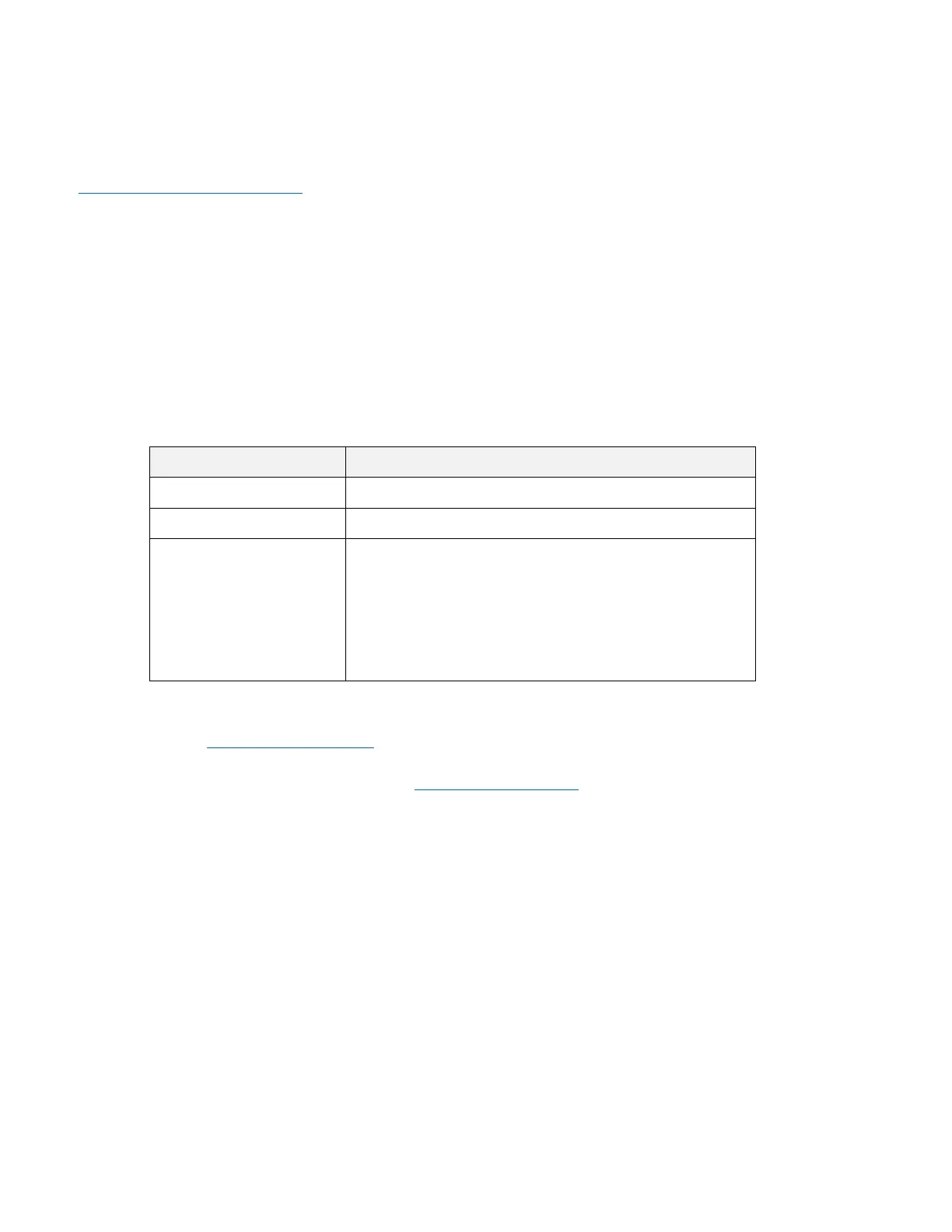
Parameter Value
Temperature Range -30°C to 65°C [-22°F to 149°F]
Relative Humidity Up to 95%
Power AC: 110/120 volt AC power
DC: 9v to 36v DC power
Note: MegaFi power adapters are not
interchangeable with other devices. Only use the
power cord supplied with your MegaFi.
• Use the local graphical user interface, Mission Control, found when connected locally to the
device at https://192.168.113.1
to accept the End User License Agreement and change the
default password.
• Registering your MegaFi through the Nextivity Cloud Portal – see Section 4: ‘Cloud Access via the
Nextivity MegaPortal’ for more information.
• Other responsibilities are specified in your End User License Agreement as well as your
agreements with AT&T, FirstNet, and other providers.
Frequently Asked Questions
Q. How do I determine if MegaFi will improve my cellular network connectivity?
A. If your enterprise or agency is located within an area in which AT&T is licensed to provide cellular
service and your signal strength is two bars or less, MegaFi may be a good solution for you.
MegaFi is designed to support up to 32 connected devices and is designed to provide the highest
power wireless connection (WWAN) and a wired network connection (WAN) for all your edge
router needs.
High-power mode will only work on Band 14. AT&T and FirstNet can help determine if your nearest
tower is Band 14.



 To Next Page