OK button
The OK button is used to:
႑
confirm selections of sub menus/options/set values.
D
Up and down buttons
With the up and down buttons you can:
႑
scroll in menus and between options.
႑
increase and decrease the values.
E
Menu system
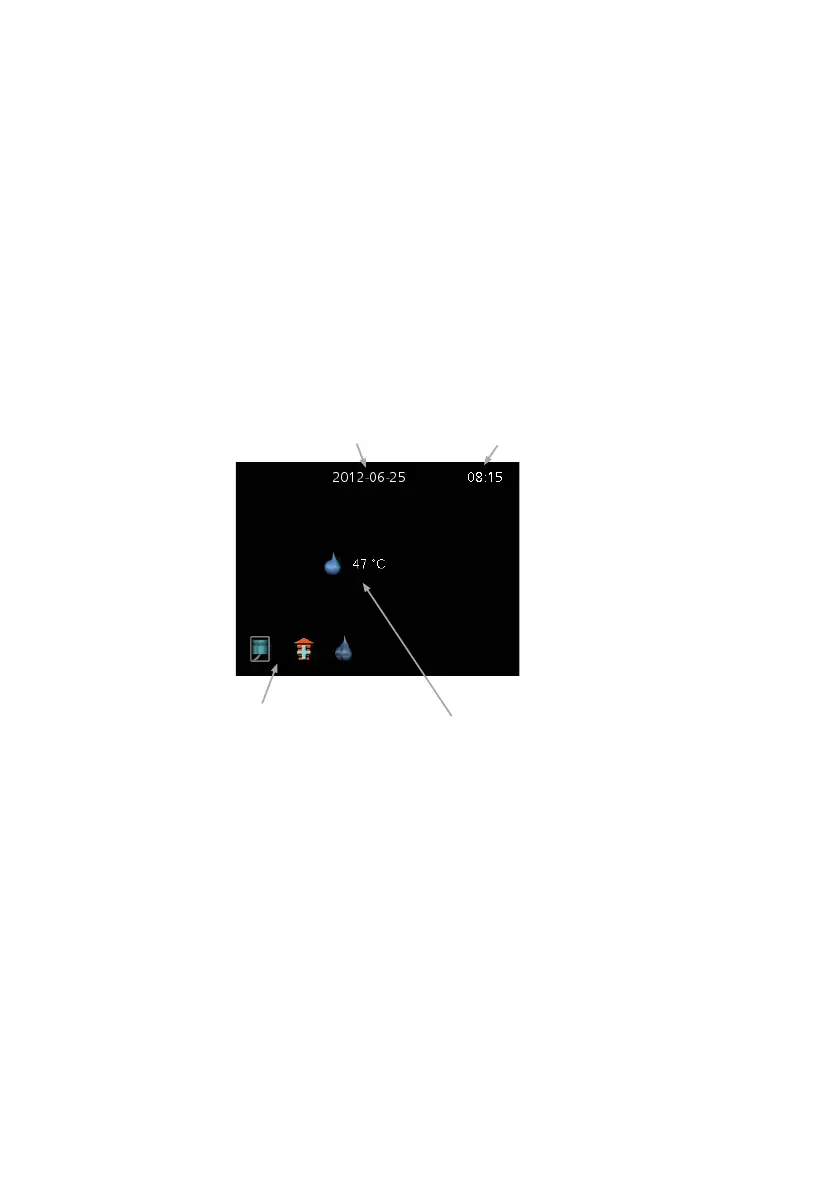
When F110 is started you come to the information menu. Basic information
about the heat pump status is shown here.
&ORFN
+RW ZDWHU WHPS
'DWH
6WDWXV LFRQV
The information menu shows:
႑
on starting.
႑
when the back button in the main menu is pressed.
႑
after 15 minutes of inactivity.
Press any button to go to the main menu.
11NIBE™ F110Chapter 2 | The heating installation – the heart of the house



 To Next Page