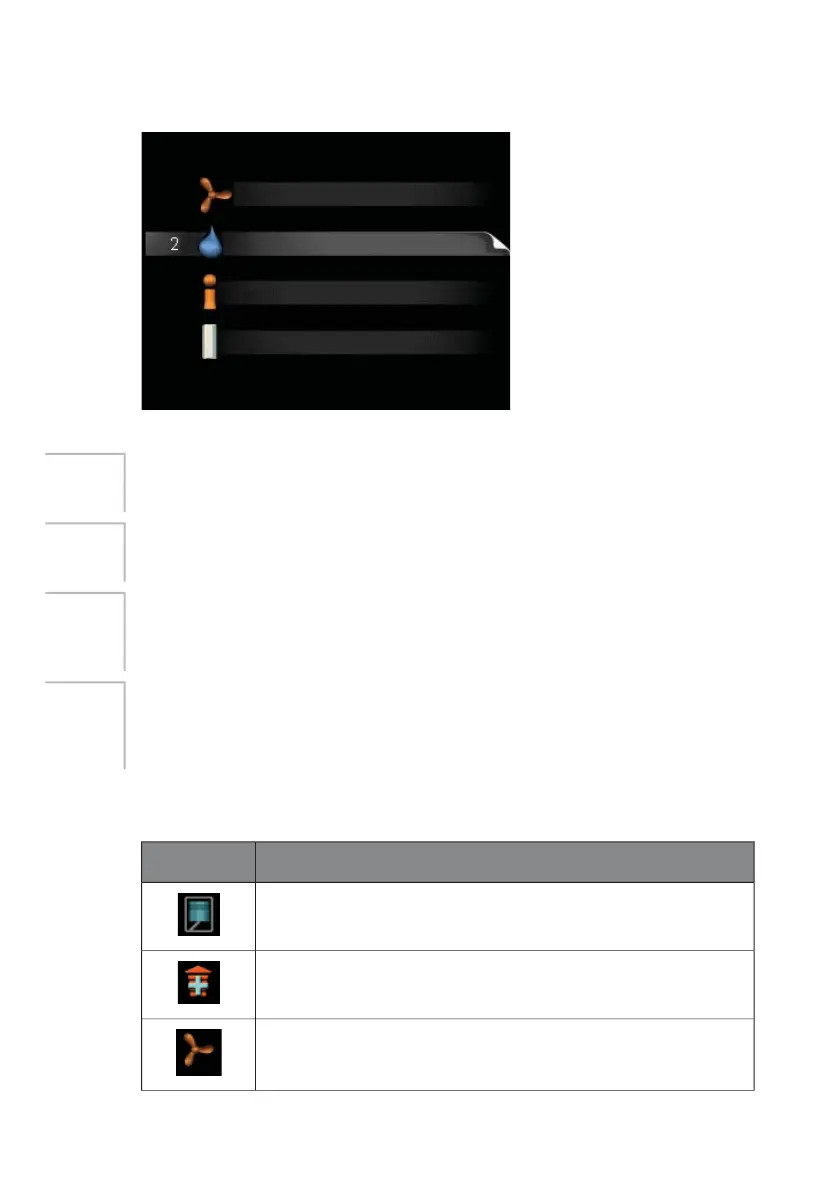
Main menu
YHQWLODWLRQ
+27 :$7(5
,1)2
0< 6<67(0
The menu system's main menus are shown here.
ventilation
Setting the ventilation. See page 20.
Menu 1
HOT WATER
Setting and scheduling hot water production. See page 21.
Menu 2
INFO
Display of temperatures and other operating information and access to
the alarm log. See page 25.
Menu 3
MY SYSTEM
Setting time, date, language, operating mode etc. See page 28.
Menu 4
See page 28.
Symbols in the display
The following symbols can appear in the display during operation.
DescriptionSymbol
This symbol is displayed when the compressor is operating.
This symbol is displayed when the additional heat is operating.
This symbol appears when the speed of the fan is changed
from its normal setting.
NIBE™ F110Chapter 2 | The heating installation – the heart of the house12



 To Next Page