Operation
To move the cursor, press the up or down button. The marked position is
brighter and/or has a turned up tab.
Selecting menu
To advance in the menu system select a sub-menu by marking it by using
the up and down buttons and then pressing the OK button.
Selecting options
DXWR
DGG KHDW RQO\
RSHUDWLQJ PRGH
6HOHFWDEOH RSWLRQV
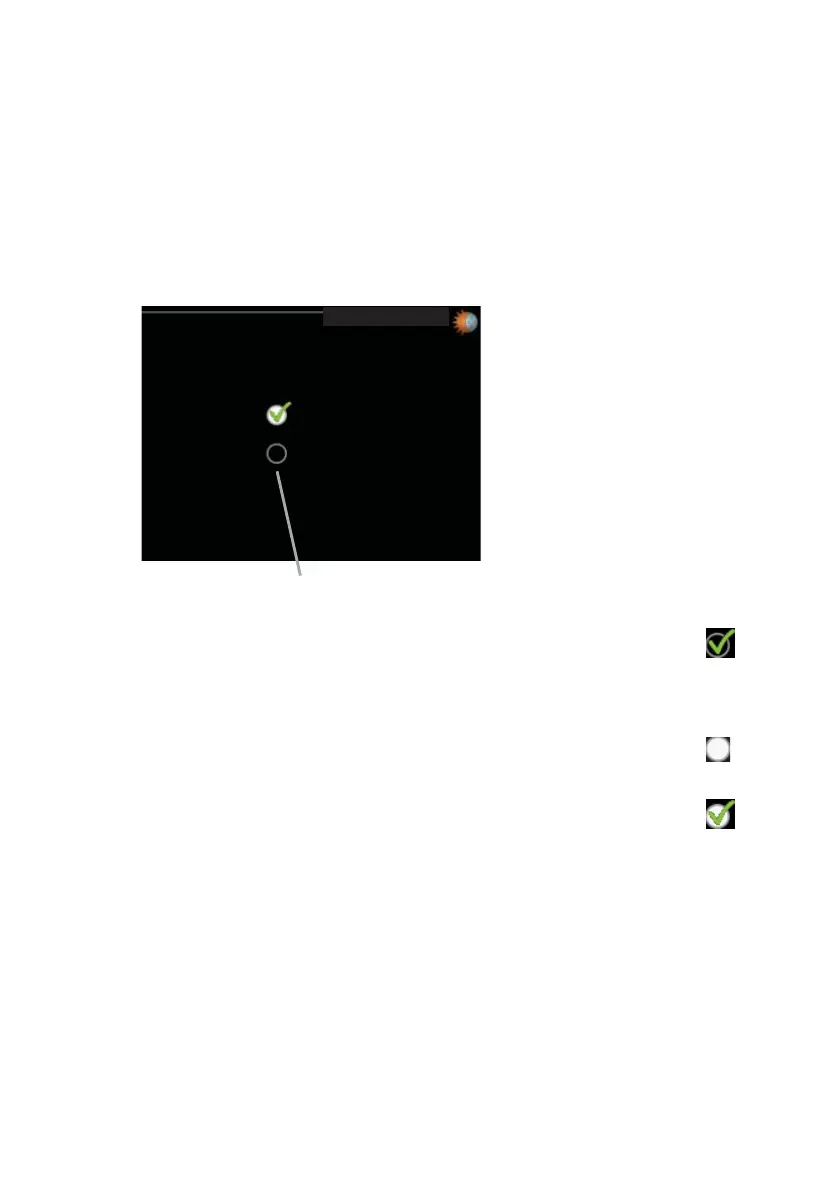
In an options menu the current selected option is indicated by a green
tick.
To select another option:
Mark the applicable option using the up or down button. One of
the options is pre-selected (white).
1.
Press the OK button to confirm the selected option. The selected
option has a green tick.
2.
NIBE™ F110Chapter 2 | The heating installation – the heart of the house14



 To Next Page