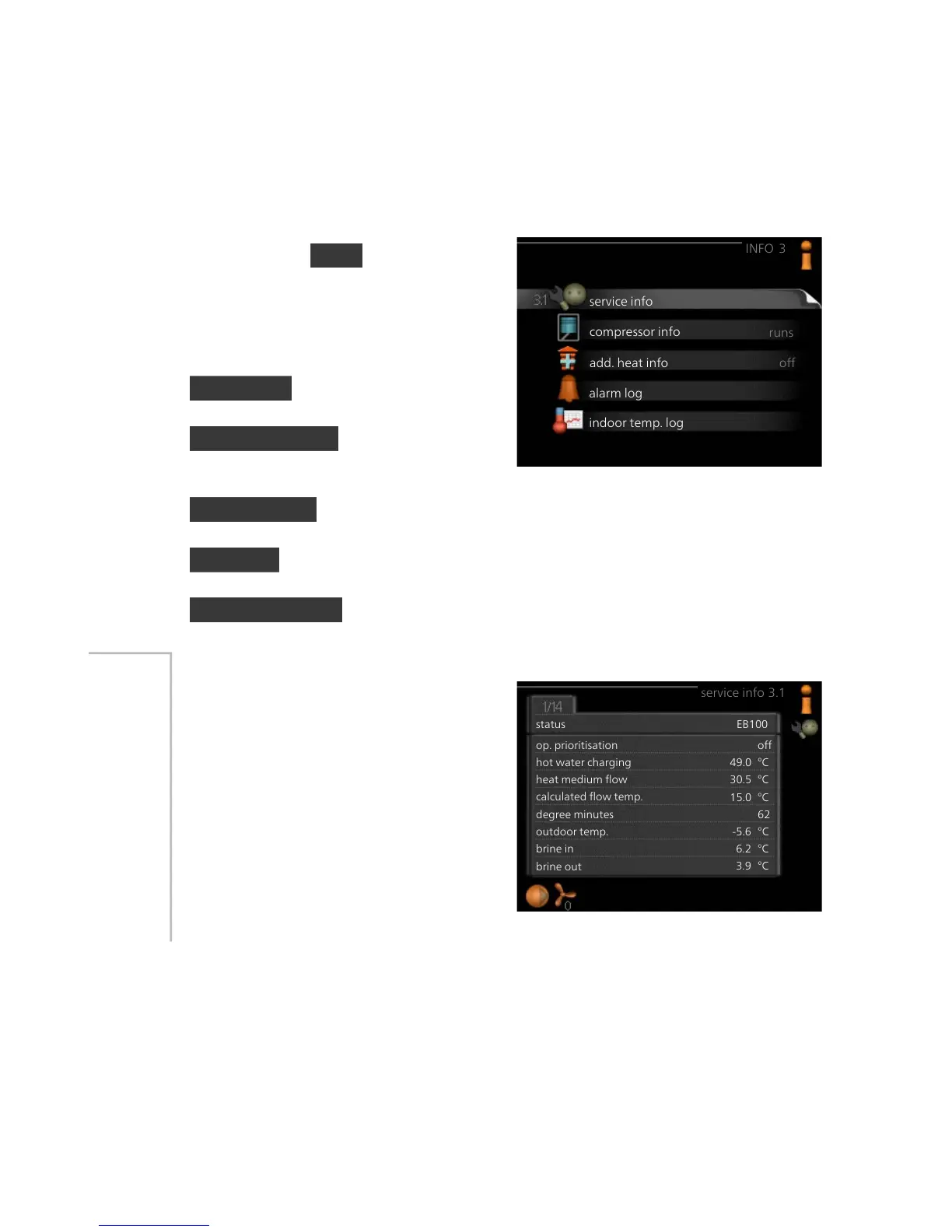
For the menu INFO there are several
sub-menus. No settings can be made
in these menus, they just display in-
formation. Status information for the
relevant menu can be found on the
display to the right of the menus.
service info shows temperature levels
and settings in the installation.
compressor info shows operating
times, number of starts etc for the
compressor in the heat pump.
add. heat info displays information about the additional heat's operating
times etc.
alarm log displays the latest alarm and information about the heat pump
when the alarm occurred.
indoor temp. log the average temperature indoors week by week during
the past year.
service info
Information about the heat pump’s
actual operating status (e.g. current
temperatures etc.) can be obtained
here. No changes can be made.
The information is on several pages.
Turn the control knob to scroll
between the pages.
A QR code appears on one side. This
QR code indicates serial number,
product name and limited operating
data.
Menu
3.1
NIBE™ F1155Chapter 3 | F1155 – at your service52



 To Next Page