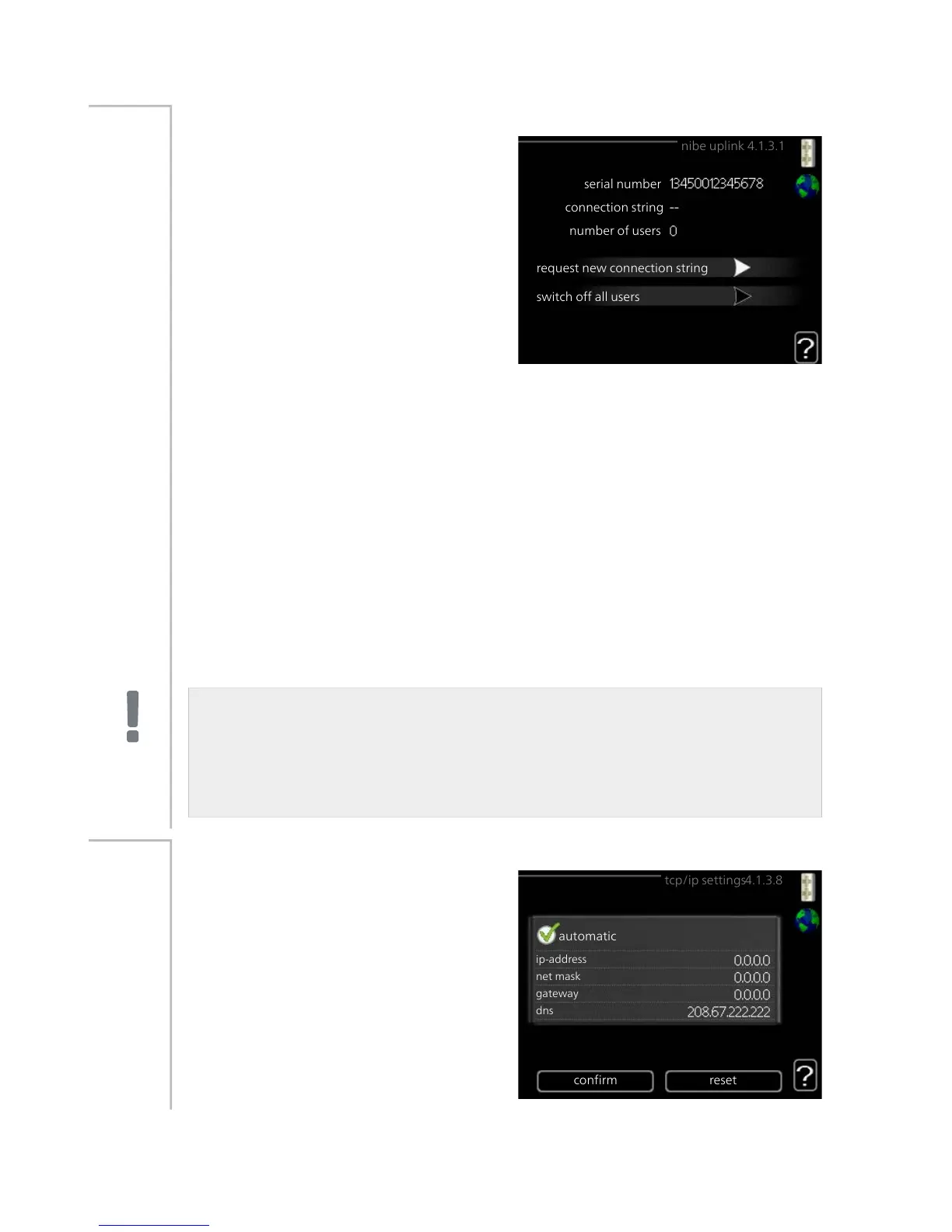
Here you can manage the installa-
tion's connection to NIBE Uplink™
(http://www.nibeuplink.com) and see
the number of users connected to the
installation via the internet.
A connected user has a user account
in NIBE Uplink™ which have been
given permission to control and/or
monitor your installation.
Request new connection string
To connect a user account on NIBE Uplink™ to your installation, you must
request a unique connection string.
Menu
4.1.3.1
1.
Mark “request new connection string" and press the OK button.
2.
The installation now communicates with NIBE Uplink™ to create a
connection string.
3.
When a connection string has been received, it is shown in this menu
at "connection string" and is valid for 60 minutes.
Disconnect all users
1.
Mark “switch off all users" and press the OK button.
2.
The installation now communicates with NIBE Uplink™ to release your
installation from all connected users via the internet.
NOTE
After disconnecting all users none of them can monitor or control your
installation via NIBE Uplink™ without requesting a new connection
string.
tcp/ip settings
You can set TCP/IP settings for your
installation here.
Automatic setting (DHCP)
Menu
4.1.3.8
1.
Tick “automatic". The installation
now receives the TCP/IP settings
using DHCP.
2.
Mark “confirm" and press the OK
button.
NIBE™ F1155Chapter 3 | F1155 – at your service58



 To Next Page