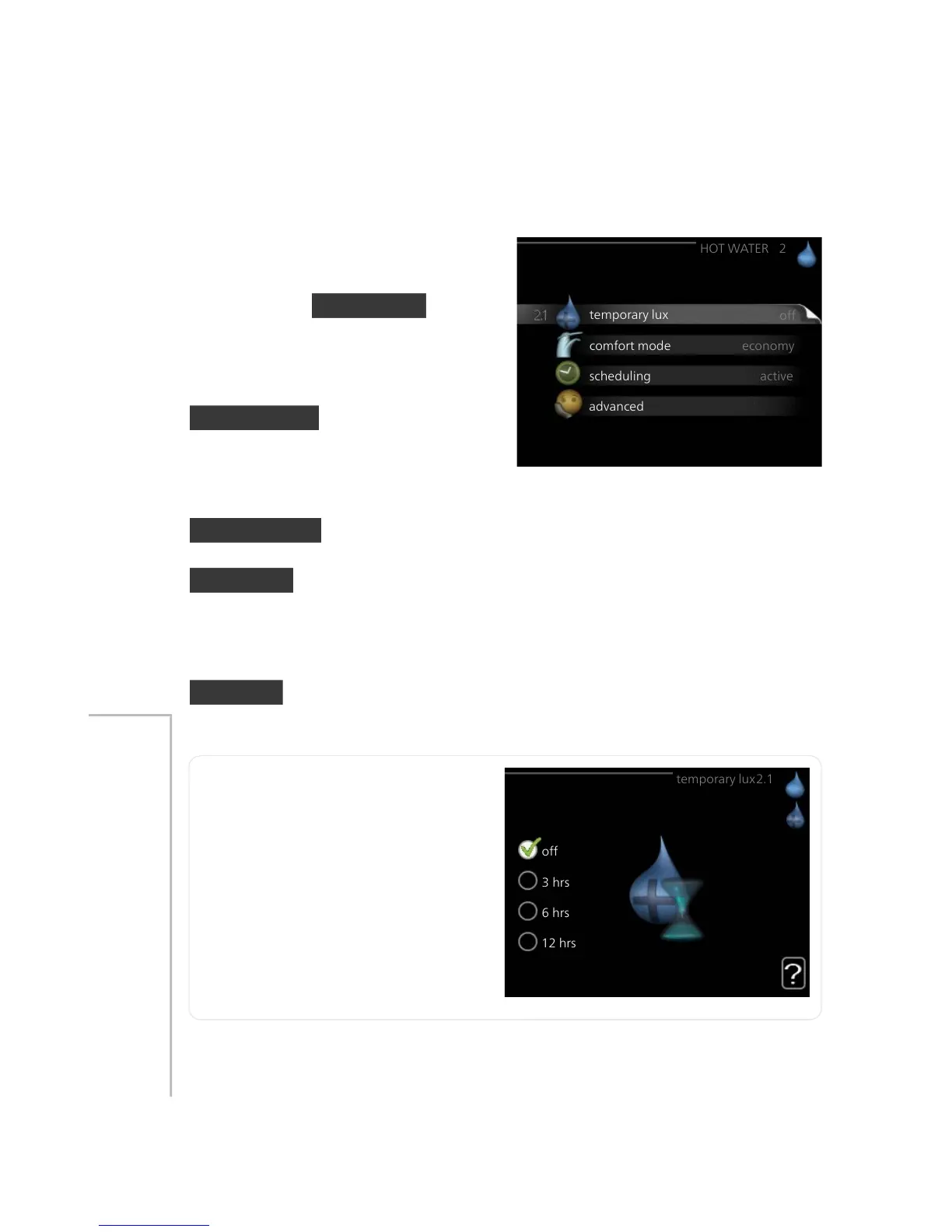
This menu only appears if a water
heater is docked to the heat pump.
For the menu HOT WATER there are
several sub-menus. Status information
for the relevant menu can be found
on the display to the right of the
menus.
temporary lux Activation of tempor-
ary increase in the hot water temper-
ature. Status information displays
“off" or what length of time of the
temporary temperature increase remains.
comfort mode Setting hot water comfort. The status information displays
what mode is selected, "economy", "normal" or "luxury".
scheduling Scheduling hot water comfort. The status information "set"
appears if you have set scheduling but it is not currently active, "holiday
setting" appears if holiday setting is active at the same time as scheduling
(when the holiday function is prioritised), "active" appears if any part of
scheduling is active, otherwise "off" appears.
advanced Setting periodic increase in the hot water temperature.
temporary lux
Setting range: 3, 6 and 12 hours
and mode "off"
Default value: "off"
Menu
2.1
When hot water requirement has temporarily increased this menu can be
used to select an increase in the hot water temperature to lux mode for
a selectable time.
47NIBE™ F1155Chapter 3 | F1155 – at your service



 To Next Page