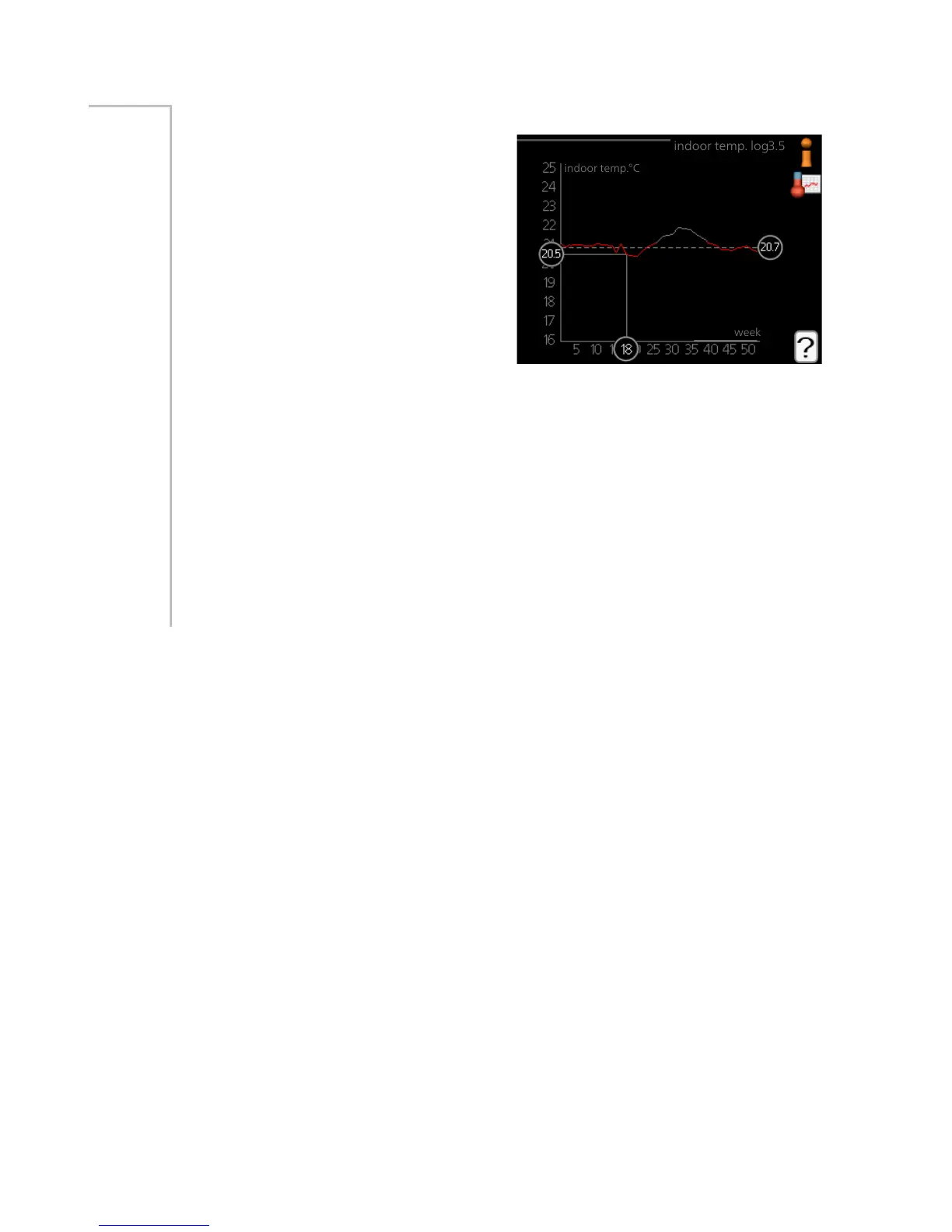
Here you can see the average temper-
ature indoors week by week during
the past year. The dotted line indicates
the annual average temperature.
The average outdoor temperature is
only shown if a room temperature
sensor/room unit is installed.
When an exhaust air module (NIBE
FLM) is installed, the exhaust air tem-
perature is shown.
To read off an average temperature
1.
Turn the control knob so that the ring on the shaft with the week
number is marked.
2.
Press the OK button.
3.
Follow the grey line up to the graph and out to the left to read off the
average indoor temperature at the selected week.
4.
You can now select to take read outs for different weeks by turning
the control knob to the right or left and read off the average temper-
ature.
5.
Press the OK or Back button to exit read off mode.
Menu
3.5
55NIBE™ F1155Chapter 3 | F1155 – at your service



 To Next Page