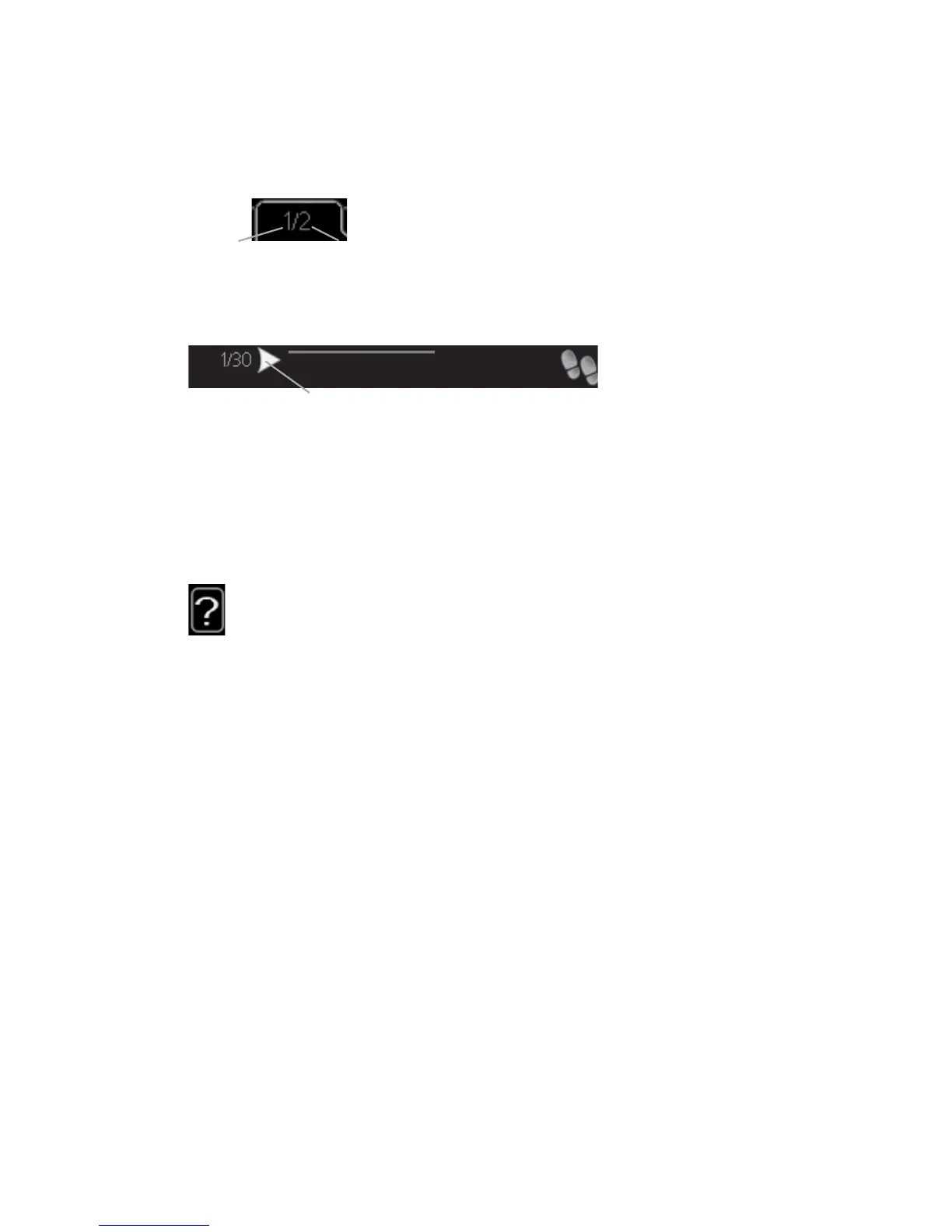
Scroll through the windows
A menu can consist of several windows. Turn the control knob to scroll
between the windows.
&XUUHQW PHQX
ZLQGRZ
1XPEHU RI ZLQGRZV
LQ WKH PHQX
Scroll through the windows in the start guide
$UURZV WR VFUROO WKURXJK ZLQGRZ LQ VWDUW JXLGH
VWDUW JXLGH
1.
Turn the control knob until one of the arrows in the top left corner (at
the page number) has been marked.
2.
Press the OK button to skip between the steps in the start guide.
Help menu
In many menus there is a symbol that indicates that extra help is avail-
able.
To access the help text:
1.
Use the control knob to select the help symbol.
2.
Press the OK button.
The help text often consists of several windows that you can scroll between
using the control knob.
NIBE™ F1226Chapter 2 | The heat pump – the heart of the house16



 To Next Page