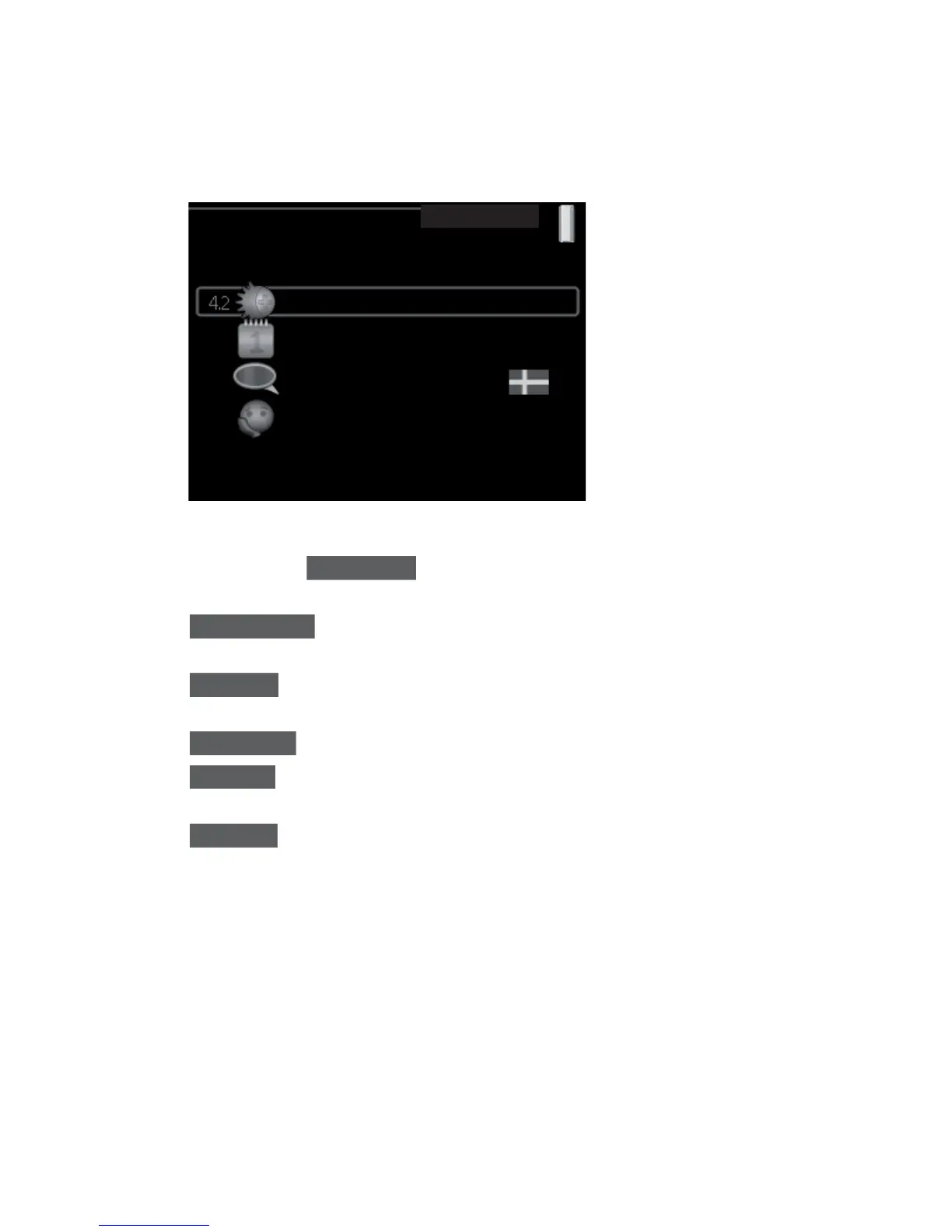
Adjust the heat pump
Overview
op. mode
HEAT PUMP 4
time & date
advanced
language / language
auto
Sub-menus
For the menu HEAT PUMP there are several sub-menus. Status information
for the relevant menu can be found on the display to the right of the menus.
plus functions Settings applying to any installed extra functions in the
heating system.
op. mode Activation of manual or automatic operating mode. The status
information shows the selected operating mode.
time & date Setting current time and date.
language Select the language for the display here. The status information
shows the selected language.
advanced Setting heat pump work mode.
NIBE™ F1226Chapter 3 | F1226 – at your service44



 To Next Page