Operating mode add. heat only
Caution
If you choose mode "add. heat only" the compressor is deselected and there
is a higher operating cost.
In this operating mode the compressor is not active and only additional
heating is used.
Functions
"compressor" is that which produces heating and hot water for the accom-
modation. If "compressor" is deselected, a symbol in the main menu on the
heat pump symbol is displayed. You cannot deselect "compressor" in
manual mode.
"addition" is what helps the compressor to heat the accommodation and/or
the hot water when it cannot manage the whole requirement alone.
"heating" means that you get heat in the accommodation. You can deselect
the function when you do not wish to have heating running.
Caution
If you deselect "addition" it may mean that sufficient heating in the accom-
modation is not achieved.
time & date
WLPH GDWH
WLPH
GD\
\HDU
PRQWK
KUV
K
GDWH
Menu
4.4
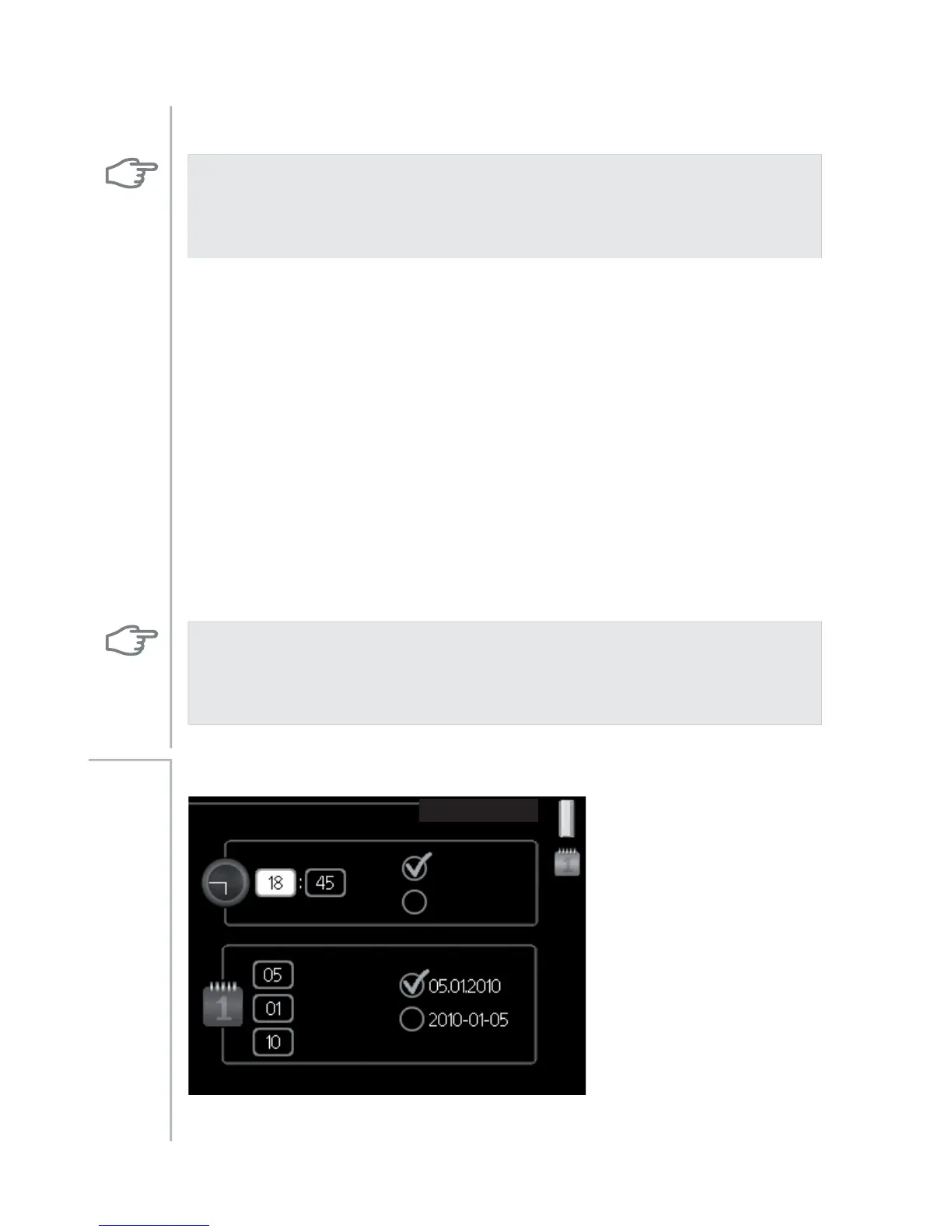
Set time and date and display mode here.
NIBE™ F1226Chapter 3 | F1226 – at your service46



 To Next Page