TEMPERATURE
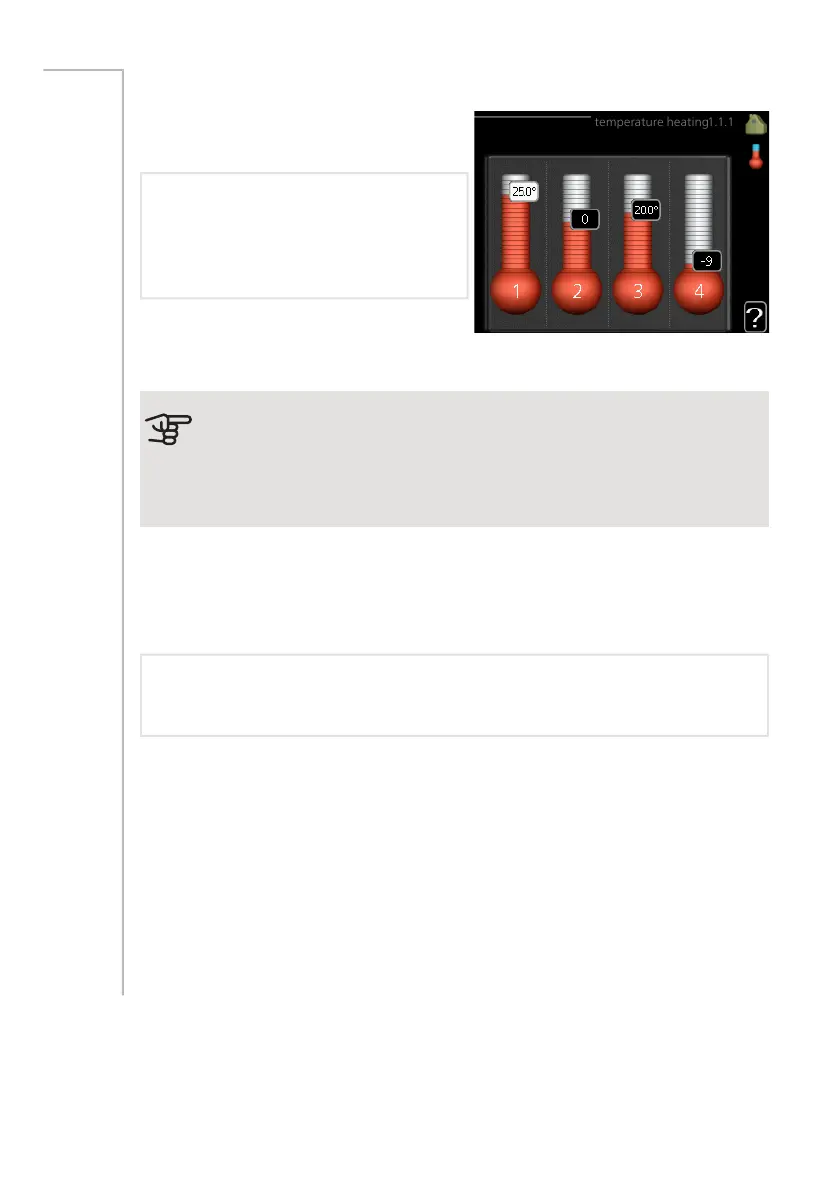
Set the temperature (with room
sensors installed and activated):
heating
Setting range: 5 – 30 °C
Default value: 20
The value in the display appears as a
temperature in °C if the climate system is
controlled by a room sensor.
Menu
1.1
Caution
A slow heat-releasing heating system, such as for example, underfloor
heating, may not be suitable for control using the heat pump's room
sensor.
To change the room temperature, use the control knob to set the desired tem-
perature in the display. Confirm the new setting by pressing the OK button. The
new temperature is shown on the right-hand side of the symbol in the display.
Setting the temperature (without room sensors activated):
Setting range: -10 to +10
Default value: -1
The display shows the set values for heating (curve offset). To increase or reduce
the indoor temperature, increase or reduce the value on the display.
Use the control knob to set a new value. Confirm the new setting by pressing
the OK button.
The number of steps the value has to be changed to achieve a degree change
of the indoor temperature depends on the heating installation. One step is usually
enough but in some cases several steps may be required.
Setting the desired value. The new value is shown on the right-hand side of the
symbol in the display.
NIBE F730Chapter 3 | F730 – at your service32



 To Next Page