EasyManua.ls Logo

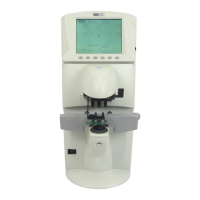
Nidek Medical LM-600P - User Manual

Nidek Medical LM-600P
128 pages
Print Icon
To Next Page IconTo Next Page
Loading...
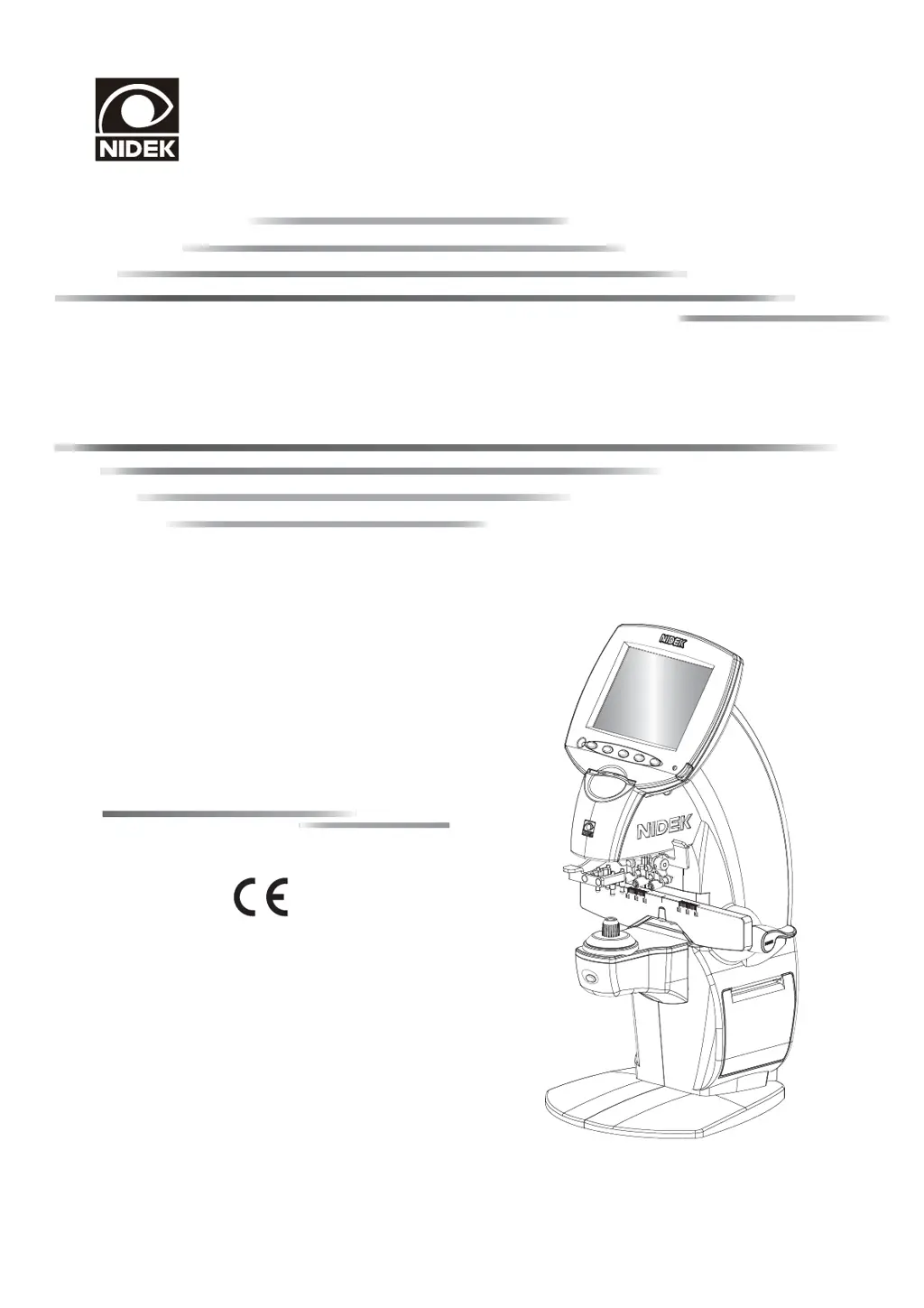
AUTO LENSMETER
Mode
Model


LM-600/600P/600PD
LM-600/600P/600PD
OPERATOR’S MANUAL
OPERATOR’S MANUAL

Table of Contents

Other manuals for Nidek Medical LM-600P

Questions and Answers

  • S
    Steven BarnesAug 8, 2025
    What to do if data is not printed out from Nidek Medical Measuring Instruments?
    • B
      Brent JohnsonAug 8, 2025
      If data from your Nidek Medical Measuring Instruments isn't printing, try setting new printer paper or resetting the parameter.
  • H
    Holly LeeAug 15, 2025
    How to fix a blank printout from Nidek Medical Measuring Instruments?
    • K
      Kayla MccartyAug 15, 2025
      If the printer runs but the paper is blank when using Nidek Medical Measuring Instruments, ensure the paper is set with the correct side up.
  • T
    timothy95Aug 20, 2025
    What to do if the LCD does not turn on even though the power is on Nidek Medical Measuring Instruments?
    • J
      Jennifer ClarkAug 20, 2025
      If the LCD on your Nidek Medical Measuring Instruments doesn't turn on even with the power on, attempt to recall the ON state by pressing a button. You may also need to adjust the contrast knob.
  • N
    Nicole CaldwellAug 27, 2025
    How to fix LCD that does not turn on Nidek Medical Measuring Instruments?
    • M
      Melody MorrisAug 27, 2025
      If the LCD of your Nidek Medical Measuring Instruments does not turn on, try reconnecting it securely or check the power switch.
  • B
    Brenda YoungSep 2, 2025
    What to do if data cannot be read from Eye Care card on Nidek Medical Measuring Instruments?
    • H
      hobbsjonathonSep 2, 2025
      If data cannot be read from the Eye Care card on your Nidek Medical Measuring Instruments, it might be due to a dirty contact in the Eye Care card slot. Clean its card reader. The contact in the Eye Care card slot may be dirty.

Summary

1. BEFORE USE

1.4 Displays

Overview of the device's screens and indications.

1.7 Before First Use

Provides essential initial setup and safety checks before operating the device.

2. OPERATING PROCEDURE

2.2 Preparation for Measurement

Steps required to prepare the device and set conditions for measurement.

2.3 Setting Lenses

Instructions on how to properly place lenses on the nosepiece for measurement.

2.4 Measuring Single Vision Lenses

Detailed steps for measuring single vision lenses.

2.14 Setting Parameters

Guide to configuring device settings for indication, measurement, and communication.

3. OPERATION WHEN PERIPHERAL DEVICES ARE CONNECTED

3.1 Connecting to the NIDEK Motorized Refractor (RT) or Computer

Procedures for connecting the lensmeter to external NIDEK devices or computers.

4. MAINTENANCE

4.1 Troubleshooting

Guide to identifying and resolving common device problems.

4.2 Error Messages and Countermeasures

Explains device error messages and provides solutions.

5. SPECIFICATIONS AND ACCESSORIES

5.2 Specifications

Lists the technical parameters, ranges, and accuracies of the lensmeter.

6. EMC (ELECTROMAGNETIC COMPATIBILITY)

Nidek Medical LM-600P Specifications

General IconGeneral
Prism0 to 10Δ
Contact Lens MeasurementYes
Power SupplyAC 100 to 240 V, 50/60 Hz
Cylinder0D to +/-10D
Axis0 to 180°
Measurement RangeSphere: -20D to +20D (VD=12mm), Cylinder: 0D to +/-10D, Axis: 0° to 180°
Resolution0.01/0.12/0.25 D
Accuracy±0.25D
DisplayLCD
Weight3.5 kg
Sphere-25.00 to +25.00 D

Related product manuals