EasyManua.ls Logo

Nidek Medical LM-7P - User Manual

Nidek Medical LM-7P
108 pages
Print Icon
To Next Page IconTo Next Page
Loading...
LM
-
7/LM-7P
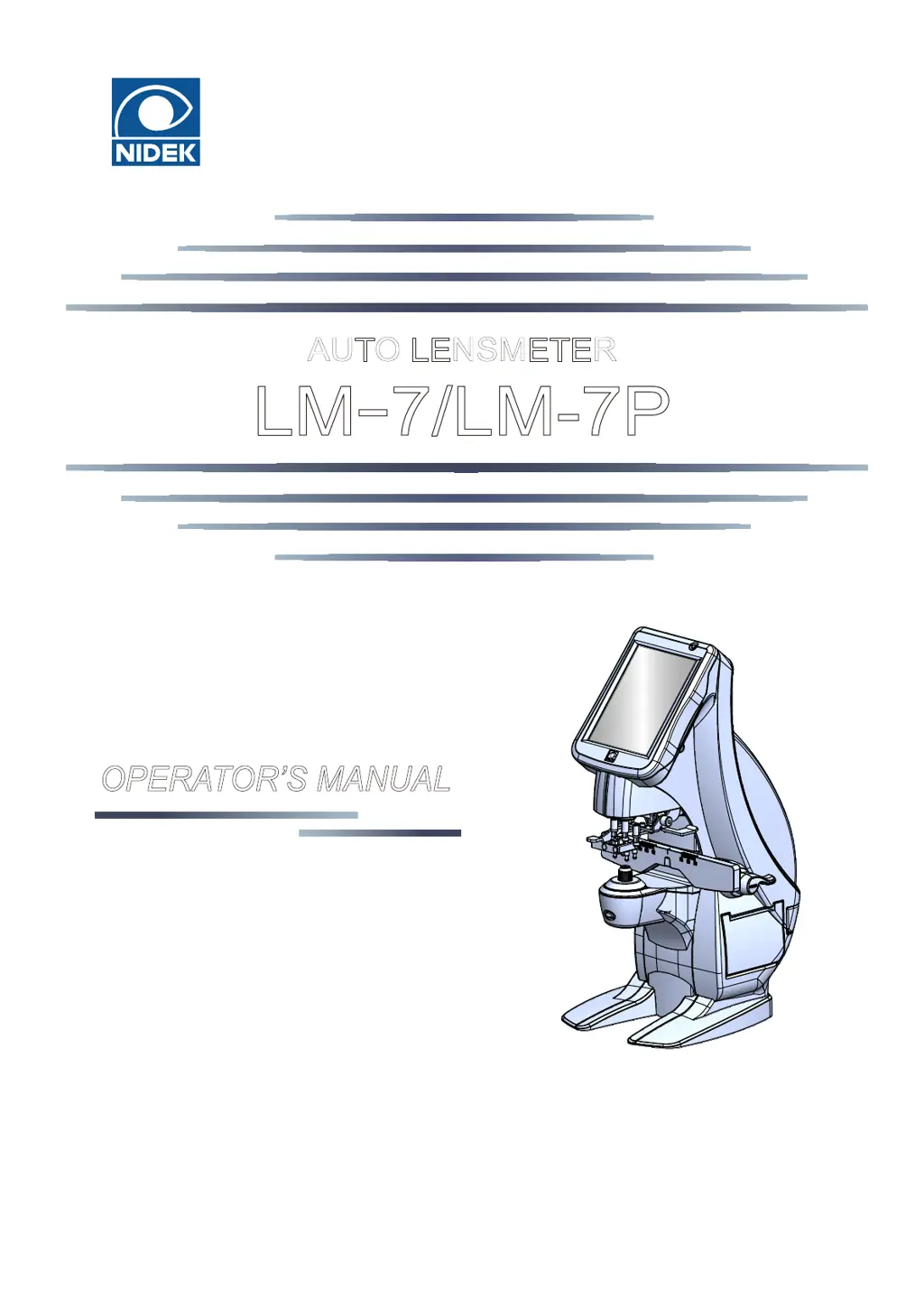
AUTO LENSMETER
OPERATOR’S MANUAL
1707141668223承認済
Uncontrolledcopywhenprinted.

Table of Contents

Questions and Answers

  • M
    mark23Aug 13, 2025
    What to do if data is not printed on Nidek Medical LM-7P?
    • A
      Aaron MorrisAug 13, 2025
      If data is not printing, check the printer paper to ensure it hasn't run out and load new paper if needed. Also, verify that the Printer parameter is not set to 'Off' and reset it if necessary.
  • K
    Kenneth FrazierAug 17, 2025
    How to fix Nidek Medical LM-7P when the LCD does not turn on?
    • G
      grossrachaelAug 17, 2025
      If the LCD isn't turning on, ensure the power cord is securely connected. Also, check that the power switch is turned on.
  • A
    Antonio MooreAug 21, 2025
    Why does the display of the LCD suddenly disappear on Nidek Medical Measuring Instruments?
    • S
      Shelly MccarthyAug 21, 2025
      The display might disappear suddenly because the display auto off function is activated. Press the touch screen to exit from auto off mode.
  • N
    Natalie PattersonAug 25, 2025
    What to do if the position touched on the screen and the response position do not match on Nidek Medical Measuring Instruments?
    • L
      Laurie DelacruzAug 26, 2025
      If the touched position on the screen doesn't match the response position, perform a calibration for the touch screen.
  • N
    nmorrisAug 28, 2025
    What to do if the LCD does not turn on (or is unclear) even though the power is on for Nidek Medical Measuring Instruments?
    • M
      Michelle WelchAug 28, 2025
      If the LCD doesn't turn on (or is unclear) even with the power on, the display auto off function may be activated. Press the touch screen to exit from auto off mode. Alternatively, the brightness may be set too low, so check the setting of the Contrast parameter.
  • T
    Traci ThorntonSep 1, 2025
    What to do if the printer does operate, however, printed results cannot be obtained from Nidek Medical LM-7P Measuring Instruments?
    • H
      harrisangelaSep 1, 2025
      If the printer operates but no results are printed, the printer paper may be loaded with the wrong side up. Load the printer paper with the correct side up.
  • A
    Angel NewmanSep 5, 2025
    Why data cannot be written even though the Eye Care card is inserted in Nidek Medical LM-7P Measuring Instruments?
    • K
      Kelly BarberSep 5, 2025
      Data might not be written to the Eye Care card because the contacts in the Eye Care card slot may be soiled. Clean them. Also, if an error occurs while data is read in the other device such as a refractor, clean its card reader.
  • J
    jamesstewartSep 9, 2025
    How to fix communication issues with a computer on Nidek Medical LM-7P Measuring Instruments?
    • R
      Ruth WilliamsSep 9, 2025
      If communication with a computer is not possible, the User name, Domain, PC name, or Folder parameter may be set incorrectly. Check whether any unnecessary character, space, or symbol is entered.

Summary

1 Safety Precautions

1.1 Before Use, Read this Manual

Read the manual before operating the device to understand procedures and safety precautions.

1.2 Usage Precautions

Follow precautions for safe operation, installation, and handling of power supply and electrical components.

2 Before Use

2.2 Device Configuration

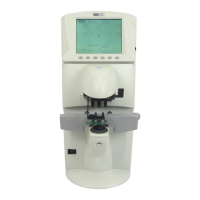
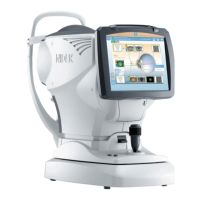
Details the various components and parts of the lensmeter, including pilot lamp, touch screen, and nosepiece.

2.3 Screen Configuration

Describes the different measurement screens like auto, normal, progressive, and contact lens modes.

3 Operating Procedure

3.1 Operation Flow

Outlines the sequence of operations from turning on the device through measurement, marking, and turning off.

3.2 Preparation for Measurement

Steps to prepare the device for measurement, including checks and turning on the power.

3.3 Lens Setting

Detailed instructions for setting uncut lenses, mounted lenses, and contact lenses on the nosepiece.

3.4 Single Vision Lens Measurement

Procedure for measuring single vision lenses on auto or normal measurement screens.

3.5 Bifocal and Trifocal Lens Measurement

Steps for measuring bifocal and trifocal lenses, including distance and near portions.

4 Connection and Settings

4.2 Parameter Settings

Details the various device parameters related to display, measurement, printing, and communication.

4.2.1 Parameter setting table

Comprehensive table detailing various device parameters, their settings, and functions.

5 Maintenance

5.1 Troubleshooting

A guide to resolving common issues and symptoms encountered with the lensmeter device.

5.2 Error Messages and Remedies

Lists common error messages displayed by the device and provides corresponding remedies.

6 Specifications and Technical Information

6.1 Specifications

Detailed technical specifications for the lensmeter, including measurement ranges, accuracy, and dimensions.

Nidek Medical LM-7P Specifications

General IconGeneral
Sphere-25.00 to +25.00 D
Cylinder0 to ±10.00 D
Axis0 to 180°
Addition0 to +10.00 D
Prism0 ~ 10 Δ
PrinterThermal line printer
Power SourceAC 100-240 V, 50/60 Hz

Related product manuals