English
3
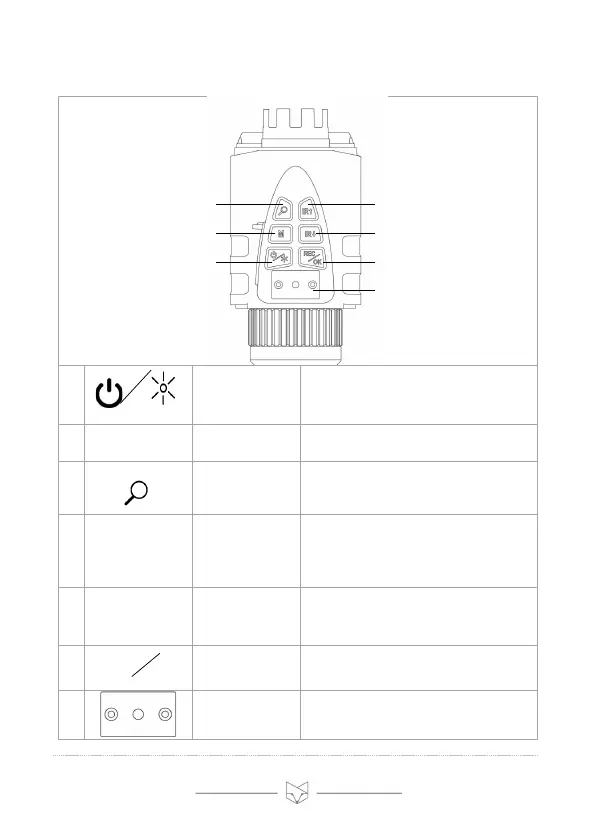
2. Overview of control panel
• Long press to turn the Prowl on or off.
• When the device is on, short press
adjusts the brightness of the LCD
screen (levels 1 to 5).
• Toggles between the three modes:
Video › Playback › Settings
• Increases the digital zoom. On
reaching 3x magnification, press again
to disable digital zoom.
Increase
Infrared (IR) /
Up
• Video mode: increases the IR level
• Playback mode: selects previous file
for viewing
• Settings mode: selects previous
setting
• Video mode: decreases the IR level
• Playback mode: selects next file for
viewing
• Settings mode: selects next setting
• Video mode: starts / stops recording
• Playback mode: plays selected video
• Settings mode: confirms selection
Bracket for
head mount
accessories
• See section 13 for assembly
instructions



 To Next Page