12
Maintenance
Charging
Proper charging is essential for maintaining the device's performance and battery longevity.
Follow these steps to safely charge the printer:
Prepare for Charging:
• Ensure both the device and your hands are dry to prevent any electrical issues.
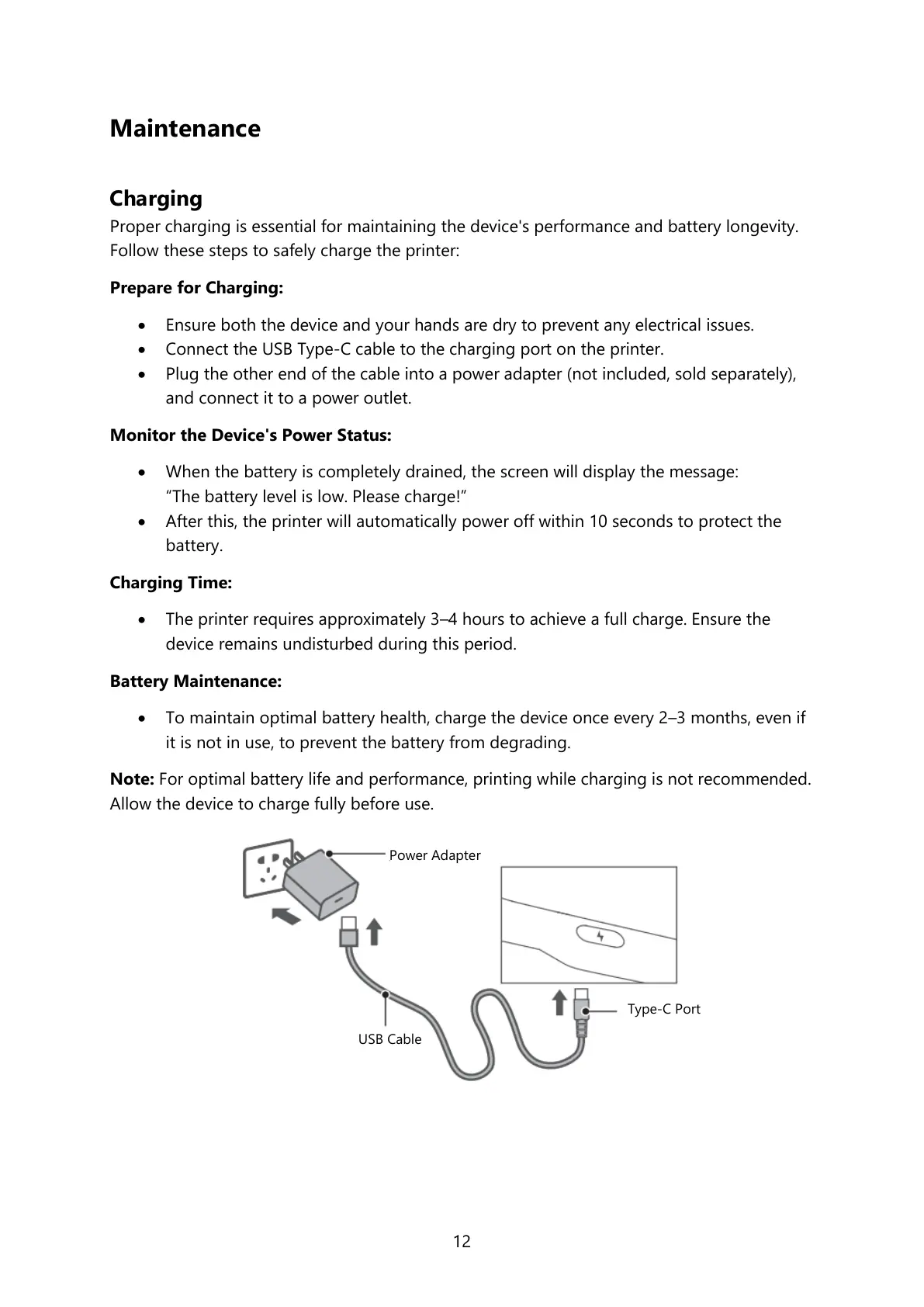
• Connect the USB Type-C cable to the charging port on the printer.
• Plug the other end of the cable into a power adapter (not included, sold separately),
and connect it to a power outlet.
Monitor the Device's Power Status:
• When the battery is completely drained, the screen will display the message:
“The battery level is low. Please charge!”
• After this, the printer will automatically power off within 10 seconds to protect the
battery.
Charging Time:
• The printer requires approximately 3–4 hours to achieve a full charge. Ensure the
device remains undisturbed during this period.
Battery Maintenance:
• To maintain optimal battery health, charge the device once every 2–3 months, even if
it is not in use, to prevent the battery from degrading.
Note: For optimal battery life and performance, printing while charging is not recommended.
Allow the device to charge fully before use.



 To Next Page