15
What if the paper doesn’t roll properly?
If the paper feed mechanism is stuck or not rolling:
• Check for label paper debris or foreign objects blocking the feeder or sensor.
• Confirm that the label size matches the template settings in the app.
• Verify that the label type selected in the app matches the actual label type in use.
• Perform a paper calibration by pressing the Feed/Select button on the Paper
Calibration page.
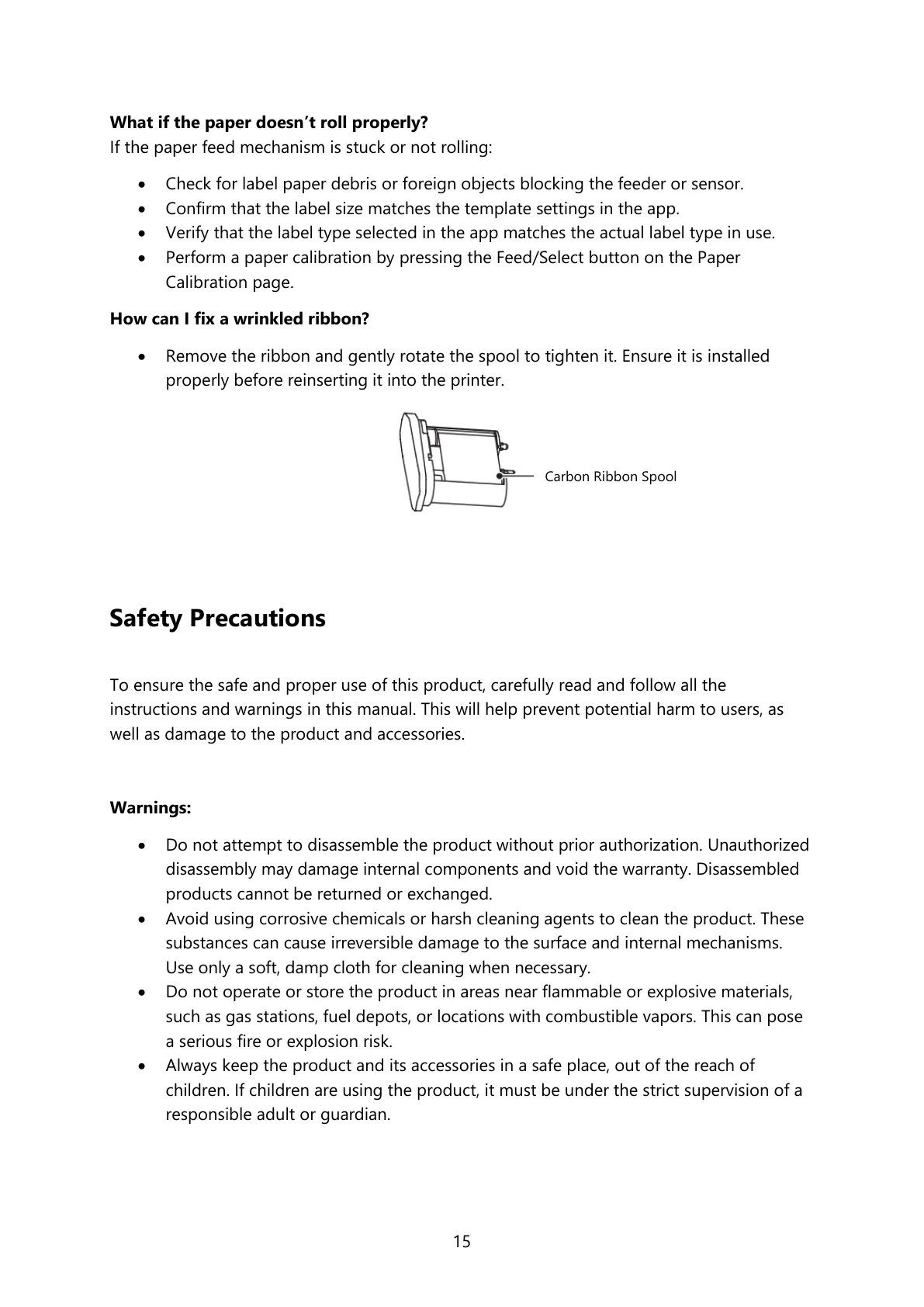
How can I fix a wrinkled ribbon?
• Remove the ribbon and gently rotate the spool to tighten it. Ensure it is installed
properly before reinserting it into the printer.
Safety Precautions
To ensure the safe and proper use of this product, carefully read and follow all the
instructions and warnings in this manual. This will help prevent potential harm to users, as
well as damage to the product and accessories.
Warnings:
• Do not attempt to disassemble the product without prior authorization. Unauthorized
disassembly may damage internal components and void the warranty. Disassembled
products cannot be returned or exchanged.
• Avoid using corrosive chemicals or harsh cleaning agents to clean the product. These
substances can cause irreversible damage to the surface and internal mechanisms.
Use only a soft, damp cloth for cleaning when necessary.
• Do not operate or store the product in areas near flammable or explosive materials,
such as gas stations, fuel depots, or locations with combustible vapors. This can pose
a serious fire or explosion risk.
• Always keep the product and its accessories in a safe place, out of the reach of
children. If children are using the product, it must be under the strict supervision of a
responsible adult or guardian.



 To Next Page