97
t
5
Frame the photograph and shoot.
Note that the timer may not start or a photograph may not be
taken if the camera is unable to focus or in other situations in
which the shutter can not be released. Turning the camera off
cancels remote control mode. Remote control mode is cancelled
automatically if no operations are performed for about ten min-
utes after the mode is selected in Step 3.
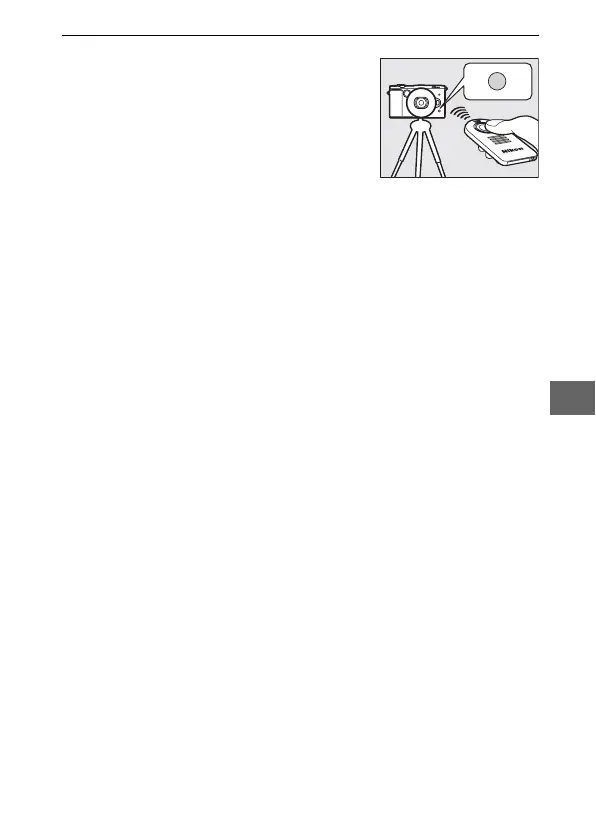
From a distance of 5 m (16 ft) or less,
aim the ML-L3 at the infrared receiver
on the front of the camera (0 2) and
press the ML-L3 shutter-release but-
ton. If " is selected, the self-timer
lamp will light for about two seconds
before the shutter is released. If # is
selected, the self-timer lamp will flash
after the shutter has been released.



 To Next Page
 Loading...









