163
o
Trim footage from movies to create edited copies.
1
Choose an edit option.
2
Select a movie.
Press 4 or 2 or rotate the multi selector to highlight a movie
(0 158) and press J to select.
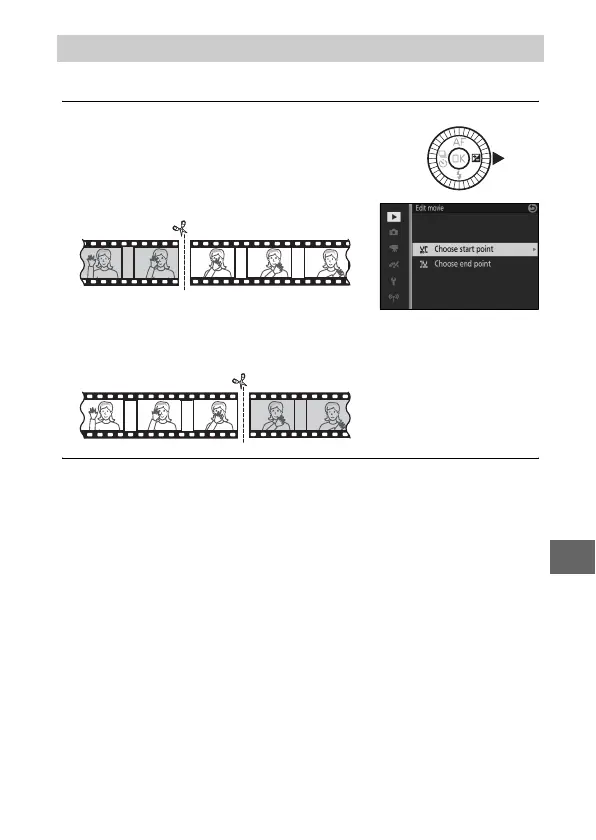
Edit Movie
Highlight one of the following options
and press 2:
• Choose start point: Remove all frames
before a chosen starting frame.
• Choose end point: Remove all frames after a chosen closing
frame.
Start point
End point



 To Next Page
 Loading...









