100
t
1
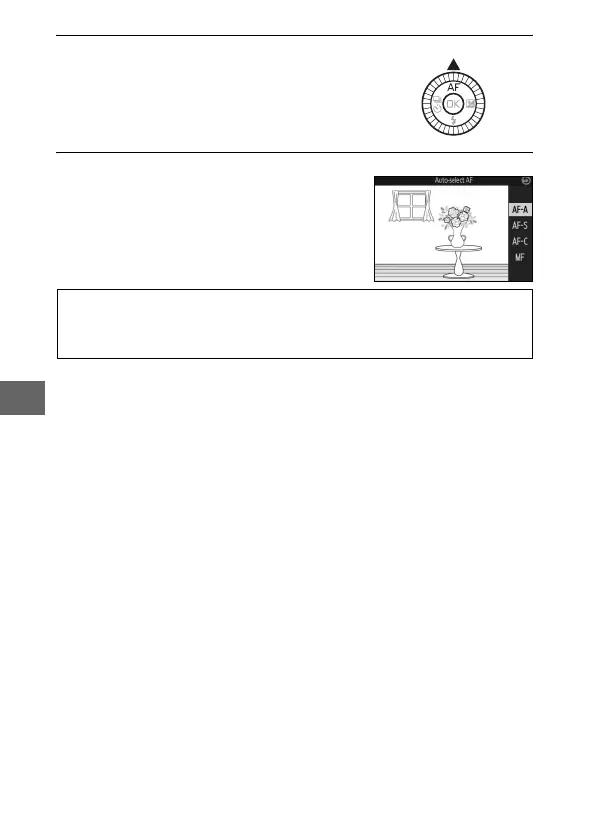
Display focus mode options.
2
Select the desired option.
Press 1 (%) to display focus mode
options.
Use the multi selector to highlight the
desired option and press J.
A
See Also
See page 212 for information on controlling the beep that sounds
when the camera focuses.



 To Next Page