133
Menu Guide — The Setup Menu
Using the setup menu: 122–123
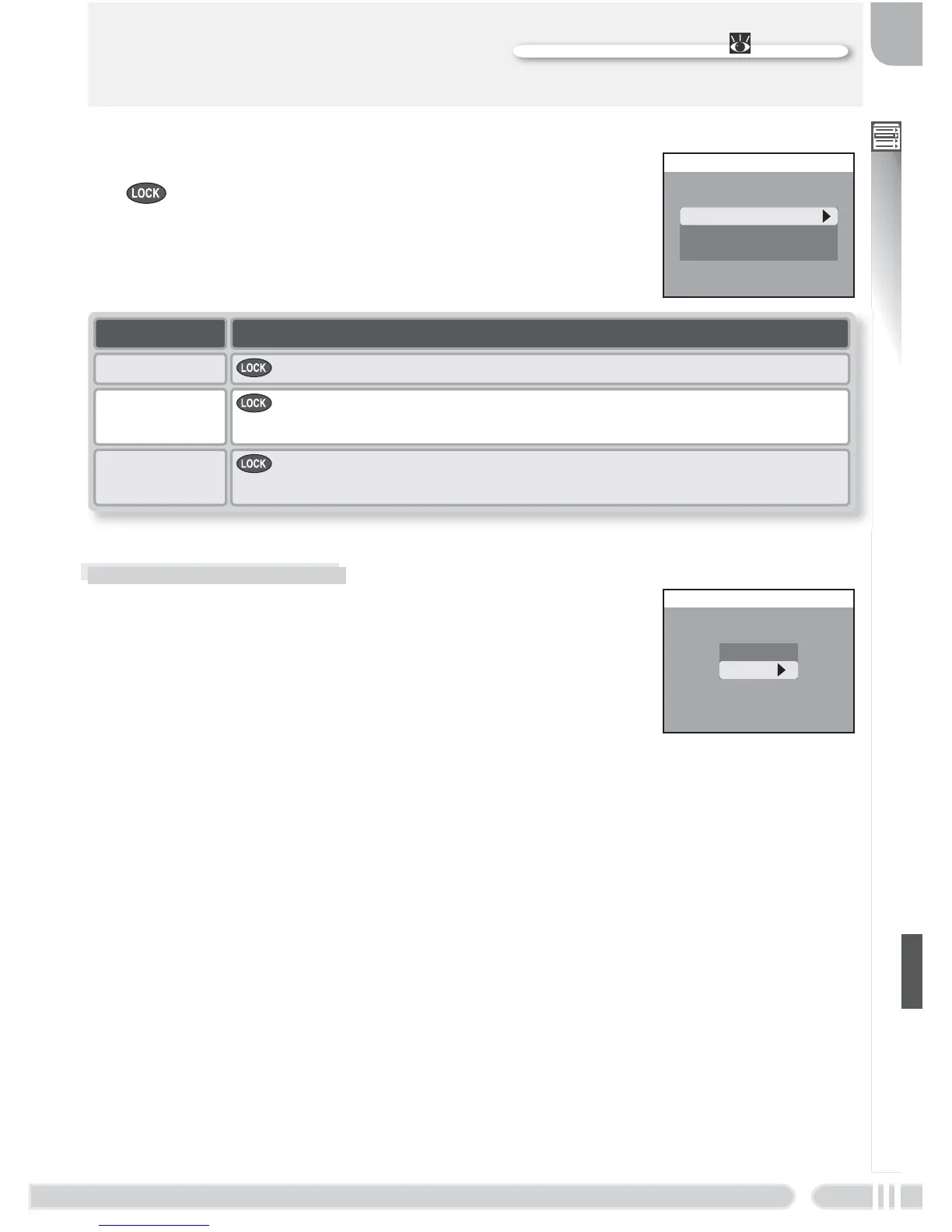
AE-L, AF-L
By default, both focus and exposure are locked when
the button is pressed. If desired, the button can be
set to lock only one of focus and exposure.
AE-L, AF-L
AE-L & AF-L
AE-L
AF-L
Option
AE-L & AF-L button locks both focus and exposure.
Description
AE-L
button locks exposure only. Focus locks when shutter-release
button is pressed halfway.
AF-L
button locks focus only. Exposure locks when shutter-release
button is pressed halfway.
Shot Confi rmation
If On is selected for this option, the self-timer lamp
will light after shooting to confi rm that the shutter
has been released. When Multi-shot 16 is selected
for Continuous, the lamp will light after all pictures
in the series have been taken. The lamp will not light
at a setting of Ultra HS or if the fl ash fi red when the
picture was taken.
SHOT CONFIRMATION
On
Off















 To Next Page