EasyManua.ls Logo

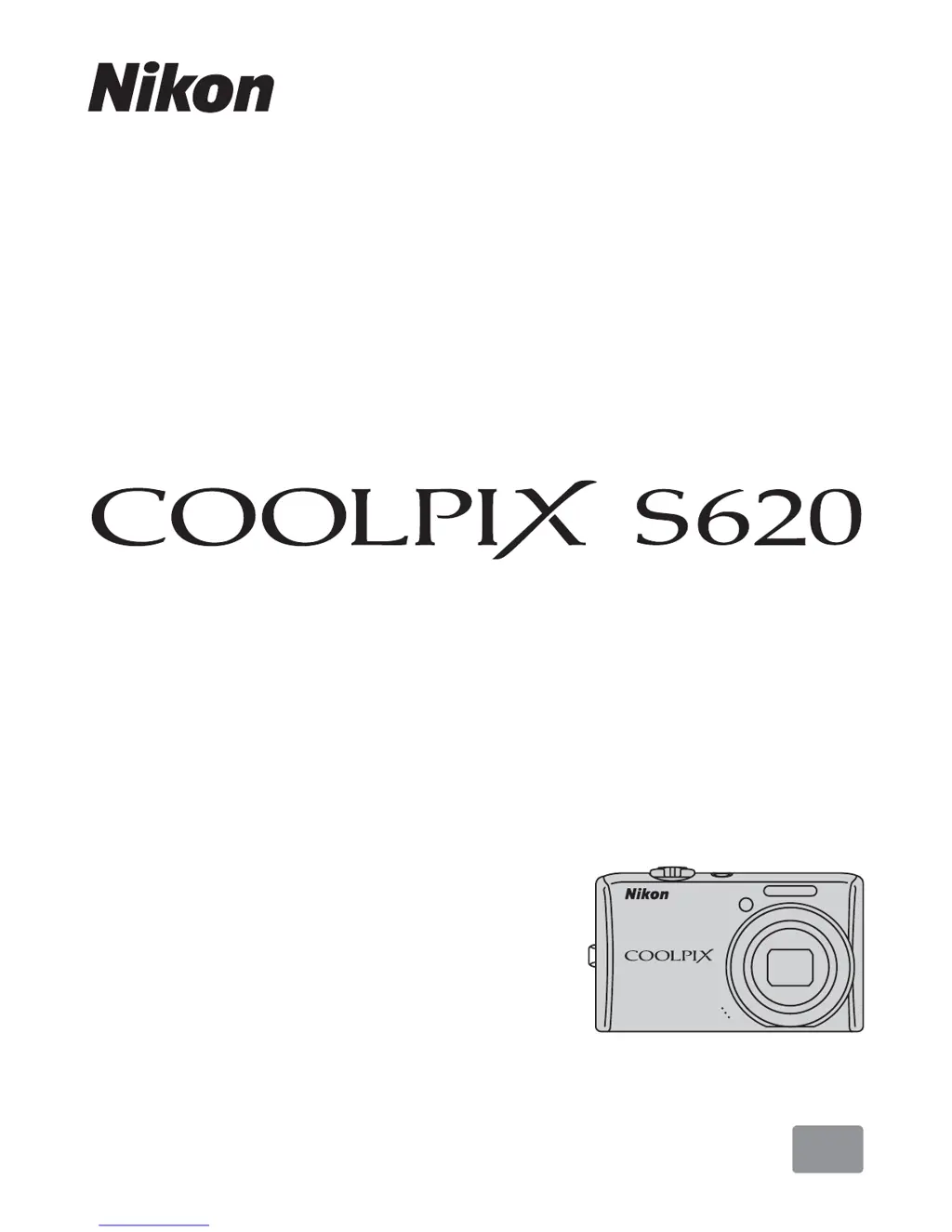
Nikon Coolpix S620 - User Manual

Nikon Coolpix S620
164 pages
Print Icon
To Next Page IconTo Next Page
Loading...
En
Users Manual
DIGITAL CAMERA

Table of Contents

Other manuals for Nikon Coolpix S620

Questions and Answers

  • P
    Paul LeeAug 12, 2025
    Why is the monitor blank on my Nikon Coolpix S620?
    • I
      ivan29Aug 12, 2025
      If your Nikon Digital Camera's monitor is blank, first ensure the camera is powered on. If it is on, check the battery level; if the battery is exhausted, charge or replace it. The camera may also be in standby mode to save power; in this case, press the power switch or the shutter-release button. If the flash lamp is blinking red, the flash is charging; wait until charging has finished. Also, disconnect any USB or audio/video cables connected to the camera. If interval timer photography is in progress, wait until it is finished.
  • J
    Jeff WaltersAug 16, 2025
    What to do if my Nikon Coolpix S620 Digital Camera turns off without warning?
    • C
      Christopher EllisAug 16, 2025
      If your Nikon Digital Camera turns off without warning, it could be due to several reasons. First, check if the battery is exhausted and charge or replace it if necessary. The camera might also be turning off automatically to save power; simply turn it back on. Lastly, a cold battery can also cause this issue, so try warming up the battery.
  • E
    Elizabeth JohnsonAug 19, 2025
    How to fix incorrect date and time on Nikon Coolpix S620?
    • D
      Dawn YoungAug 19, 2025
      If the date and time of recording are not correct on your Nikon Digital Camera, use the Date option in the setup menu to set the correct date and time. Regularly check the camera clock against accurate timepieces and reset as needed. Note that pictures recorded before the clock was set will have a timestamp of “00/00/0000 00:00”, while movies and voice recordings will be dated “01/01/09 00:00.”
  • E
    Eric PowellAug 23, 2025
    What to do if no information displayed in monitor Nikon Digital Camera?
    • M
      Malik BerryAug 25, 2025
      If no information is displayed on the monitor of your Nikon Digital Camera, it's possible that 'Hide info' is selected for Photo info in the Monitor settings. Deselect 'Hide info' in the Monitor settings option to resolve this.
  • C
    contrerascaitlinAug 27, 2025
    How to improve monitor readability on Nikon Coolpix S620 Digital Camera?
    • F
      Francisco SalazarAug 27, 2025
      If the monitor on your Nikon Digital Camera is hard to read, try adjusting the monitor brightness. Also, ensure the monitor is clean. You can also use the monitor brightness boost feature.
  • J
    Jill HallAug 31, 2025
    Why do camera settings reset on my Nikon Coolpix S620 Digital Camera?
    • C
      calexanderAug 31, 2025
      If the camera settings on your Nikon Digital Camera are reset, it is likely that the backup battery is exhausted. Replacing the backup battery should retain your settings.
  • K
    Kimberly RichmondSep 3, 2025
    What does it mean when the monitor turns off and the power-on lamp blinks rapidly on my Nikon Digital Camera?
    • M
      Maureen RaySep 3, 2025
      If the monitor turns off, and the power-on lamp blinks rapidly on your Nikon Digital Camera, the battery temperature is likely high. Turn off the camera and allow the battery to cool down before resuming use.
  • N
    Natalie JonesSep 7, 2025
    Why is the date not appearing on pictures even when Date imprint is enabled on Nikon Coolpix S620 Digital Camera?
    • J
      Jennifer Barrera DVMSep 7, 2025
      The date is not imprinted on movies or on pictures taken in Panorama assist scene mode on your Nikon Digital Camera. Be aware that the date is not imprinted in these modes.

Nikon Coolpix S620 Specifications

General IconGeneral
Image Sensor TypeCCD
Image Sensor Size1/2.3 inch
Optical Zoom4x
Maximum Aperturef/2.7-5.8
LCD Screen Size2.7 inch
LCD Monitor Resolution230, 000 dots
LCD Monitor TypeTFT LCD
Focal Length28-112mm (35mm equivalent)
Video Resolution640 x 480
Battery TypeEN-EL12
Storage MediaSD/SDHC memory card
Focus Range (Normal)50 cm to infinity
Focus Range (Macro)10 cm
Effective Pixels12.2 megapixels

Related product manuals