59
Editing Pictures
More on Playback
Resizing Pictures: Small Picture
Create a small copy of the current picture. Small copies are stored as JPEG files with
a compression ratio of 1:16. The following sizes are available.
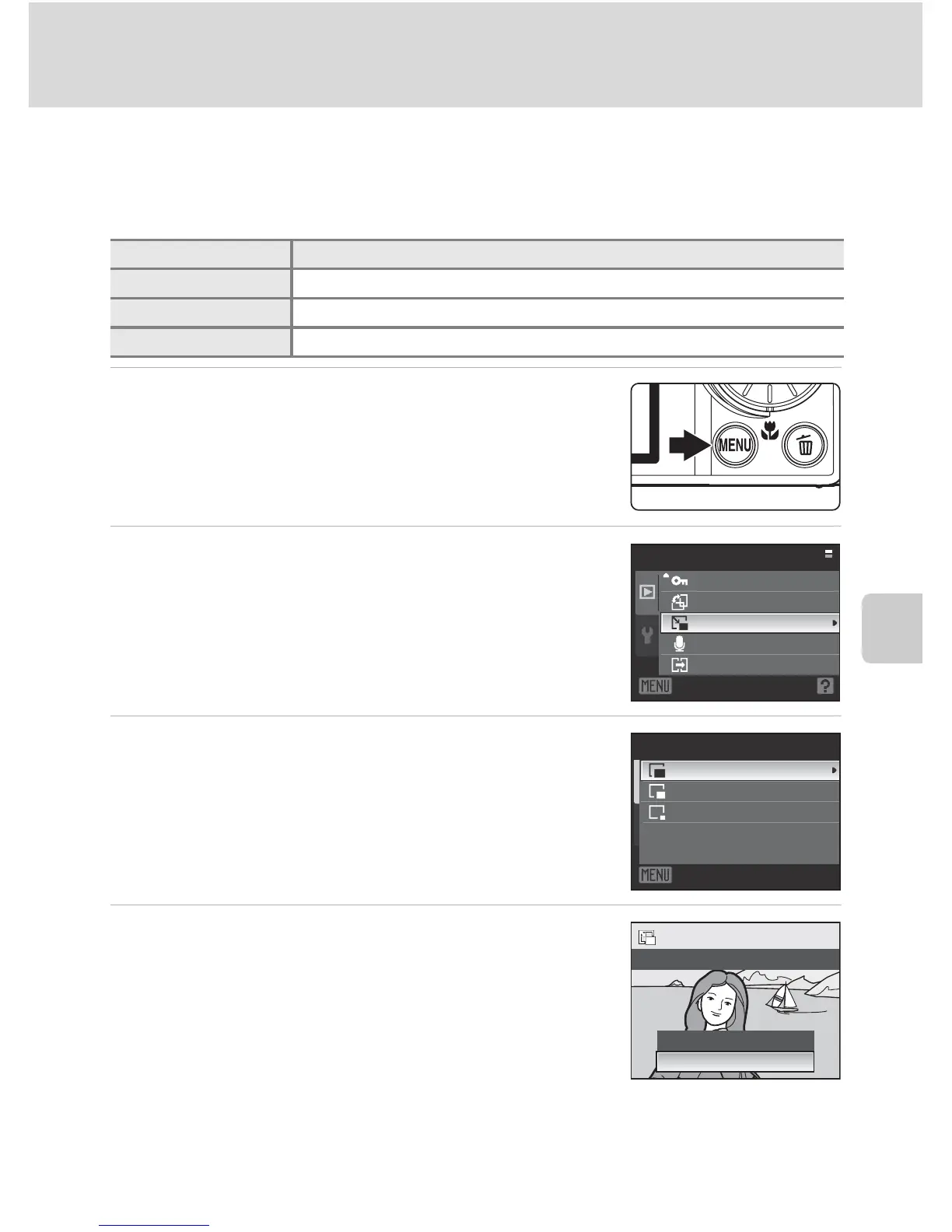
1
Choose the desired picture from full-frame
(A28) or thumbnail (A52) playback mode
and press the d button.
• The playback menu is displayed.
2
Use the rotary multi selector to choose
g Small picture and press the k button.
3
Choose the desired copy size and press the k
button.
4
Choose Ye s and press the k button.
• A new, smaller copy is created.
• To cancel creating a small copy, choose No and press
the k button.
D More Information
See “File and Folder Names” (A131) for more information.
Option Description
l 640×480 Suitable for television playback.
m 320×240 Suitable for displaying on web pages.
n 160×120 Suitable for e-mail attachments.
Playback menu
Protect
Rotate image
Small picture
Voice memo
Copy
Exit
Small picture
640×480
320×240
160×120
Exit
Create small picture file?
No
Ye s





 To Next Page