30
3
Basic Photography
Basic Photography
Step 1 – Select Mode
This section details the basic steps involved in taking pictures in (au-
to) mode. In this automatic, “point-and-shoot” mode, the majority of
camera settings are controlled by the camera in response to shooting
conditions, producing the best possible results in most situations.
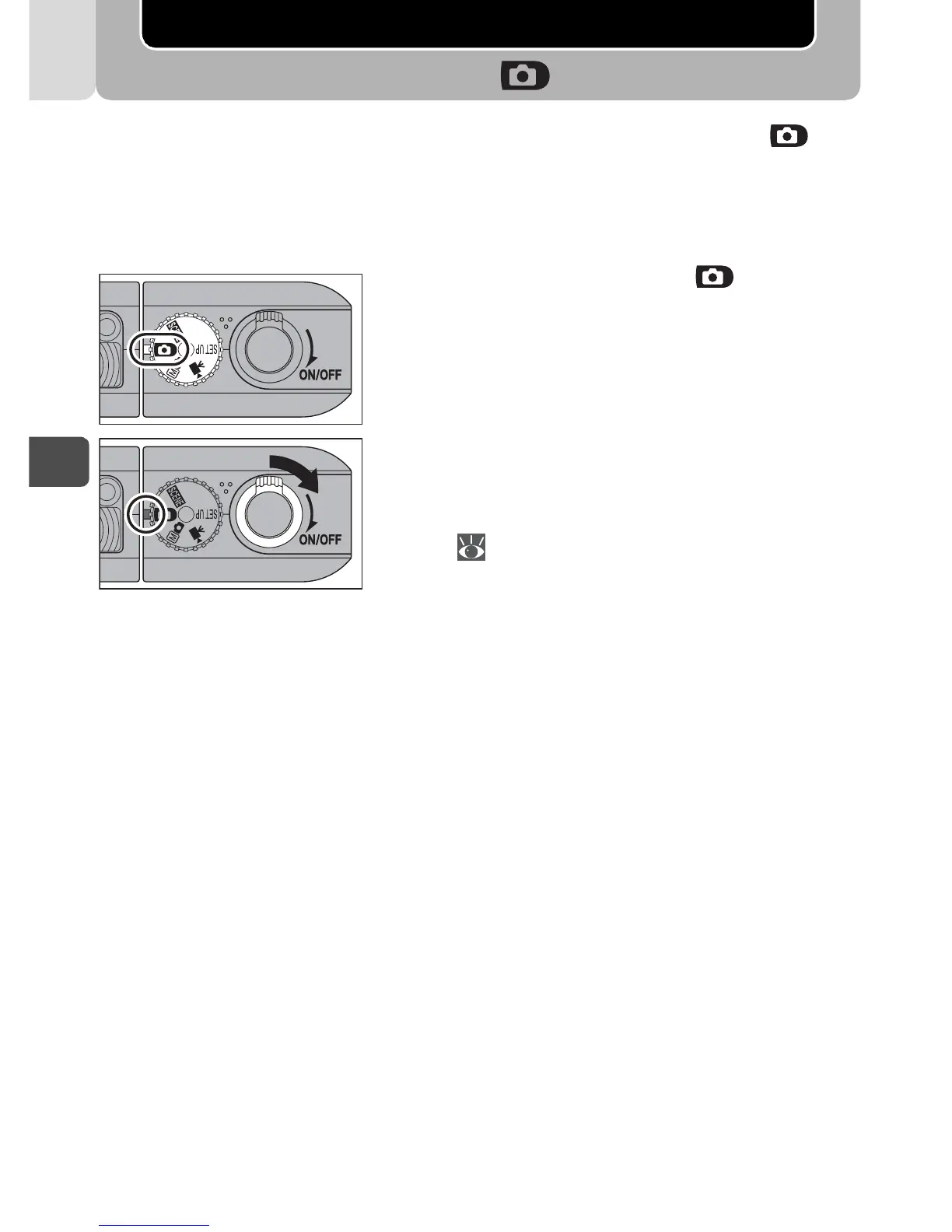
Set the mode dial to .
Turn the camera on.
• The power-on lamp will light and the
monitor will display a welcome screen
( 93). The camera is ready to shoot
when the monitor shows the view
through the camera lens.
1
2
3



 To Next Page
 Loading...










