34
3
Basic Photography
Step 3 – Focus and Shoot
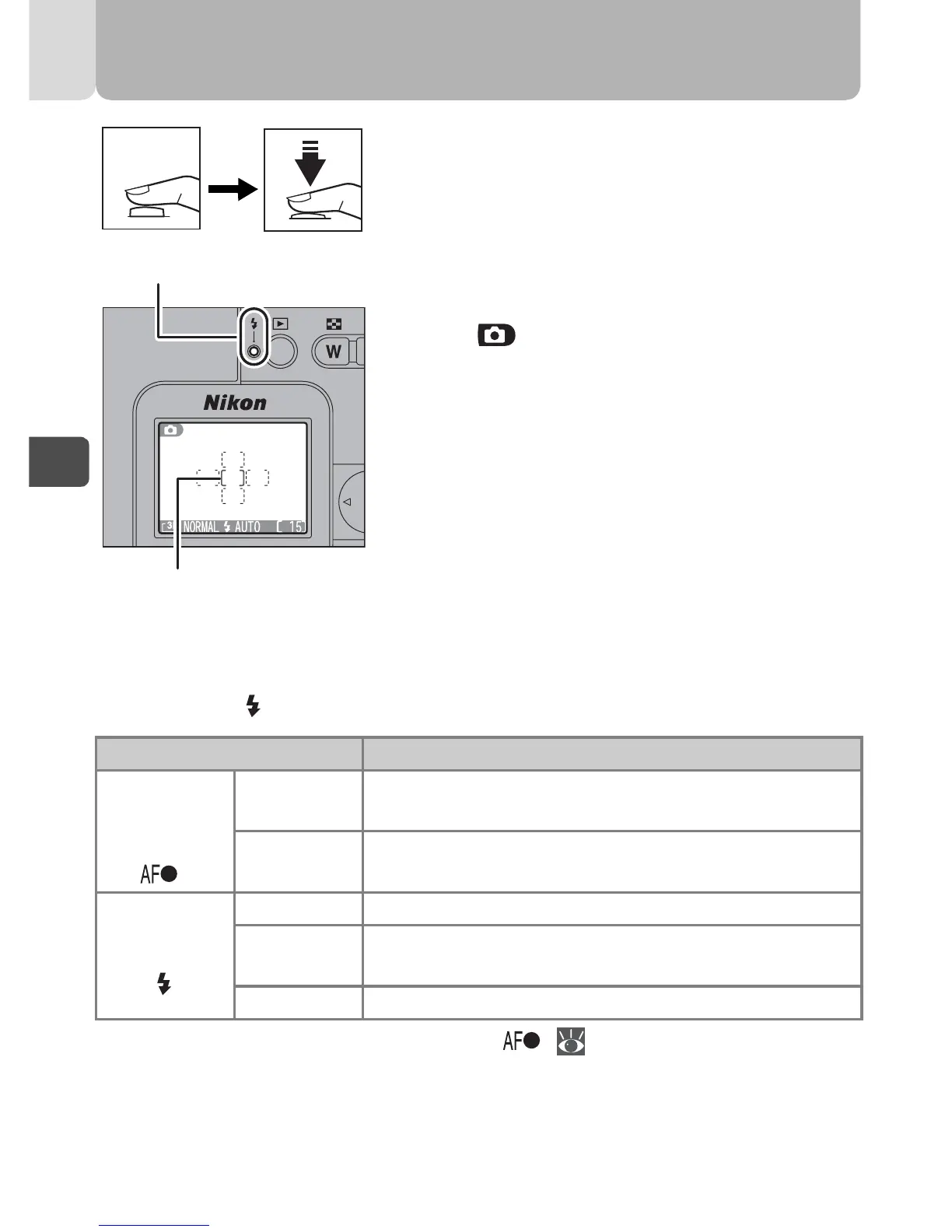
Focus.
Press the shutter-release button halfway to
set focus and exposure.
• Focus and exposure will be locked while
the shutter-release button is pressed half-
way.
• In mode, the camera automatically
selects focus area containing subject
closest to camera.
• The focus area indicator lights green
when the subject is in focus.
With the shutter-release button pressed halfway, check the focus area
indicator and (flash-ready) lamp.
*In certain cases, the Autofocus indicator ( 35).
Status Meaning
Focus area
indicator
[ ]
(*)
Lights
(green)
Subject in focus.
Flashes
(red)
Camera unable to focus on subject.
Recompose the picture and try again.
Flash-ready
lamp
On Flash will fire when picture is taken.
Blinks
Flash charging. Remove finger briefly from shutter-
release button, then try again.
Off Flash is off or not required.
Flash-ready lamp
Focus area indicator
1



 To Next Page
 Loading...










