VAA46003-R.3659.A
- A37 ・ E7900 -
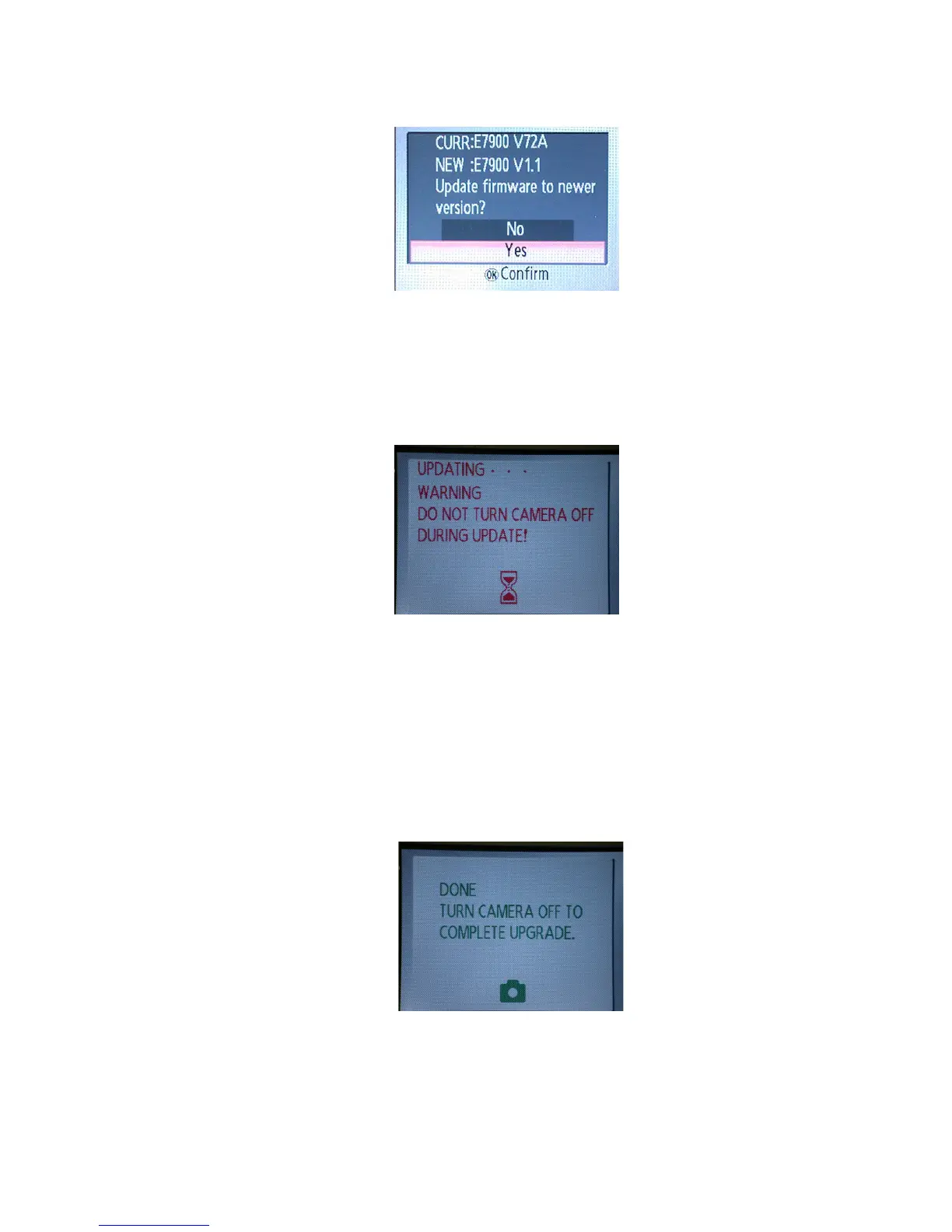
・ When the data writing is completed, the menu for upgrading will be displayed. (Fig.3)
・ Select "Yes", and press the decision button to carry out upgrading. (Fig.4)
Note: Do NOT turn power OFF during upgrading.
・ When the screen indicates the completion of upgrading, turn power OFF and remove the SD card. (Fig.5)
・ Turn power ON, and check the version by "Firmware version" on the menu.
・ Turn power OFF to end.
(Fig.3)
(Fig.5)
(Fig.4)



 To Next Page