209
t
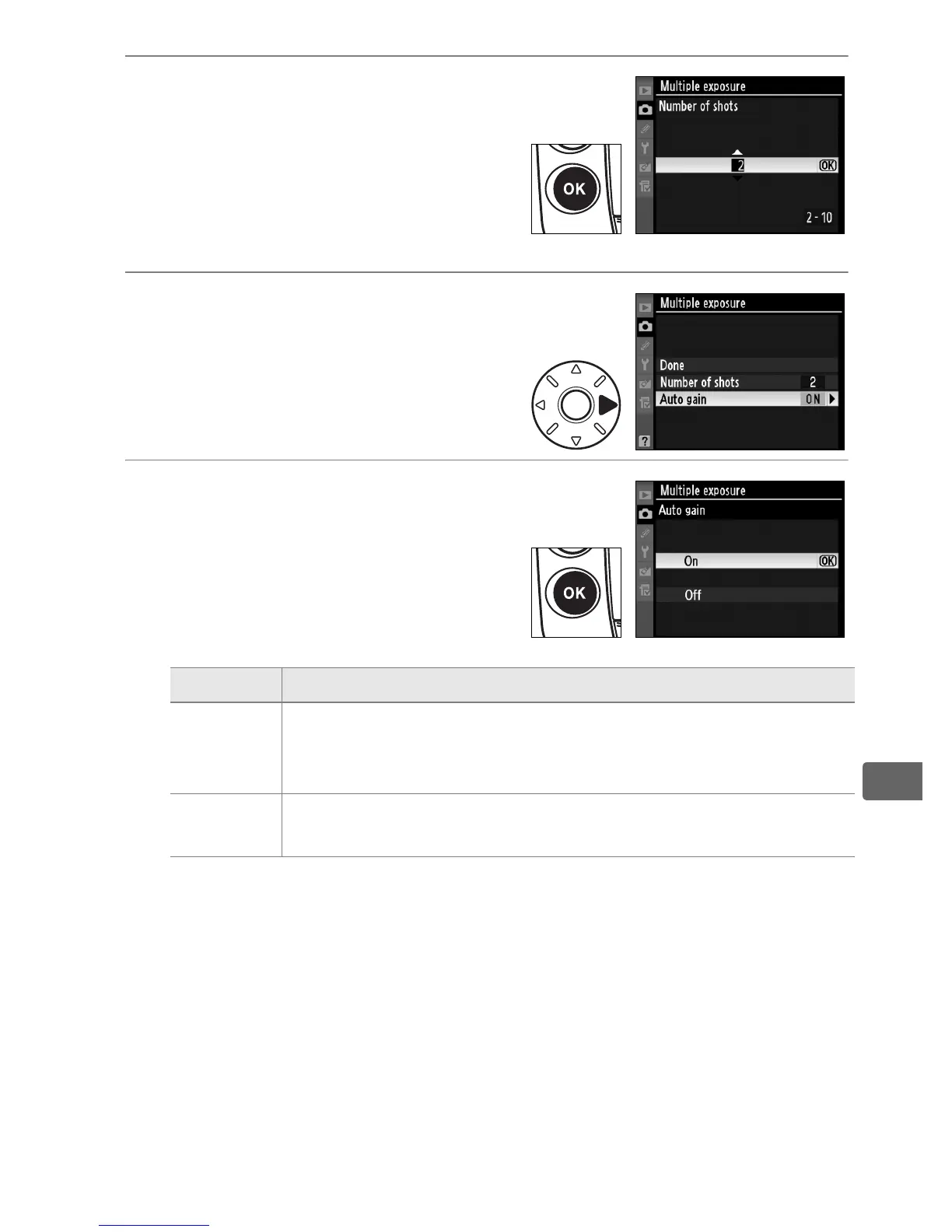
3 Select the number of shots.
Press 1 or 3 to choose the
number of exposures that will
be combined to form a single
photograph and press J.
4 Select [Auto gain].
Highlight [Auto gain] and press
2.
5 Set gain.
Highlight one of the following
options and press J.
Option Description
On
(default)
Gain adjusted according to number of exposures actually
recorded (gain for each exposure is set to
1
/2 for 2
exposures,
1
/3 for 3 exposures, etc.).
Off
Gain is not adjusted when recording multiple exposure.
Recommended if background is dark.



 To Next Page