265
Q
❚❚ Printing Pictures One at a Time
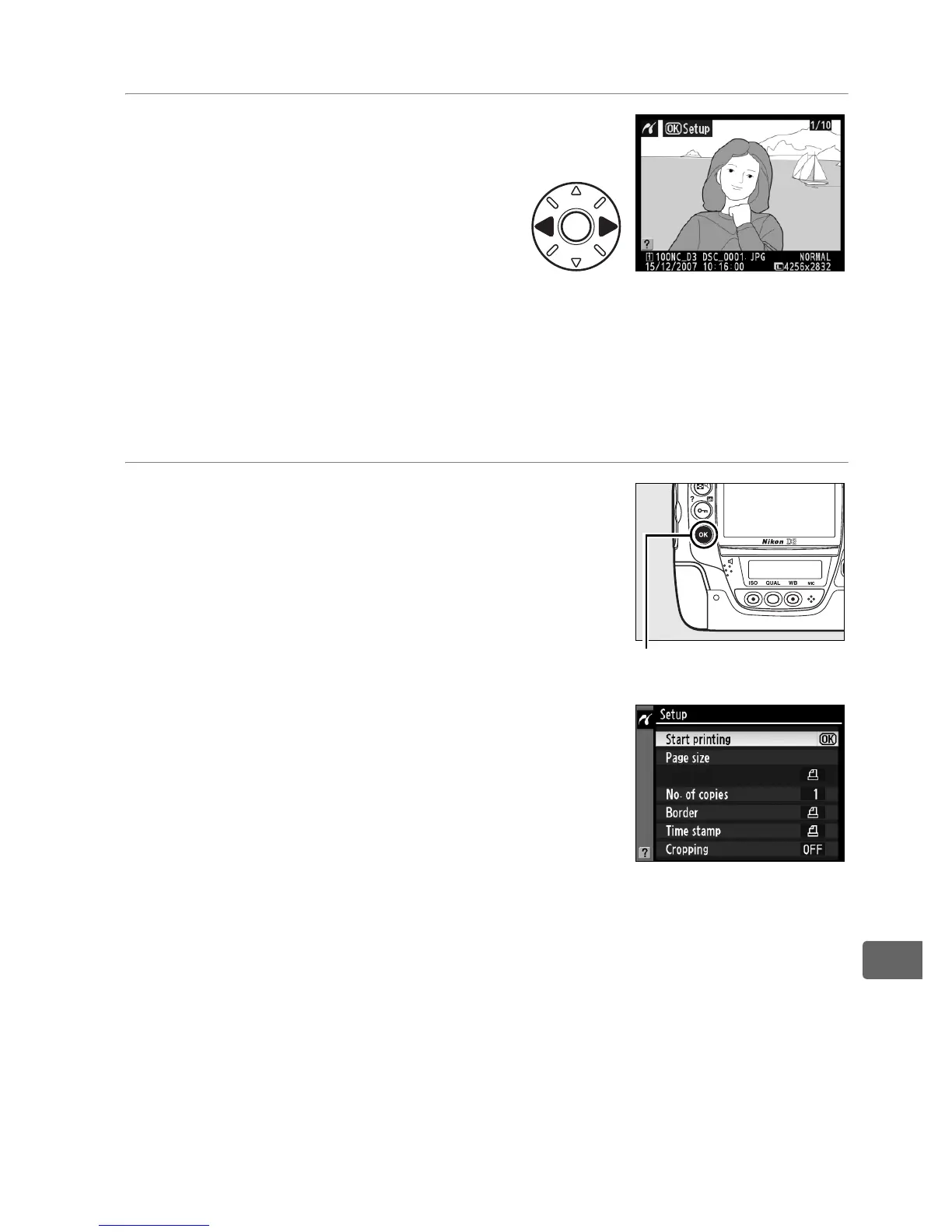
1 Select a picture.
Press 4 or 2 to view additional
pictures, or press the N
button and rotate the main
command dial right to zoom in
on the current frame (pg. 243).
Press K to return to full-frame playback.
To view six pictures
at a time, press the center of the multi selector.
Use the multi
selector to highlight pictures, or press the center of the multi
selector again to display the highlighted picture full frame.
2 Display printing options.
Press J to display PictBridge printing
options.
J button



 To Next Page