284
U
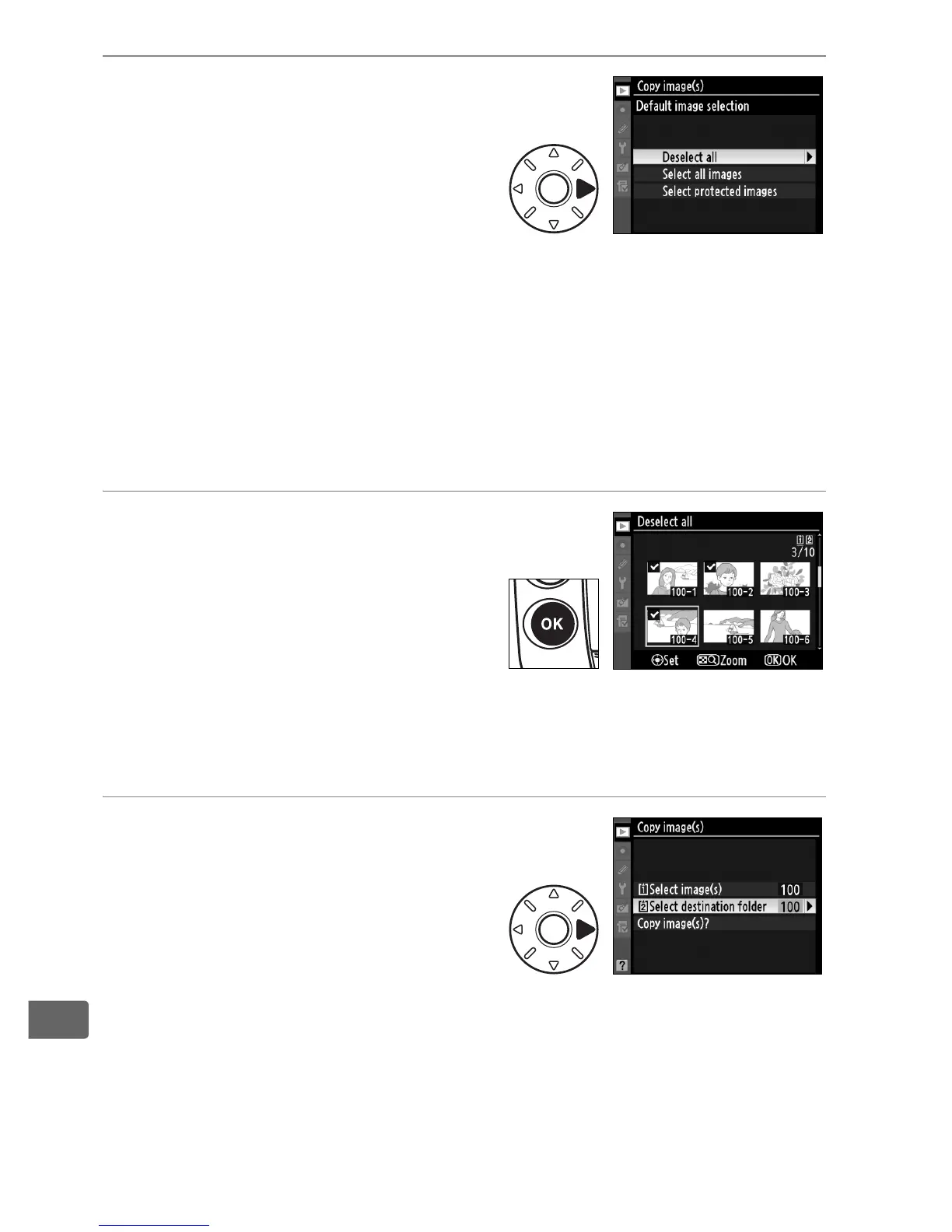
3 Preselect all or protected
images.
Highlight one of the following
options and press 2:
• [Deselect all]: No images will be
preselected.
Choose this option when selecting individual
images by hand.
• [Select all images]: Preselect all images in the current folder.
Choose this option when selecting all or most images in the
current folder to be copied.
• [Select protected images]: Preselect all protected images in the
current folder.
4 Select images.
Images preselected in Step 3
are marked by a L icon. To
select additional images or
deselect preselected pictures,
highlight the image and press
the center of the multi selector. Press J to return to the [Copy
image(s)] menu when selection is complete.
5 Choose [Select destination
folder].
Highlight [Select destination
folder] and press 2.



 To Next Page